
About
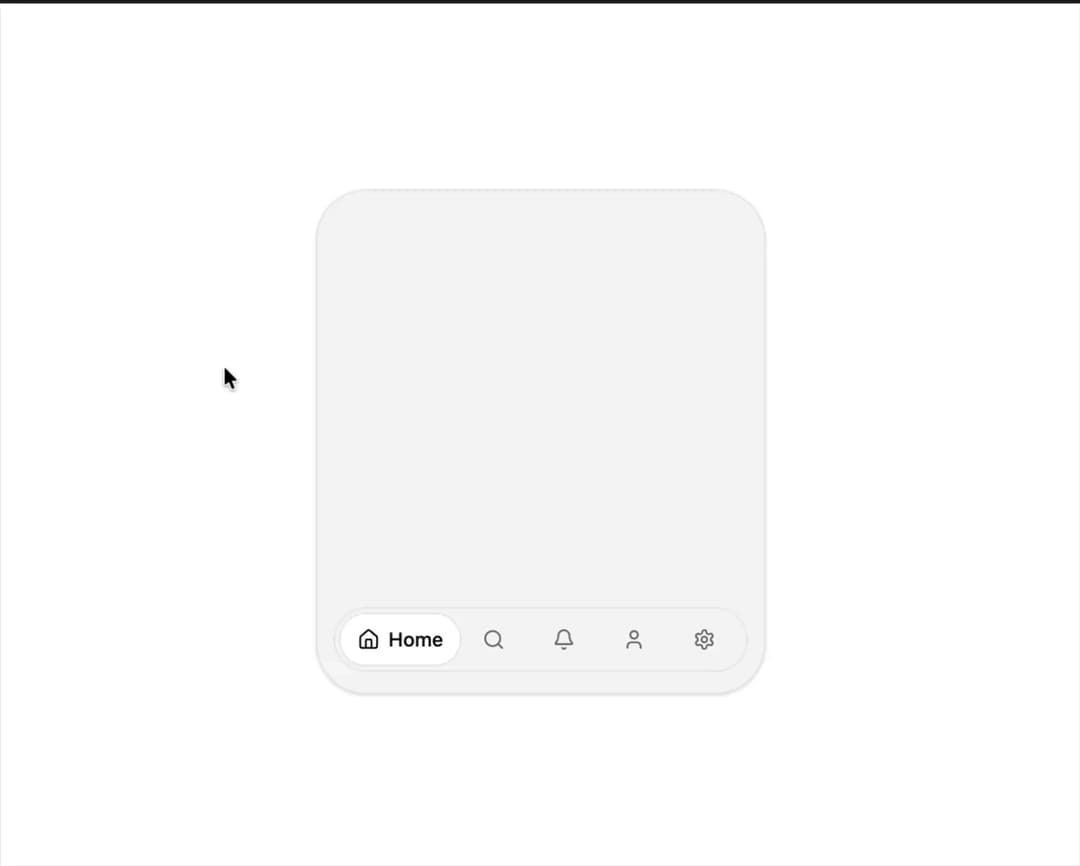
Icon tabs where the selected one expands to show its label, with a shared pill gliding between them. From easeUI, easeui.dev
Built with React and Tailwind. Copy the prompt and paste it into Claude Code, Cursor or Lovable: your agent adds Expandable Tabs to your project and fits it to your theme.
Code
How Expandable Tabs is used: the demo's code. The component's own source comes with a free account.
Usage.tsx
"use client";

import { Bell, Home, Search, Settings, User } from "lucide-react";
import { type ExpandableTab, ExpandableTabs } from "@/components/ui/expandable-tabs";

const TABS: ExpandableTab[] = [
  { id: "home", label: "Home", icon: <Home className="h-4 w-4" /> },
  { id: "search", label: "Search", icon: <Search className="h-4 w-4" /> },
  { id: "alerts", label: "Alerts", icon: <Bell className="h-4 w-4" /> },
  { id: "profile", label: "Profile", icon: <User className="h-4 w-4" /> },
  { id: "settings", label: "Settings", icon: <Settings className="h-4 w-4" /> },
];

export default function ExpandableTabsDemo() {
  return (
    <div className="flex min-h-[420px] w-full items-center justify-center p-6">
      <div className="flex h-[360px] w-full max-w-[320px] flex-col rounded-[36px] border bg-muted p-4 shadow-sm">
        <div className="mt-4 space-y-3 px-2">
          <div className="h-3 w-2/3 rounded-full bg-muted" />
          <div className="h-3 w-1/2 rounded-full bg-muted" />
          <div className="mt-6 h-24 rounded-2xl bg-muted" />
        </div>
        <div className="mt-auto flex justify-center">
          <ExpandableTabs tabs={TABS} defaultValue="search" />
        </div>
      </div>
    </div>
  );
}
Dependencies
More in Navigation
View all

Sidebar
234

Tabs
60
Newsletter Signup Footer
16
Progress Bar Stepper
36

Footer 2
201
Navbar with Theme Toggle
43

Navbar
71

Pagination
86
