

About
Smooth animation hero block dot field
Built with React and Tailwind. Copy the prompt and paste it into Claude Code, Cursor or Lovable: your agent adds Dot Field to your project and fits it to your theme.
Code
How Dot Field is used: the demo's code. The component's own source comes with a free account.
Usage.tsx
"use client";

import * as React from "react";
import { DotField, type DotFieldHandle } from "@/components/ui/dot-field";

/* Geist for the headline, loaded once for the demo */
function useGeist() {
  React.useEffect(() => {
    const id = "geist-font";
    if (document.getElementById(id)) return;
    const l = document.createElement("link");
    l.id = id;
    l.rel = "stylesheet";
    l.href = "https://fonts.googleapis.com/css2?family=Geist:wght@400;500;600&display=swap";
    document.head.appendChild(l);
  }, []);
}

const pill =
  "inline-flex h-11 items-center rounded-full px-5 text-[15px] font-medium tracking-[-0.02em] outline-none transition-transform active:scale-[.97] focus-visible:ring-2 focus-visible:ring-ring";

export default function DotFieldDemo() {
  useGeist();
  const field = React.useRef<DotFieldHandle>(null);
  const [scattered, setScattered] = React.useState(false);

  return (
    <div className="w-full bg-background text-foreground">
      <DotField
        ref={field}
        headline="Design that moves."
        eyebrow="Product design studio"
        description="Interfaces with Apple-level detail, from the first sketch to shipped code."
        actions={
          <>
            <a href="#work" className={`${pill} bg-foreground text-background`}>
              View work
            </a>
            <a href="#contact" className={`${pill} border border-border bg-muted/60 text-foreground backdrop-blur-md`}>
              Book a call
            </a>
          </>
        }
      />

      <section id="work" className="grid min-h-[60vh] place-items-center px-5 text-center text-[15px] tracking-[-0.02em] text-muted-foreground">
        Scroll back up and the field gathers again.
      </section>

      {/* playground controls */}
      <div className="fixed bottom-4 right-4 z-10 flex gap-2" style={{ fontFamily: "Geist, ui-sans-serif, system-ui, sans-serif" }}>
        {[
          {
            label: scattered ? "Gather" : "Scatter",
            onClick: () => {
              field.current?.setScattered(!scattered);
              setScattered(!scattered);
            },
          },
          {
            label: "Replay",
            onClick: () => {
              setScattered(false);
              field.current?.replay();
            },
          },
        ].map((b) => (
          <button
            key={b.label === "Replay" ? "replay" : "scatter"}
            type="button"
            onClick={b.onClick}
            className="h-8 rounded-full bg-muted px-3.5 text-[13px] font-medium tracking-[-0.01em] text-foreground outline-none backdrop-blur-md focus-visible:ring-2 focus-visible:ring-ring"
          >
            {b.label}
          </button>
        ))}
      </div>
    </div>
  );
}
More by Vasnev.art
View all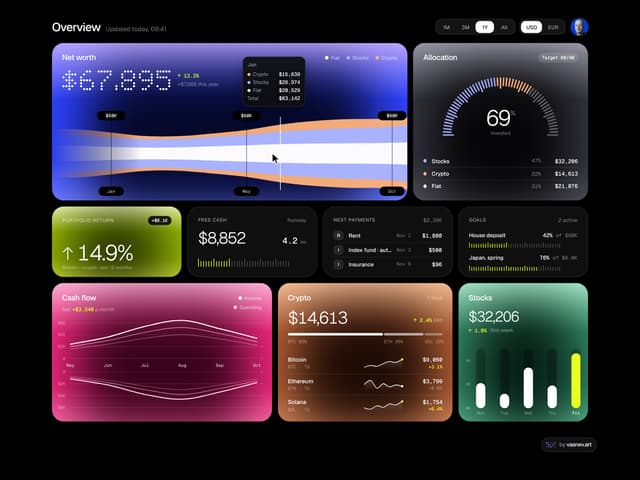

Finance Bento
412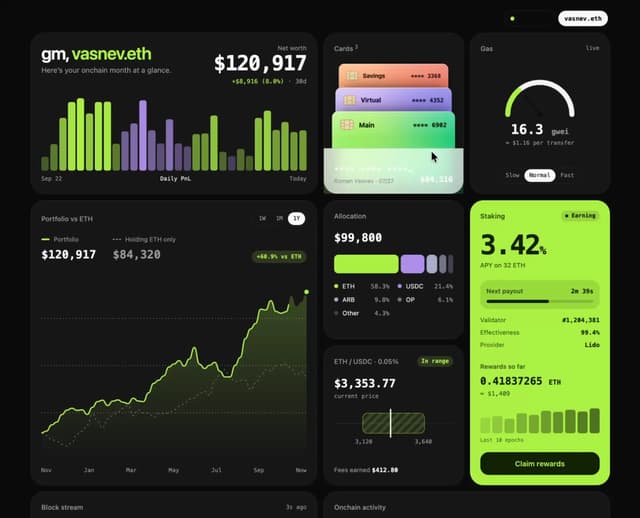
Web3Bento
394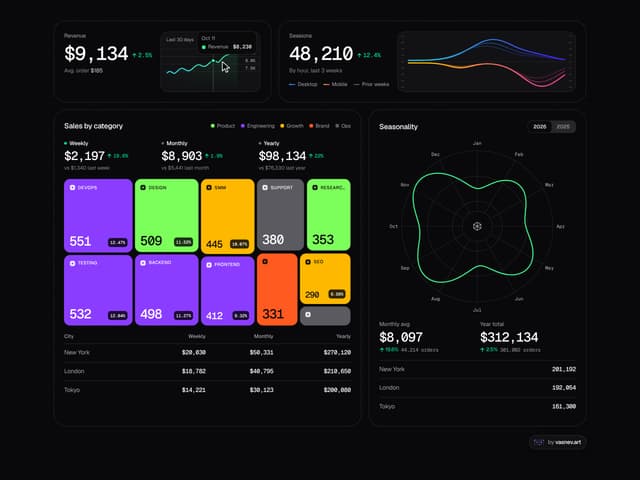
Analytics Bento
338
Icon Folder
154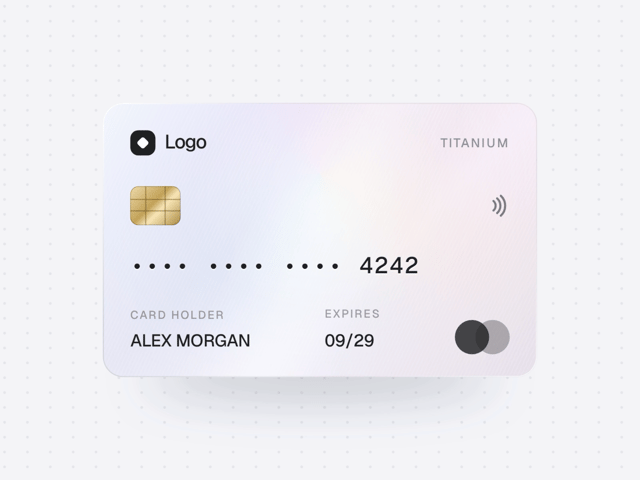
Holo Card
67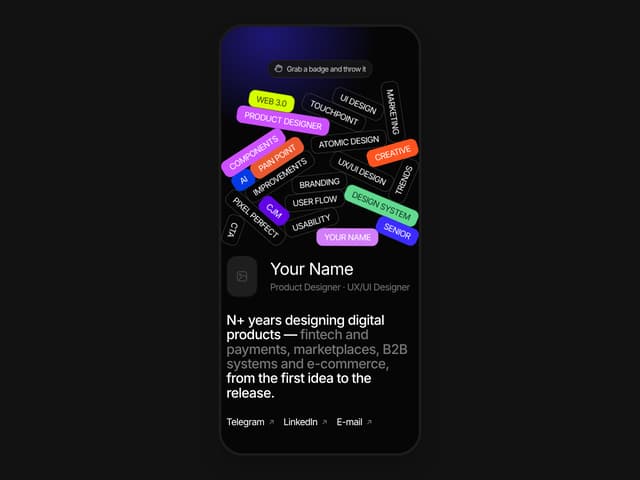
Portfolio Hero
60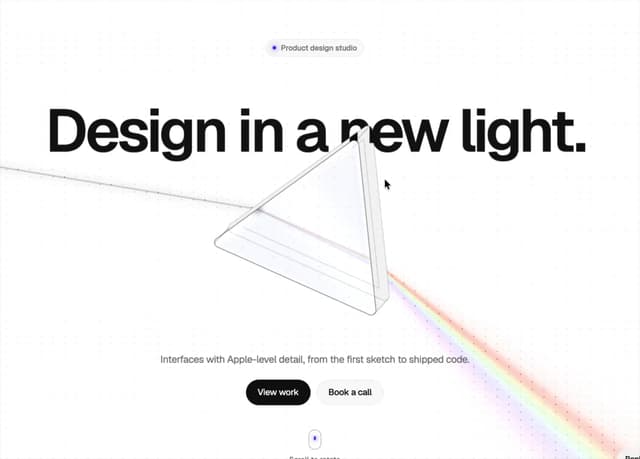
Glass Prism Hero
41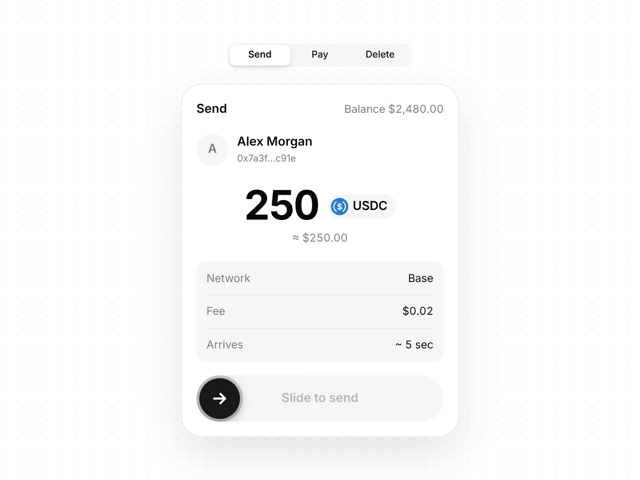
Swipe to Confirm
18
More in Heroes
View all

SaaS Template
2.4K
Centered Hero with Image Fan
930

Hero
1.2K

Responsive Hero Banner
2K

Minimalist Hero Fashion
285

Hero Section 6
881

Home Section
66
Hero Golden Spiral
101
