
About
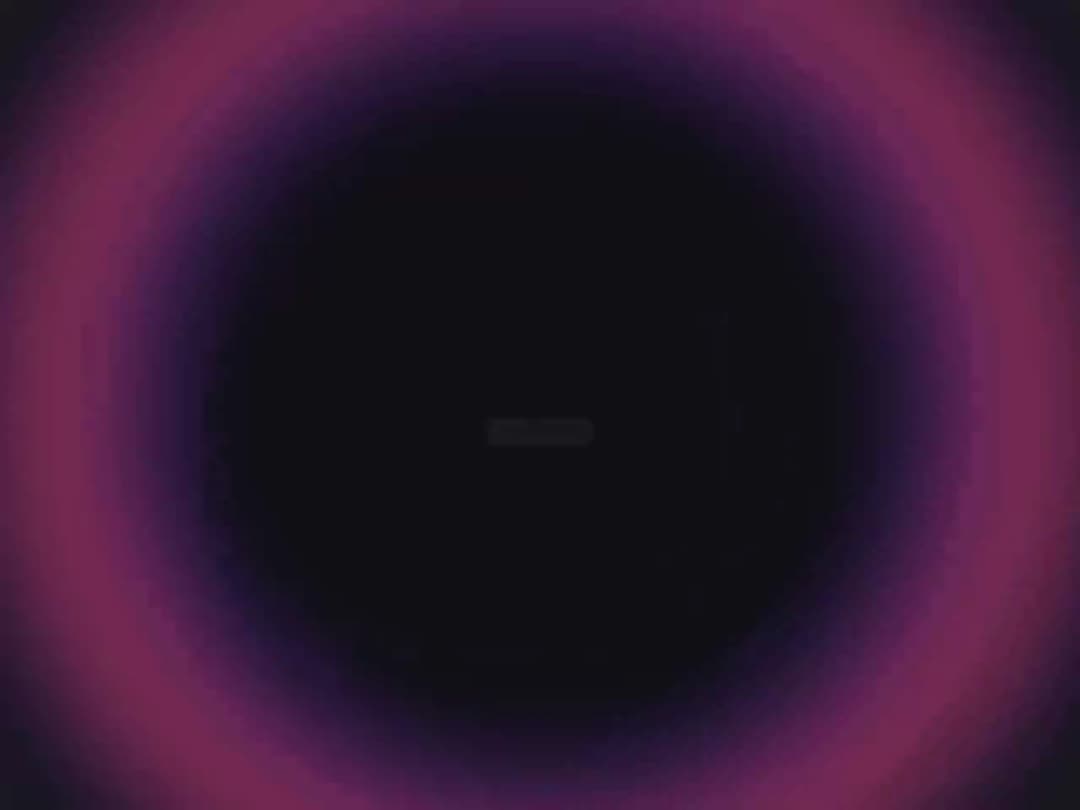
A fullscreen WebGL page transition that animates a fluid concentric ripple wave expanding from the center of the viewport during route changes.
Built with React and Tailwind. Copy the prompt and paste it into Claude Code, Cursor or Lovable: your agent adds Great UI Liquid Ripple Shader to your project and fits it to your theme.
Code
How Great UI Liquid Ripple Shader is used: the demo's code. The component's own source comes with a free account.
Usage.tsx
"use client"

import { WebglTransitionProvider, useWebglTransition } from "@/components/ui/great-ui-liquid-ripple-shader"

function RippleControl() {
  const { setShaderMode, triggerTransition } = useWebglTransition()
  return <div className="flex flex-col items-center justify-center gap-6 p-10 select-none"><div className="text-center"><p className="text-sm font-semibold tracking-wide text-neutral-500 dark:text-neutral-400">Liquid Ripple</p><p className="mt-1 text-xs text-neutral-400 dark:text-neutral-500">Fluid concentric ripple wave transition.</p></div><button onClick={() => { setShaderMode("ripple"); triggerTransition() }} className="cursor-pointer rounded-xl bg-neutral-950 px-5 py-2.5 text-xs font-bold text-white shadow-md transition-all hover:bg-neutral-800 active:scale-95 dark:bg-white dark:text-neutral-950 dark:hover:bg-neutral-100">Trigger Ripple</button></div>
}

export default function LiquidRippleShaderPreview() {
  return <WebglTransitionProvider><RippleControl /></WebglTransitionProvider>
}
More by Saurabh Sharma
View all
Great UI Diagonal Marquee Carousel
756
Great UI Macbook Mockup
212
Great UI Mobile Mockup
176
Great UI Vinyl Album Card
127
Great UI Animated Select
84
Great UI Deployment Checklist
73
Great UI Revision Timeline
71
Great UI Terminal Loader
57
More in Shaders
View all
Glass Fold
212

Neural Noise
717
Water Caustic
44
Shader Background
2K
Wave
687
Stripe like gradient-shader
265
Black Hole
23
Shader Lines
2.3K

