
About
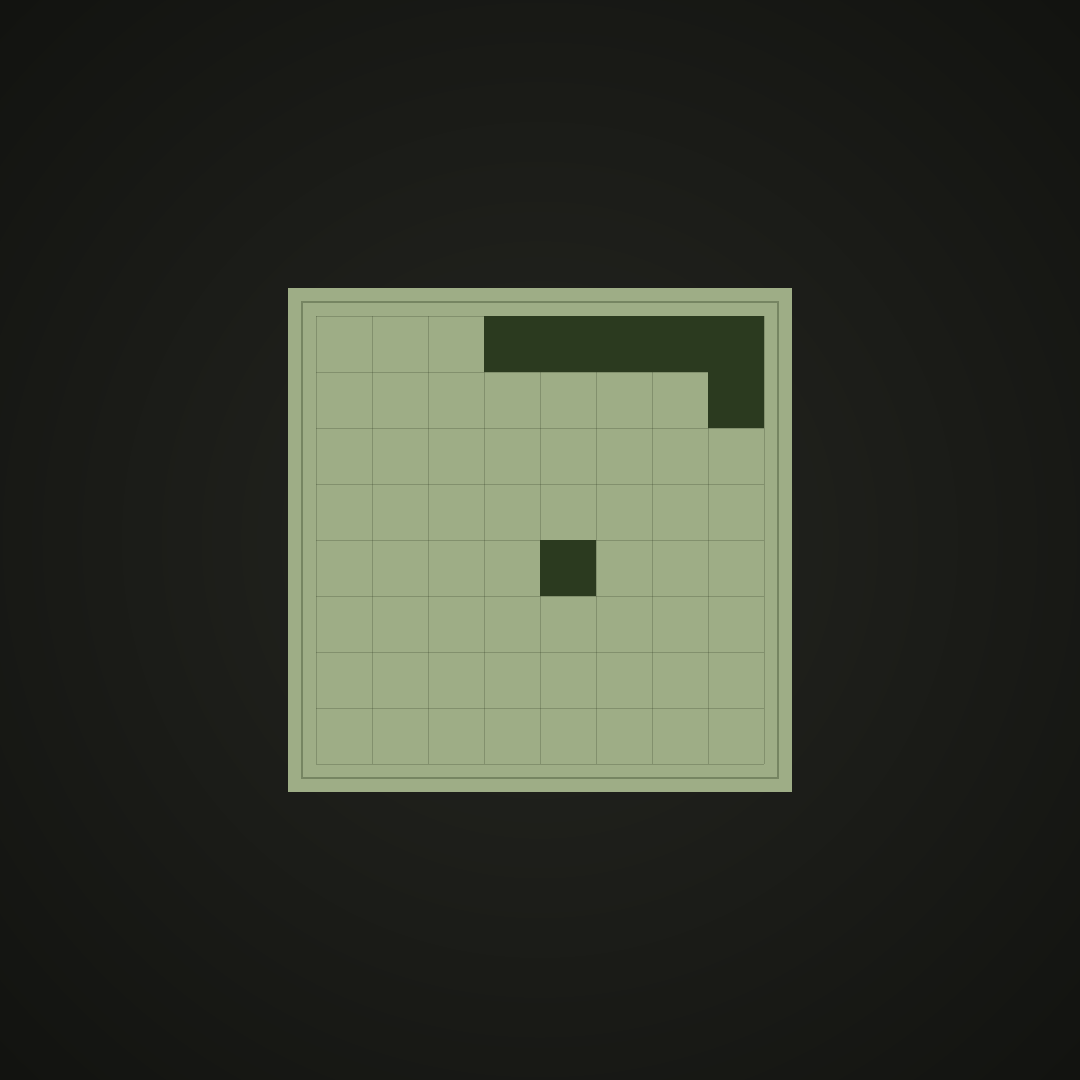
A tiny React loader that plays Snake on an 8×8 grid. 24×24px by default, so it fits inline in a button or form instead of taking over the page.
Built with React and Tailwind. Copy the prompt and paste it into Claude Code, Cursor or Lovable: your agent adds Snake Loader to your project and fits it to your theme.
Code
How Snake Loader is used: the demo's code. The component's own source comes with a free account.
Usage.tsx
import { SnakeLoader } from "@/components/ui/snake-loader";

// A casual snake game as a loading spinner. The snake wanders an 8×8 grid,
// eats, grows, and resets when it traps itself. Each cell shows a preset
// theme plus a few of the props you can pass.
export default function SnakeLoaderDemo() {
  return (
    <div className="flex flex-wrap items-center gap-10 p-8">
      <Swatch label="nokia (default)">
        <SnakeLoader cellSize={6} />
      </Swatch>

      <Swatch label="neon">
        <SnakeLoader theme="neon" cellSize={6} />
      </Swatch>

      <Swatch label="minimal">
        <SnakeLoader theme="minimal" cellSize={6} />
      </Swatch>

      <Swatch label="custom colors">
        <SnakeLoader
          theme="custom"
          cellSize={6}
          colors={{
            snake: "#1b1b3a",
            food: "#ffe600",
            grid: "rgba(27, 27, 58, 0.2)",
            background: "#ff6b35",
            glow: "transparent",
          }}
          effects={{ glow: false, pulse: true }}
        />
      </Swatch>

      <Swatch label="inline in a button">
        <button
          type="button"
          className="inline-flex items-center gap-2 rounded-md bg-zinc-900 px-4 py-2 text-sm text-zinc-100"
        >
          <SnakeLoader theme="minimal" cellSize={2} />
          Loading…
        </button>
      </Swatch>
    </div>
  );
}

function Swatch({
  label,
  children,
}: {
  label: string;
  children: React.ReactNode;
}) {
  return (
    <div className="flex flex-col items-center gap-3">
      {children}
      <span className="text-xs text-muted-foreground">{label}</span>
    </div>
  );
}