
About
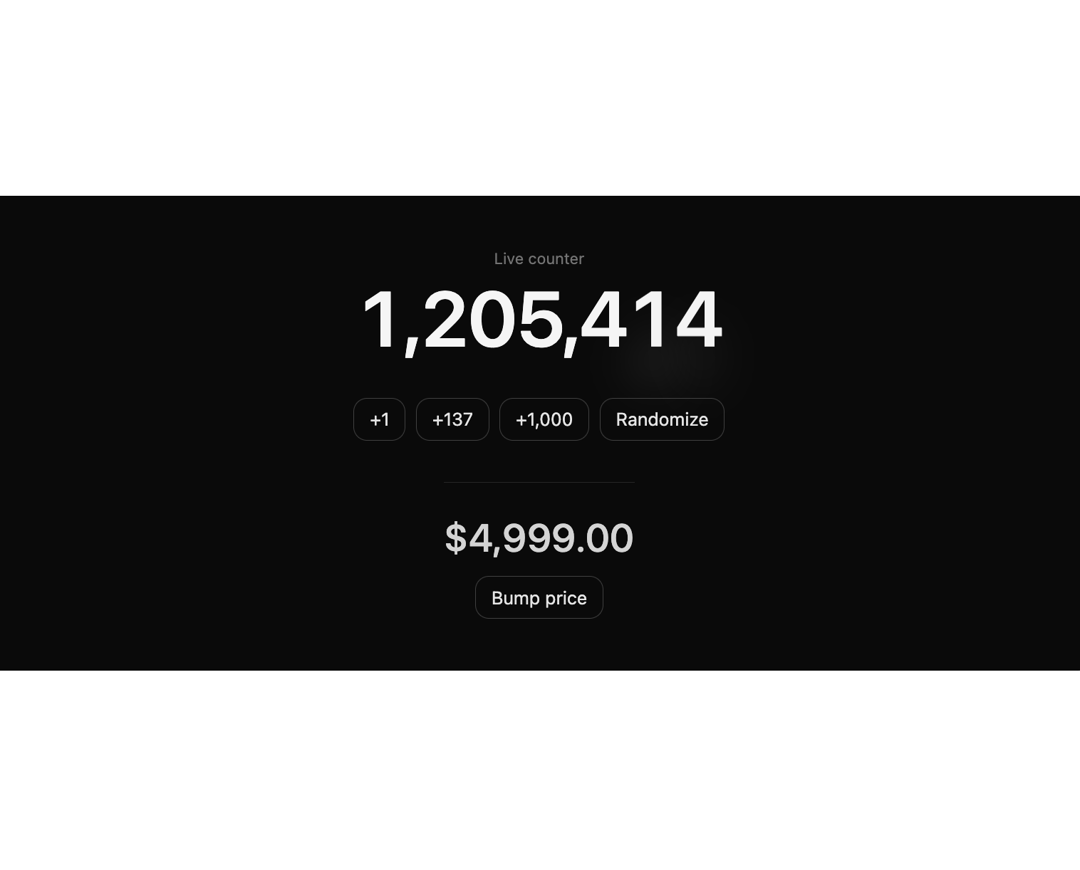
An animated number that transitions digit-by-digit with an iOS-style spring, blurring only the digits that change. A drop-in for counters, stats, prices and live metrics.
Built with React and Tailwind. Copy the prompt and paste it into Claude Code, Cursor or Lovable: your agent adds Animated Blur Number to your project and fits it to your theme.
Code
How Animated Blur Number is used: the demo's code. The component's own source comes with a free account.
Usage.tsx
"use client";

import * as React from "react";
import { AnimateNumber } from "@/components/ui/animated-blur-number";

const btn =
  "rounded-lg border border-neutral-700 bg-transparent px-3 py-1.5 text-sm text-neutral-200 transition-colors hover:bg-neutral-800 active:translate-y-px";

export default function AnimateNumberDemo() {
  const [n, setN] = React.useState(1_204_837);
  const [price, setPrice] = React.useState(4999.0);

  // Auto-tick so the effect is visible the moment the preview loads.
  React.useEffect(() => {
    const id = setInterval(
      () => setN((v) => v + Math.floor(Math.random() * 40) + 1),
      1600
    );
    return () => clearInterval(id);
  }, []);

  return (
    <div className="flex min-h-[340px] w-full flex-col items-center justify-center gap-8 rounded-xl bg-neutral-950 p-10 text-neutral-100">
      <div className="flex flex-col items-center gap-2">
        <span className="text-xs text-neutral-500">Live counter</span>
        <AnimateNumber value={n} className="text-6xl font-semibold tracking-tight" />
      </div>

      <div className="flex flex-wrap items-center justify-center gap-2">
        <button className={btn} onClick={() => setN((v) => v + 1)}>
          +1
        </button>
        <button className={btn} onClick={() => setN((v) => v + 137)}>
          +137
        </button>
        <button className={btn} onClick={() => setN((v) => v + 1000)}>
          +1,000
        </button>
        <button
          className={btn}
          onClick={() => setN(Math.floor(Math.random() * 9_999_999))}
        >
          Randomize
        </button>
      </div>

      <div className="flex flex-col items-center gap-3 border-t border-neutral-800 pt-6">
        <AnimateNumber
          value={price}
          prefix="$"
          format={{ minimumFractionDigits: 2, maximumFractionDigits: 2 }}
          className="text-3xl font-medium text-neutral-300"
        />
        <button
          className={btn}
          onClick={() =>
            setPrice((v) => Math.round((v + Math.random() * 250) * 100) / 100)
          }
        >
          Bump price
        </button>
      </div>
    </div>
  );
}
More by Serafim
View all
Spline Scene
9.4K
Testimonials with Marquee
2.3K
Gradient Button
1.9K
Pixel Canvas
900
Empty State
774
Balloons
755
Status Badge
642
Hover Button
561