
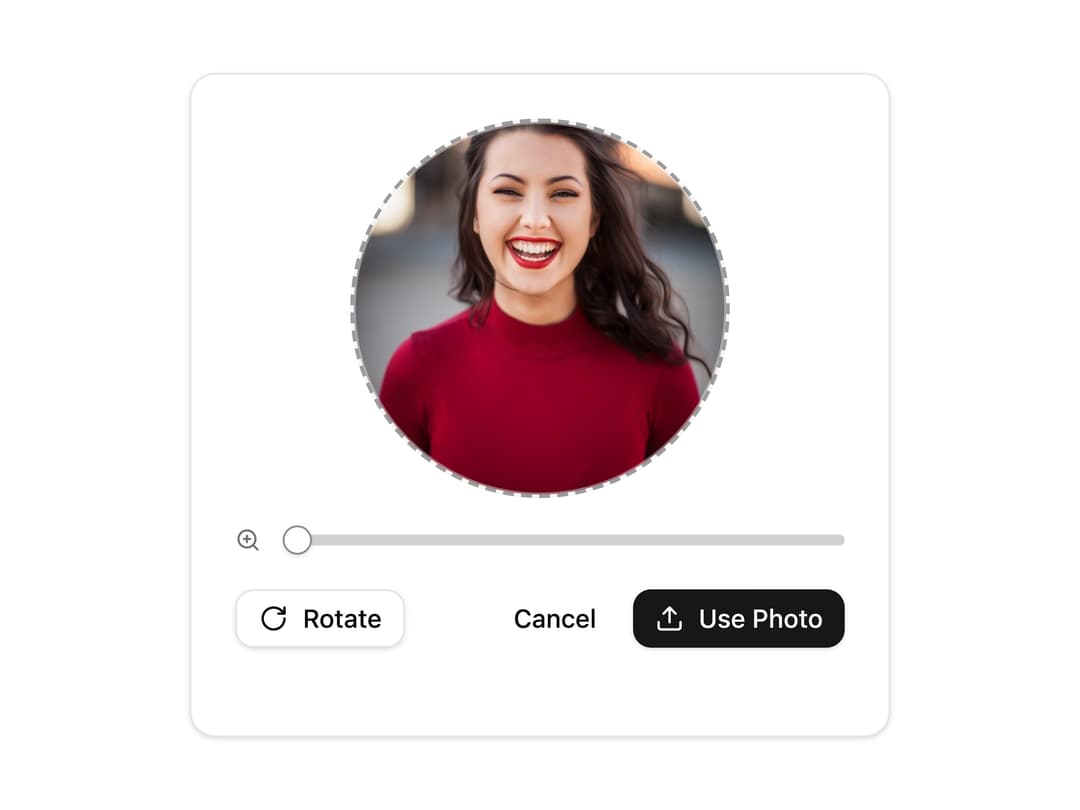
About
A circular image upload widget that lets users drag-and-drop or browse a photo, then zoom, pan and rotate it before confirming a cropped preview.
Built with React and Tailwind. Copy the prompt and paste it into Claude Code, Cursor or Lovable: your agent adds Image Upload Crop Editor to your project and fits it to your theme.
Code
How Image Upload Crop Editor is used: the demo's code. The component's own source comes with a free account.
Usage.tsx
import FileUpload from "@/components/ui/file-upload-05";

export default function FileUploadDemo() {
  return (
    <div className="flex w-full items-center justify-center p-10">
      <FileUpload />
    </div>
  );
}
Dependencies
More by ShadcnSpace
View all
Integration Card
1.8K
Stacked Card Carousel
1.4K
Orbiting Circles with Globe
1.4K
Button witn Icon
1.4K
Agency Hero Section
665
Testimonials Marquee
574
Shine Border
469
Social Icon
447