
About
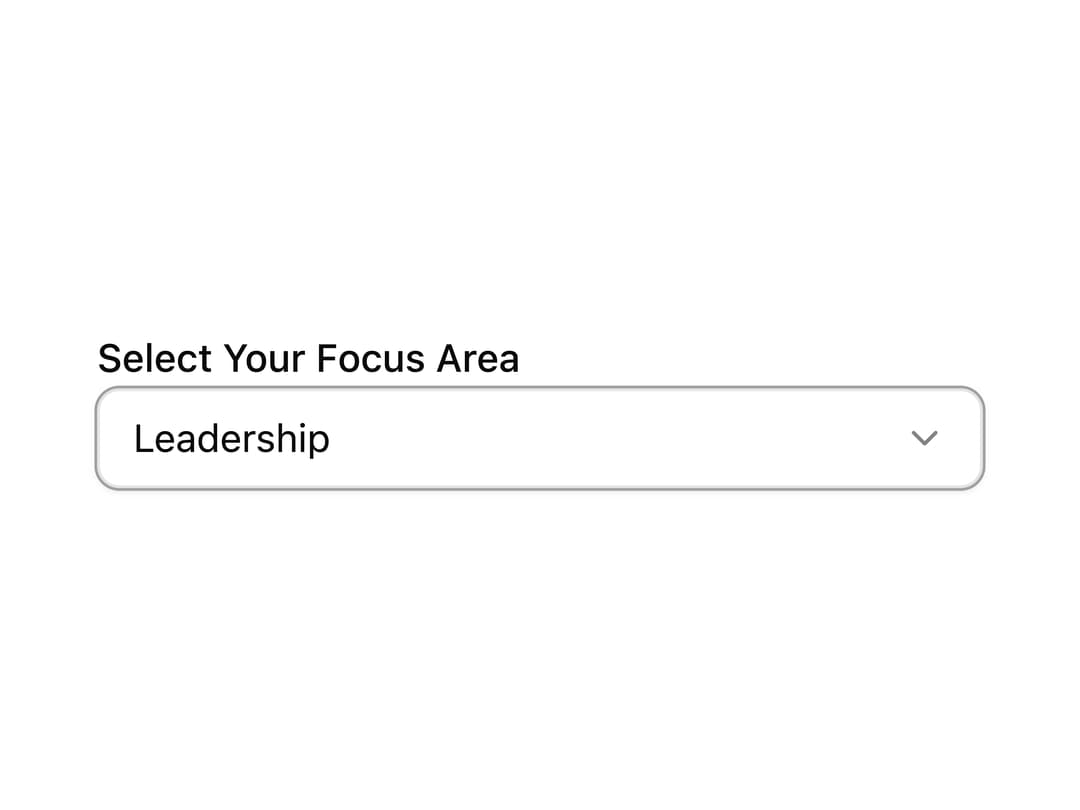
A dropdown select input that groups related options under labeled sections divided by separators, for forms with categorized choices.
Built with React and Tailwind. Copy the prompt and paste it into Claude Code, Cursor or Lovable: your agent adds Select With Separator to your project and fits it to your theme.
Code
How Select With Separator is used: the demo's code. The component's own source comes with a free account.
Usage.tsx
import { useId } from "react";
import { Label } from "@/components/ui/label";
import {
  Select,
  SelectContent,
  SelectGroup,
  SelectItem,
  SelectLabel,
  SelectSeparator,
  SelectTrigger,
  SelectValue,
} from "@/components/ui/select";

function SelectWithSeparatorDemo() {
  const id = useId();

  return (
    <div className="w-full max-w-xs space-y-2">
      <Label htmlFor={id}>Select Your Focus Area</Label>
      <Select defaultValue="Leadership" defaultOpen>
        <SelectTrigger id={id} className="w-full">
          <SelectValue />
        </SelectTrigger>
        <SelectContent className="data-[state=open]:slide-in-from-bottom-8 data-[state=open]:zoom-in-100 duration-400">
          <SelectGroup>
            <SelectLabel>Professional Skills</SelectLabel>
            <SelectItem value="Leadership">Leadership</SelectItem>
            <SelectItem value="Communication">Communication</SelectItem>
            <SelectItem value="Project Management">
              Project Management
            </SelectItem>
          </SelectGroup>
          <SelectSeparator />
          <SelectGroup>
            <SelectLabel>Personal Growth</SelectLabel>
            <SelectItem value="Mindfulness">Mindfulness</SelectItem>
            <SelectItem value="Time Management">Time Management</SelectItem>
            <SelectItem value="Creativity">Creativity</SelectItem>
          </SelectGroup>
          <SelectSeparator />
          <SelectGroup>
            <SelectLabel>Technology & Innovation</SelectLabel>
            <SelectItem value="AI & Machine Learning">
              AI & Machine Learning
            </SelectItem>
            <SelectItem value="Blockchain">Blockchain</SelectItem>
            <SelectItem value="Web Development">Web Development</SelectItem>
          </SelectGroup>
        </SelectContent>
      </Select>
    </div>
  );
}

export default function Preview() {
  return (
    <div className="flex w-full items-center justify-center p-10">
      <SelectWithSeparatorDemo />
    </div>
  );
}
More by ShadcnSpace
View all
Integration Card
1.8K
Stacked Card Carousel
1.4K
Orbiting Circles with Globe
1.4K
Button witn Icon
1.4K
Agency Hero Section
651
Testimonials Marquee
572
Shine Border
467
Social Icon
447
More in Forms
View all

Premium Auth
496
Authentication Card
45

Login 1
52

Login 2
7

Form
32

Card Studio
41

Login Card
32

Form
136
