About
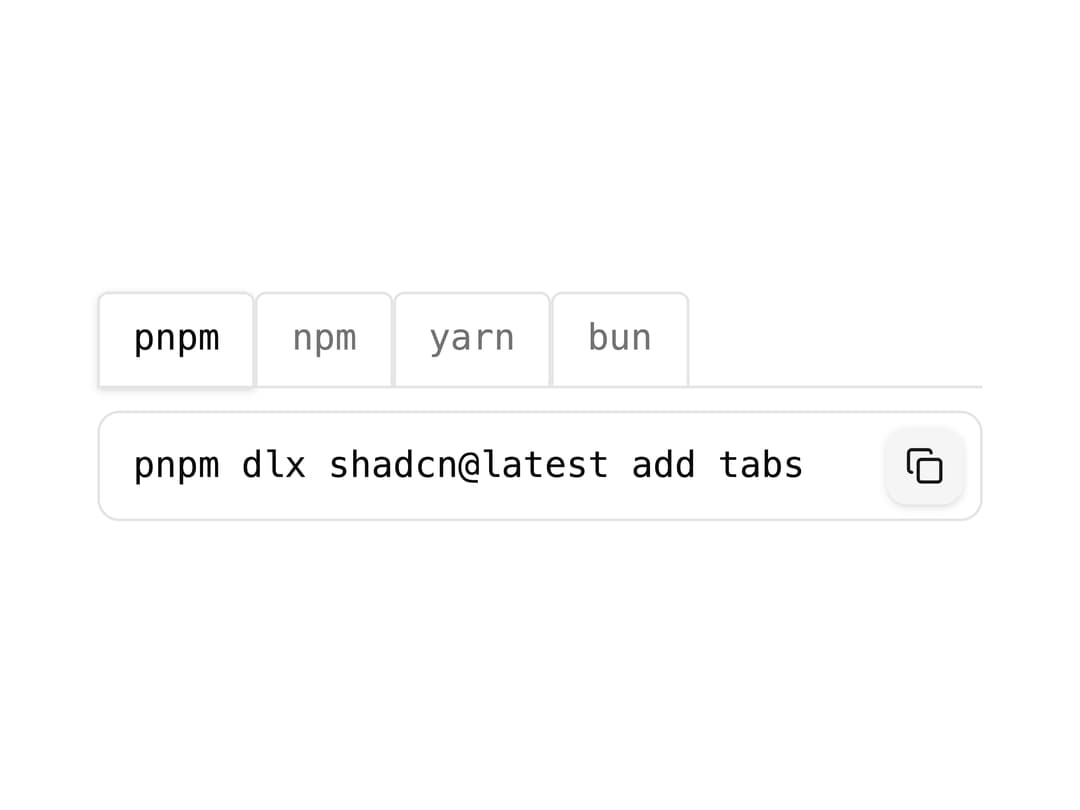
A browser-tab styled tabs component with a bottom border and copy-to-clipboard install command panels, similar to the tabbed style used in software IDEs.
Built with React and Tailwind. Copy the prompt and paste it into Claude Code, Cursor or Lovable: your agent adds Bootstrap Tabs to your project and fits it to your theme.
Code
How Bootstrap Tabs is used: the demo's code. The component's own source comes with a free account.
Usage.tsx
import TabsBootstrapDemo from "@/components/ui/tabs-06";

export default function TabsBootstrapDemoPreview() {
  return (
    <div className="flex w-full items-center justify-center p-10">
      <TabsBootstrapDemo />
    </div>
  );
}
Dependencies
More by shadcnui-blocks
View all
Logo Cloud 15
229
Numbers Stats Grid
199
Testimonials 13
176
Rich Navigation Menu
88
Underlined Navigation Menu
83
Integrations 02
80
Empty State with Marquee
74
Members Table Block
72
More in Navigation
View all

Sidebar
235
Navbar with Theme Toggle
43

Tabs
60

Sidebar
340
Numberless Pagination with Text
11
Oversized 404 Numeral
50
Footer
446
Pagination
43


