
About
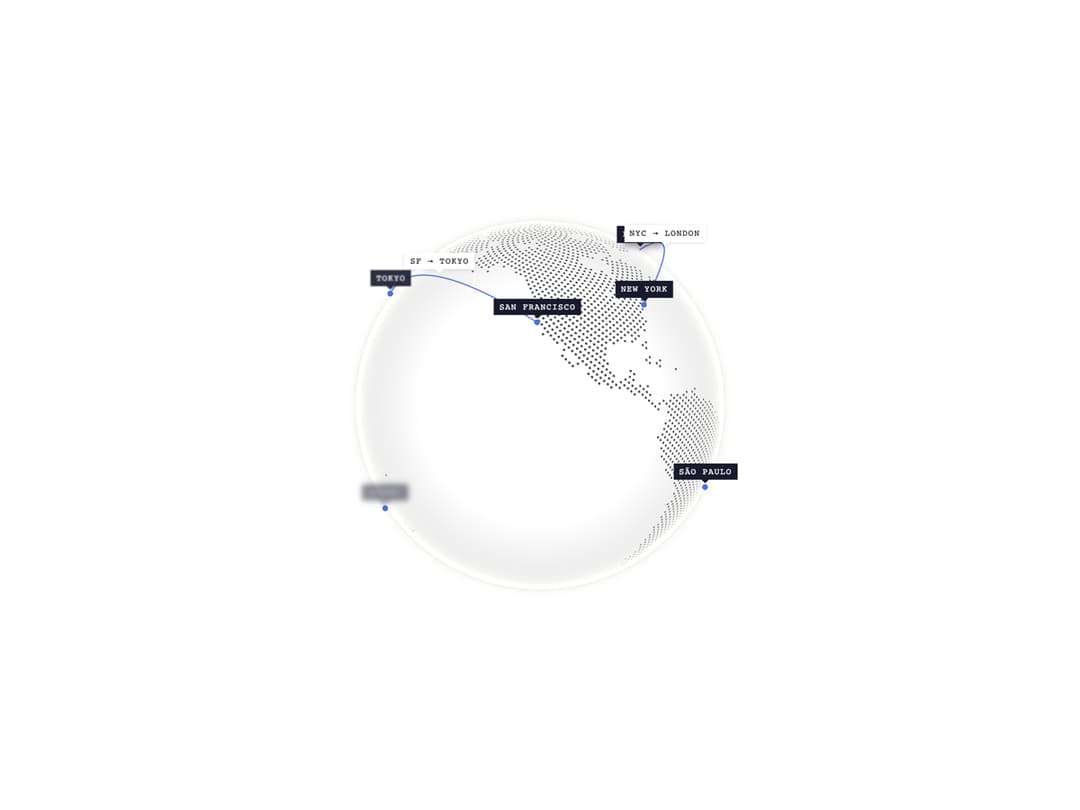
A lightweight 5KB WebGL globe with markers, arcs, and CSS Anchor Positioning labels. Drag to rotate, with momentum physics.
Built with React and Tailwind. Copy the prompt and paste it into Claude Code, Cursor or Lovable: your agent adds COBE Globe to your project and fits it to your theme.
Code
How COBE Globe is used: the demo's code. The component's own source comes with a free account.
Usage.tsx
"use client"

import { Globe } from "@/components/ui/cobe-globe"

const markers = [
  { id: "sf", location: [37.7595, -122.4367] as [number, number], label: "San Francisco" },
  { id: "nyc", location: [40.7128, -74.006] as [number, number], label: "New York" },
  { id: "tokyo", location: [35.6762, 139.6503] as [number, number], label: "Tokyo" },
  { id: "london", location: [51.5074, -0.1278] as [number, number], label: "London" },
  { id: "sydney", location: [-33.8688, 151.2093] as [number, number], label: "Sydney" },
  { id: "capetown", location: [-33.9249, 18.4241] as [number, number], label: "Cape Town" },
  { id: "dubai", location: [25.2048, 55.2708] as [number, number], label: "Dubai" },
  { id: "paris", location: [48.8566, 2.3522] as [number, number], label: "Paris" },
  { id: "saopaulo", location: [-23.5505, -46.6333] as [number, number], label: "São Paulo" },
]

const arcs = [
  {
    id: "sf-tokyo",
    from: [37.7595, -122.4367] as [number, number],
    to: [35.6762, 139.6503] as [number, number],
    label: "SF → Tokyo",
  },
  {
    id: "nyc-london",
    from: [40.7128, -74.006] as [number, number],
    to: [51.5074, -0.1278] as [number, number],
    label: "NYC → London",
  },
]

export default function GlobeDemo() {
  return (
    <div className="flex items-center justify-center w-full min-h-screen bg-white p-8 overflow-hidden">
      <div className="w-full max-w-lg">
        <Globe
          markers={markers}
          arcs={arcs}
          markerColor={[0.3, 0.45, 0.85]}
          baseColor={[1, 1, 1]}
          arcColor={[0.3, 0.45, 0.85]}
          glowColor={[0.94, 0.93, 0.91]}
          dark={0}
          mapBrightness={10}
          markerSize={0.025}
          markerElevation={0.01}
        />
      </div>
    </div>
  )
}
Dependencies
More by shuding
View all
Globe CDN
1.2K
Globe Pulse
1K
Globe Polaroids
581
Globe Interactive
560
Globe Live Badge
421
Globe Analytics
323
Globe Stickers
183
Globe Flights
181