

About
Query surface, results, saved views, and export actions.
Built with React and Tailwind. Copy the prompt and paste it into Claude Code, Cursor or Lovable: your agent adds Uai Blocks Data Explorer to your project and fits it to your theme.
Code
How Uai Blocks Data Explorer is used: the demo's code. The component's own source comes with a free account.
Usage.tsx
"use client";
import {ThemeProvider as LibraryDemoThemeProvider} from "next-themes";
"use client";

import { useState } from "react";
import {
  DataExplorer,
  DataExplorerAction,
  DataExplorerActions,
  DataExplorerBody,
  DataExplorerCell,
  DataExplorerDescription,
  DataExplorerEmpty,
  DataExplorerHeader,
  DataExplorerHeaderCell,
  DataExplorerHeading,
  DataExplorerQuery,
  DataExplorerQueryInput,
  DataExplorerQueryLabel,
  DataExplorerResults,
  DataExplorerRun,
  DataExplorerStatus,
  DataExplorerTable,
  DataExplorerTableBody,
  DataExplorerTableHead,
  DataExplorerTableRow,
  DataExplorerTitle,
  DataExplorerToolbar,
  type DataExplorerVariant,
  DataExplorerViews,
} from "@/components/ui/uai-data-explorer";
import {
  DataTableToolbarExport,
  DataTableToolbarGroup,
  DataTableToolbarSearch,
} from "@/components/ui/uai-data-explorer-utils/src-components-ui-uai-data-table-toolbar";
import {
  EmptyStateContent,
  EmptyStateDescription,
  EmptyStateHeader,
  EmptyStateTitle,
} from "@/components/ui/uai-data-explorer-utils/src-components-ui-uai-empty-state";
import {
  PageTabsBar,
  PageTabsCount,
  PageTabsList,
  PageTabsPanel,
  PageTabsTab,
} from "@/components/ui/uai-data-explorer-utils/src-components-ui-uai-page-tabs";

type Row = { account: string; plan: string; region: string; seats: number; mrr: string };

const views = {
  expansion: {
    label: "Expansion candidates",
    query:
      "select account, plan, region, seats, mrr\nfrom accounts\nwhere seat_utilization > 0.9\norder by mrr desc",
    rows: [
      { account: "Halden Packaging", plan: "Business", region: "EU", seats: 64, mrr: "$4,480" },
      { account: "Fieldnote Labs", plan: "Team", region: "EU", seats: 48, mrr: "$2,880" },
      { account: "Orbit Dental", plan: "Team", region: "US", seats: 31, mrr: "$1,860" },
      { account: "Lumen Clinics", plan: "Team", region: "US", seats: 27, mrr: "$1,620" },
      { account: "Kestrel Studio", plan: "Starter", region: "APAC", seats: 12, mrr: "$540" },
    ],
  },
  churn: {
    label: "Churn risk",
    query:
      "select account, plan, region, seats, mrr\nfrom accounts\nwhere last_active < now() - interval '21 days'",
    rows: [{ account: "Pallet & Co", plan: "Business", region: "US", seats: 90, mrr: "$6,300" }],
  },
} satisfies Record<string, { label: string; query: string; rows: Row[] }>;
type ViewId = keyof typeof views;

const planTones: Record<string, string> = {
  Starter: "var(--uai-muted)",
  Team: "var(--uai-accent)",
  Business: "var(--uai-success)",
};

function PlanTag({ plan }: { plan: string }) {
  const tone = planTones[plan] ?? "var(--uai-muted)";
  return (
    <span
      style={{
        display: "inline-flex",
        alignItems: "center",
        height: 20,
        padding: "0 7px",
        borderRadius: 6,
        background: `color-mix(in oklab, ${tone} 14%, transparent)`,
        color: `color-mix(in oklab, ${tone} 80%, var(--uai-text))`,
        fontSize: 11.5,
        fontWeight: 500,
      }}
    >
      {plan}
    </span>
  );
}

export function DataExplorerPreview({ variant = "workbench" }: { variant?: DataExplorerVariant }) {
  const [view, setView] = useState<ViewId>("expansion");
  const [query, setQuery] = useState(views.expansion.query);
  const [rows, setRows] = useState<Row[]>(views.expansion.rows);
  const [search, setSearch] = useState("");
  const [exported, setExported] = useState(false);
  const visible = rows.filter((row) =>
    row.account.toLowerCase().includes(search.trim().toLowerCase()),
  );
  const open = (next: string) => {
    const id = next as ViewId;
    setView(id);
    setQuery(views[id].query);
    setRows(views[id].rows);
    setSearch("");
    setExported(false);
  };

  return (
    <DataExplorer variant={variant}>
      <DataExplorerHeader>
        <DataExplorerHeading>
          <DataExplorerTitle>Accounts explorer</DataExplorerTitle>
          <DataExplorerDescription>
            Warehouse snapshot from 06:00 UTC today.
          </DataExplorerDescription>
        </DataExplorerHeading>
        <DataExplorerActions>
          <DataExplorerAction>Save view</DataExplorerAction>
        </DataExplorerActions>
      </DataExplorerHeader>
      <DataExplorerViews value={view} onValueChange={open}>
        <PageTabsBar>
          <PageTabsList aria-label="Saved views">
            {Object.entries(views).map(([id, saved]) => (
              <PageTabsTab key={id} value={id}>
                {saved.label} <PageTabsCount>{saved.rows.length}</PageTabsCount>
              </PageTabsTab>
            ))}
          </PageTabsList>
        </PageTabsBar>
        <PageTabsPanel value={view}>
          <DataExplorerBody>
            <DataExplorerQuery
              onSubmit={(event) => {
                event.preventDefault();
                setRows(query.trim() ? views[view].rows : []);
                setExported(false);
              }}
            >
              <DataExplorerQueryLabel>SQL</DataExplorerQueryLabel>
              <DataExplorerQueryInput
                name="query"
                value={query}
                onChange={(event) => setQuery(event.target.value)}
              />
              <DataExplorerRun />
            </DataExplorerQuery>
            <DataExplorerResults>
              <DataExplorerToolbar search={search} onSearchChange={setSearch}>
                <DataTableToolbarSearch label="Filter results" placeholder="Filter accounts…" />
                <DataTableToolbarGroup>
                  <DataTableToolbarExport disabled={!rows.length} onClick={() => setExported(true)}>
                    Export CSV
                  </DataTableToolbarExport>
                </DataTableToolbarGroup>
              </DataExplorerToolbar>
              {visible.length ? (
                <DataExplorerTable aria-label={`${views[view].label} results`}>
                  <DataExplorerTableHead>
                    <tr>
                      <DataExplorerHeaderCell>Account</DataExplorerHeaderCell>
                      <DataExplorerHeaderCell>Plan</DataExplorerHeaderCell>
                      <DataExplorerHeaderCell>Region</DataExplorerHeaderCell>
                      <DataExplorerHeaderCell align="end">Seats</DataExplorerHeaderCell>
                      <DataExplorerHeaderCell align="end">MRR</DataExplorerHeaderCell>
                    </tr>
                  </DataExplorerTableHead>
                  <DataExplorerTableBody>
                    {visible.map((row) => (
                      <DataExplorerTableRow key={row.account}>
                        <DataExplorerCell>{row.account}</DataExplorerCell>
                        <DataExplorerCell>
                          <PlanTag plan={row.plan} />
                        </DataExplorerCell>
                        <DataExplorerCell>{row.region}</DataExplorerCell>
                        <DataExplorerCell align="end">{row.seats}</DataExplorerCell>
                        <DataExplorerCell align="end">{row.mrr}</DataExplorerCell>
                      </DataExplorerTableRow>
                    ))}
                  </DataExplorerTableBody>
                </DataExplorerTable>
              ) : (
                <DataExplorerEmpty>
                  <EmptyStateContent>
                    <EmptyStateHeader>
                      <EmptyStateTitle>No rows returned</EmptyStateTitle>
                      <EmptyStateDescription>
                        Write a query or clear the result filter, then run it again.
                      </EmptyStateDescription>
                    </EmptyStateHeader>
                  </EmptyStateContent>
                </DataExplorerEmpty>
              )}
              <DataExplorerStatus>
                {exported
                  ? `Exported ${visible.length} rows to accounts.csv`
                  : `${visible.length} of ${rows.length} rows · 38 ms`}
              </DataExplorerStatus>
            </DataExplorerResults>
          </DataExplorerBody>
        </PageTabsPanel>
      </DataExplorerViews>
    </DataExplorer>
  );
}

function SourceSpecimen(){return <DataExplorerPreview/>}
export default function LibraryRegistryPreview(){return <LibraryDemoThemeProvider defaultTheme="dark" enableSystem={false}><div data-component-demo data-demo-theme="dark" data-theme="dark" className="dark" style={{background:"var(--background)",color:"var(--foreground)"}}><div className="relative w-full min-w-0 max-w-5xl min-h-[400px] flex items-center justify-center"><SourceSpecimen/></div></div></LibraryDemoThemeProvider>}
Dependencies
More by Victor Mesquita
View all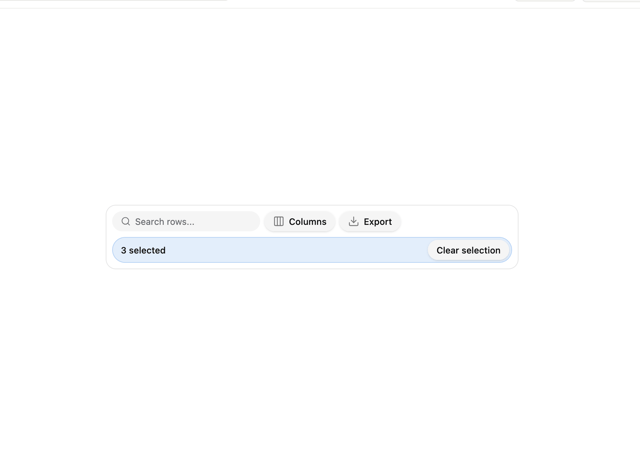
Data Table Toolbar
2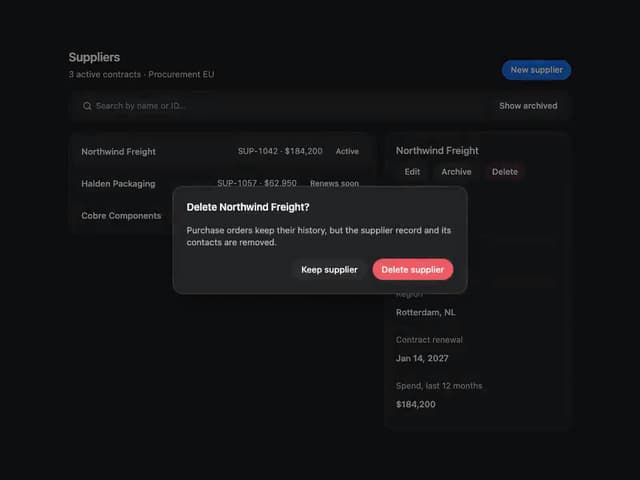
Uai Blocks Resource Manager
Uai Blocks Response Status
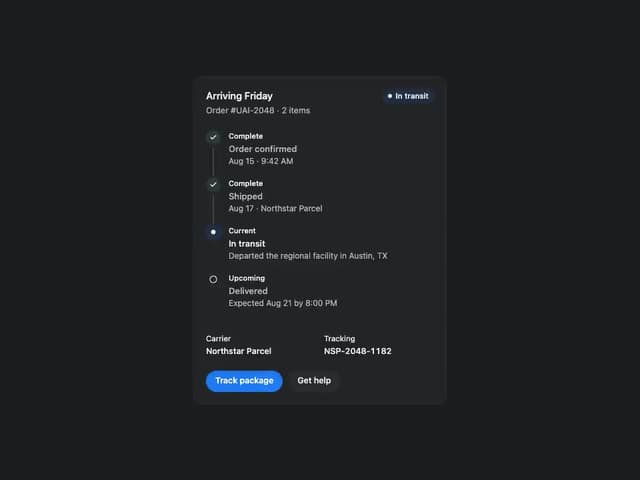
Uai Blocks Order Status
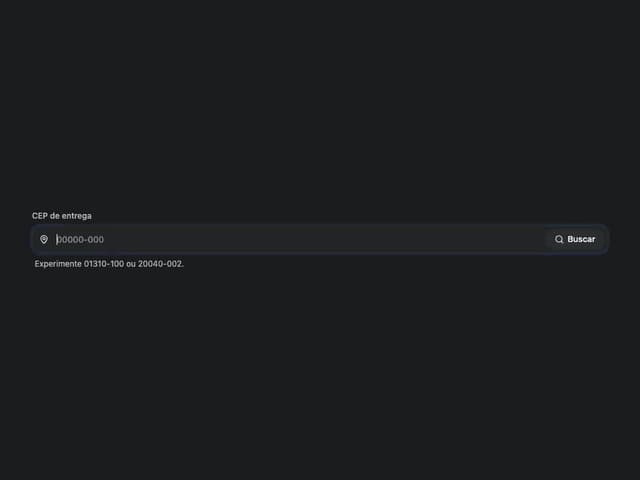
Uai Blocks CEP Field
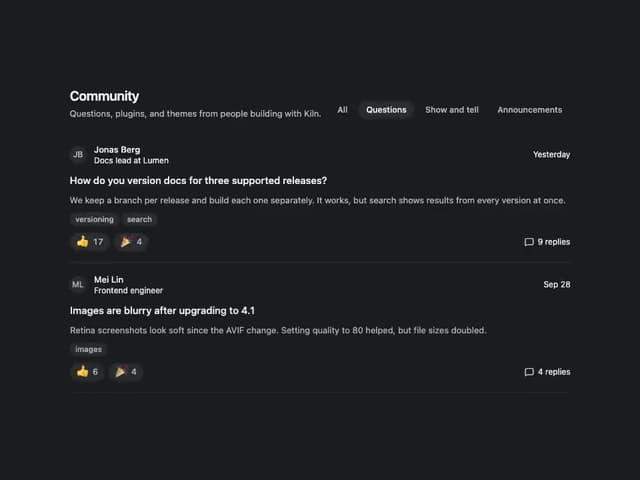
Uai Blocks Community Feed
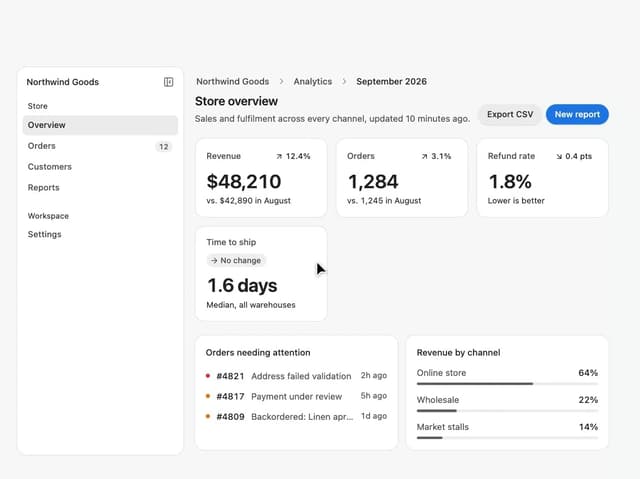
Dashboard Shell