
About
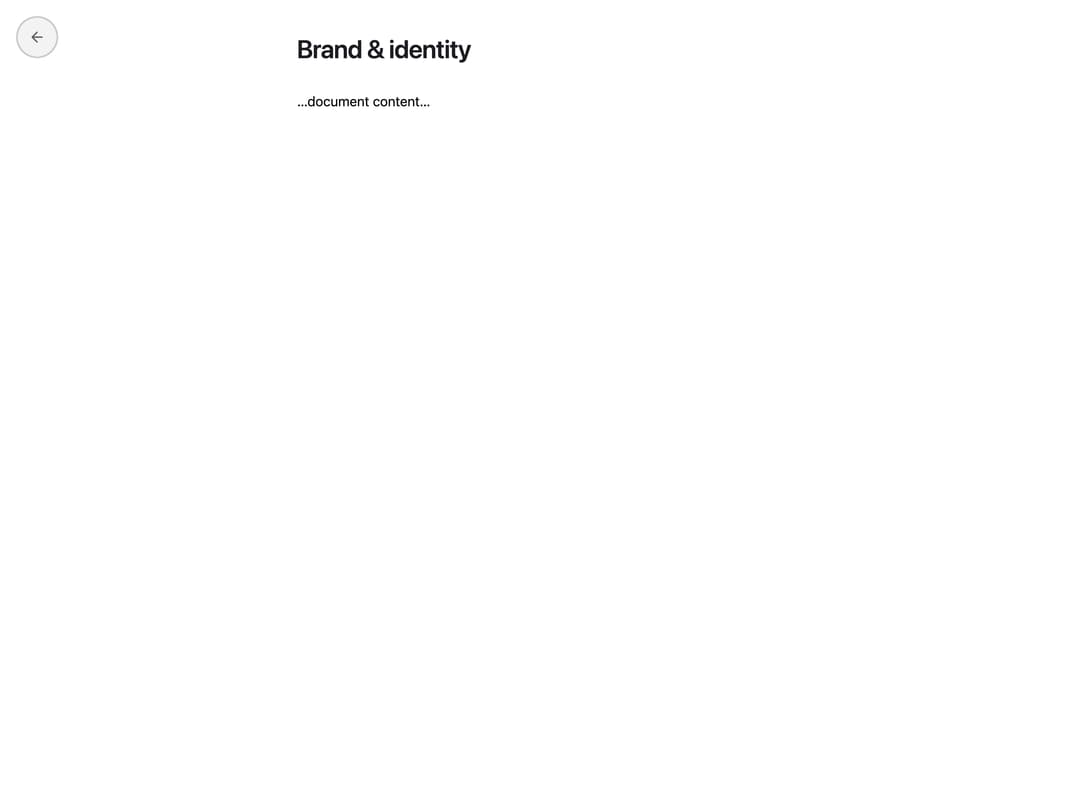
A full-screen document reader that scales up (FLIP) from the card you clicked and scales back down into it on close, with optional prev/next footer controls.
Built with React and Tailwind. Copy the prompt and paste it into Claude Code, Cursor or Lovable: your agent adds Document Overlay to your project and fits it to your theme.
Code
How Document Overlay is used: the demo's code. The component's own source comes with a free account.
Usage.tsx
"use client";
import { DocumentOverlay } from "@/components/ui/document-overlay";
import { useState } from "react";
export default function DocumentOverlayDemo() {
const [open, setOpen] = useState(false);
const [rect, setRect] = useState<DOMRect | null>(null);
return (
<div className="flex min-h-screen w-full items-center justify-center bg-background p-10">
<button
className="w-72 rounded-xl border border-canvas-document-border bg-canvas-document p-5 text-left shadow-sm transition-shadow hover:shadow-md"
data-card-id="doc-1"
onClick={(e) => {
setRect(e.currentTarget.getBoundingClientRect());
setOpen(true);
}}
type="button"
>
<h3 className="font-semibold text-canvas-fg text-sm">
Brand & identity
</h3>
<p className="mt-1.5 text-canvas-fg/55 text-xs leading-relaxed">
Click to open, it scales up into a full-screen reader.
</p>
</button>
<DocumentOverlay
onClose={() => setOpen(false)}
open={open}
sourceId="doc-1"
sourceRect={rect}
title="Brand & identity"
>
<p>…document content…</p>
</DocumentOverlay>
</div>
);
}
Dependencies
More by sltowl
View all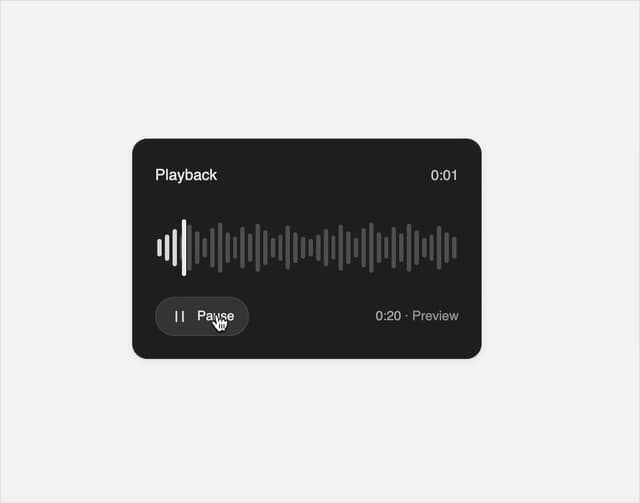
Playback Scrubber
43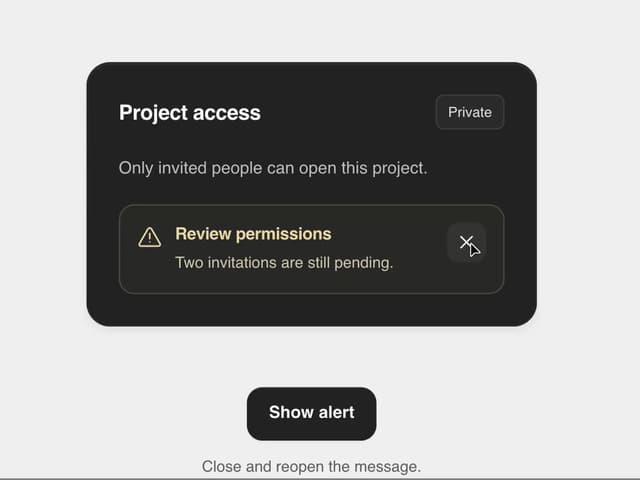
Matte Alert Feedback
41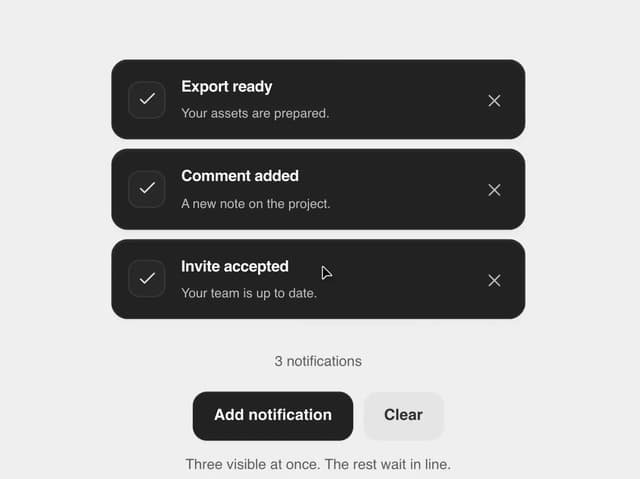
Notification Stack
30
Time Window Slider
20
Commands Menu
14
Matte Meter Slider
14
Matte Opacity Slider
12
Undo Feedback
8