

About
A React component that adds an interactive drawing effect following the user's mouse cursor within a specified area.
Built with React and Tailwind. Copy the prompt and paste it into Claude Code, Cursor or Lovable: your agent adds Cursor Drawing Trail to your project and fits it to your theme.
Code
How Cursor Drawing Trail is used: the demo's code. The component's own source comes with a free account.
Usage.tsx
// In your page or parent component file
import DrawingCursorEffect from "@/components/ui/draw-with-cursor";

export function AutoImageEffectPage() {
  const imageUrl =
    "https://cdn.21st.dev/assets/localized/c1be920a389fc6ea706483c9efb7e52a002a4b93d0241c0140dd7bfa65447dad.png"; // Replace with your image path

  return (
    <DrawingCursorEffect
      type="drawAlways" // Draw always over the image (drawOnHold, drawAlways )
      bgImageSrc={imageUrl} // Add background image
      strokeColor="#FF0000" // Red lines for better visibility
      strokeWidth={12} // Medium lines
      followEffect={true} // Add follow effect
    >
      <div className="text-center text-white p-8">
        <h1 className="text-4xl font-bold">Auto-Drawing Trail on Image</h1>
        <p className="mt-2">Move cursor to see the effect.</p>
      </div>
    </DrawingCursorEffect>
  );
}

export default AutoImageEffectPage;
Dependencies
More by SO called
View all

Developer Sign-In Flow
3.2K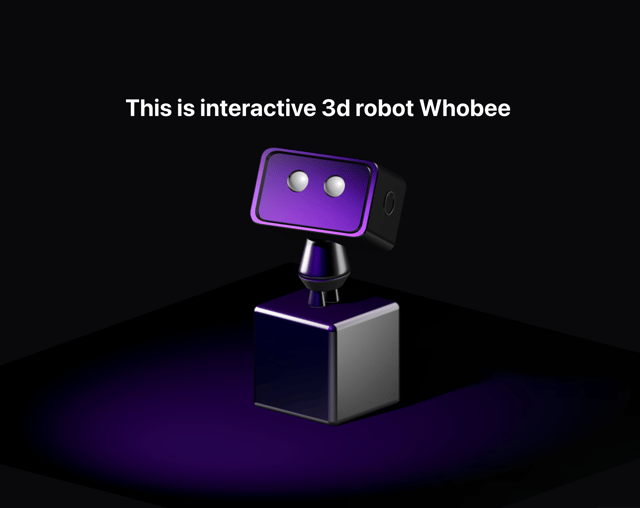
Interactive 3D Robot
2.1K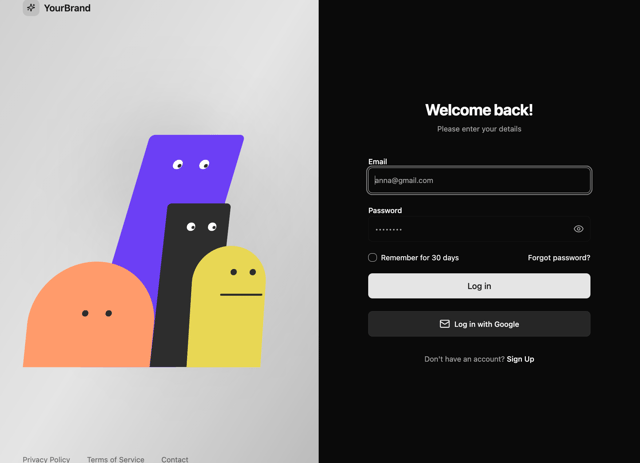
Animated Characters Login Page
1.6K
Interactive Galaxy Hero
1.4K
Product Mockup Section
1.4K
3D Boxes Hero
995
Expandable Content Card
990
AI Prompt Input
617