
About
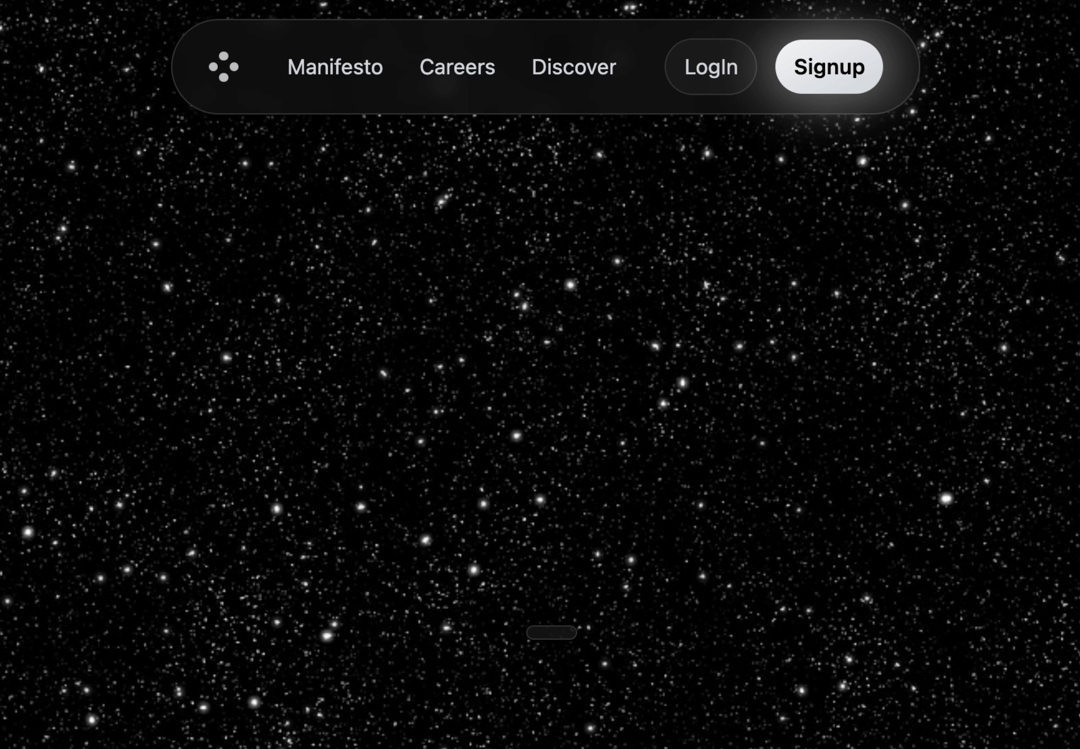
Minimalist 'Mini Navbar' Responsive UI component featuring subtle animations for top web page headers and navigation.
Built with React and Tailwind. Copy the prompt and paste it into Claude Code, Cursor or Lovable: your agent adds Mini Navbar to your project and fits it to your theme.
Code
How Mini Navbar is used: the demo's code. The component's own source comes with a free account.
Usage.tsx
import { Navbar } from "@/components/ui/mini-navbar";

const DemoOne = () => {

  return (
    <div className="relative min-h-screen bg-[#0a0a0a] text-white font-sans overflow-hidden">
      <div className="absolute inset-0">
        <img className="w-full h-full object-cover grayscale" src={"https://cdn.21st.dev/assets/mirror/2c/2c1fda9bcf8a73b35cb1553da350b1b254303e79064806c9beca98a7c459b150.jpg"} alt="Background Stars"></img>
      </div>

      <Navbar />


      <main className="relative z-10 flex flex-col items-center justify-center h-screen text-center px-4 pt-24">
        <h1 className="text-8xl md:text-9xl font-bold text-white mb-4 tracking-tight drop-shadow-xl">
        MINI NAVBAR
        </h1>
        <div className="flex flex-col sm:flex-row items-center text-xl text-gray-300 mb-8 space-y-2 sm:space-y-0 sm:space-x-2">
          <span>Please support by saving this component</span>
          <button
            className="px-4 py-1 border border-[#333] bg-[rgba(31,31,31,0.62)] rounded-full text-white transition-colors duration-200 cursor-pointer text-base
                       inline-flex items-center justify-center"
          >
            <span>Thank You</span>
          </button>
        </div>
      </main>


    </div>
  );
};

export default { DemoOne };
More by SO called
View all

Developer Sign-In Flow
3.2K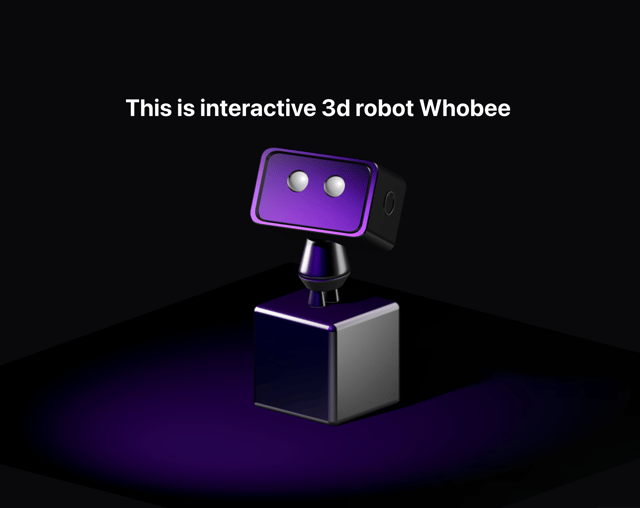
Interactive 3D Robot
2.1K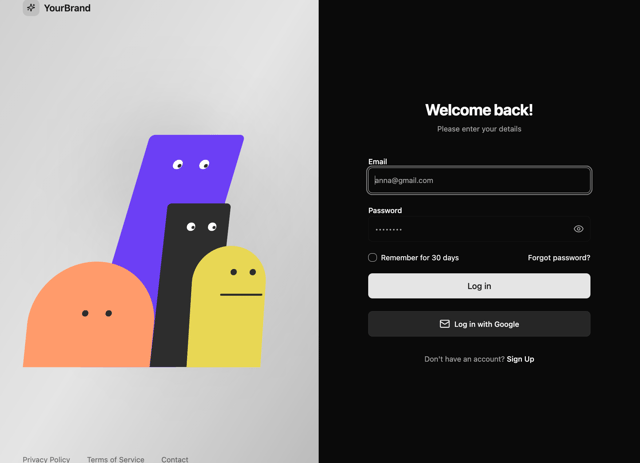
Animated Characters Login Page
1.6K
Interactive Galaxy Hero
1.4K
Product Mockup Section
1.4K
3D Boxes Hero
995
Expandable Content Card
990
AI Prompt Input
617