
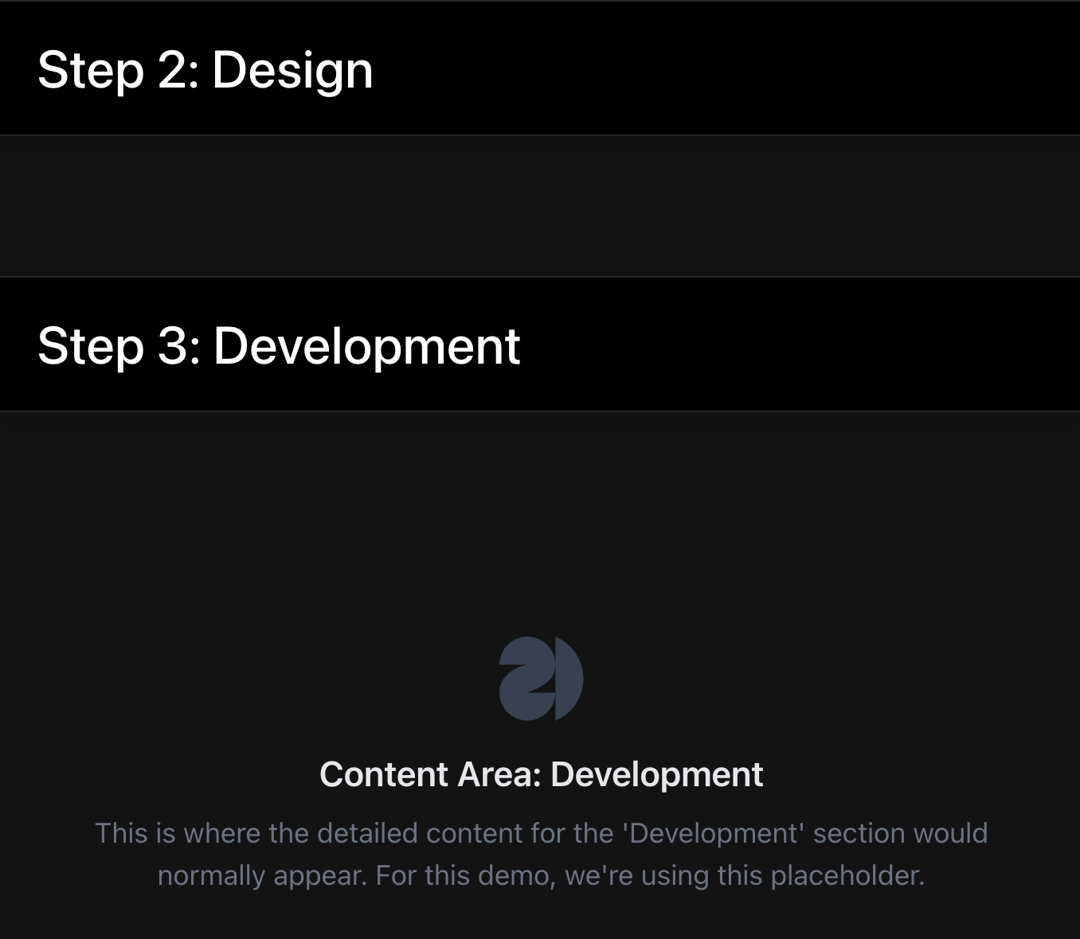
About
A container component that displays child sections with sticky headers. As the user scrolls, the header for the current section sticks below a defined navigation height, providing clear context and navigation for long content pages.
Built with React and Tailwind. Copy the prompt and paste it into Claude Code, Cursor or Lovable: your agent adds Sticky Section Tabs to your project and fits it to your theme.
Code
How Sticky Section Tabs is used: the demo's code. The component's own source comes with a free account.
Usage.tsx
import React from 'react';
import StickyTabs from '@/components/ui/sticky-section-tabs';
const PlaceholderSvg = () => (
  <svg
    width="48"
    height="48"
    viewBox="0 0 60 60"
    fill="currentColor"
    xmlns="http://www.w3.org/2000/svg"
    aria-label="Placeholder Logo"
    className="text-gray-700"
  >
    <path d="M0 20C0 8.95431 8.95431 0 20 0C31.0457 0 40 8.95431 40 20C40 31.0457 31.5 35.5 20 40H40C40 51.0457 31.0457 60 20 60C8.95431 60 0 51.0457 0 40C0 28.9543 9.5 22 20 20H0Z" fill="currentColor"></path>
    <path d="M40 60C51.7324 55.0977 60 43.5117 60 30C60 16.4883 51.7324 4.90234 40 0V60Z" fill="currentColor"></path>
  </svg>
);

const PlaceholderContent: React.FC<{ title: string }> = ({ title }) => (
  <div className="flex flex-col items-center justify-center text-center py-16">
    <PlaceholderSvg />
    <h3 className="text-xl font-semibold mt-4 mb-2 text-gray-200">
      Content Area: {title}
    </h3>
    <p className="text-gray-500 max-w-xl">
      This is where the detailed content for the '{title}' section would normally appear. For this demo, we're using this placeholder.
    </p>
  </div>
);

export const StickyTabsDemoPage: React.FC = () => {
  return (
    <div className="min-h-screen bg-black">
      <nav
        className="fixed top-0 left-0 right-0 z-50 bg-black text-white border-b border-white/15 bg-black"
        style={{ height: "4rem" }}
      >
        <div className="mx-auto max-w-7xl px-4 sm:px-6 lg:px-8 h-full flex items-center justify-between">
          <div className="flex items-center">
            <span className="font-semibold text-lg">YourBrand</span>
          </div>
          <div className="flex items-center space-x-6 text-sm">
            <a href="#" className="hover:text-gray-300">Home</a>
            <a href="#" className="hover:text-gray-300">Work</a>
            <a href="#" className="hover:text-gray-300">About</a>
            <a href="#" className="hover:text-gray-300">Contact</a>
          </div>
        </div>
      </nav>
      <main style={{ paddingTop: "4rem" }}>
        <div className="bg-black text-white">
          <div className="mx-auto max-w-7xl px-4 py-24 sm:px-6 sm:py-32 lg:px-8">
            <h1 className="text-4xl font-bold tracking-tight sm:text-6xl lg:text-7xl">
              Sticky Section Tabs
            </h1>
          </div>
        </div>
        <StickyTabs
          mainNavHeight="4rem"
          rootClassName="bg-black text-white"
          navSpacerClassName="border-b border-white/15 bg-black"
          sectionClassName="bg-[#131313]"
          stickyHeaderContainerClassName="shadow-lg"
          headerContentWrapperClassName="border-b border-t border-white/15 bg-black"
          headerContentLayoutClassName="mx-auto max-w-7xl px-4 py-5 sm:px-6 lg:px-8"
          titleClassName="my-0 text-2xl font-medium leading-none md:text-3xl lg:text-4xl"
          contentLayoutClassName="mx-auto max-w-7xl px-4 py-16 sm:px-6 lg:px-8"
        >
          <StickyTabs.Item title="Step 1: Concept" id="concept">
            <PlaceholderContent title="Concept" />
          </StickyTabs.Item>
          <StickyTabs.Item title="Step 2: Design" id="design">
            <PlaceholderContent title="Design" />
          </StickyTabs.Item>
          <StickyTabs.Item title="Step 3: Development" id="development">
            <PlaceholderContent title="Development" />
          </StickyTabs.Item>
          <StickyTabs.Item title="Step 4: Launch" id="launch">
            <PlaceholderContent title="Launch" />
          </StickyTabs.Item>
        </StickyTabs>
        <footer className="bg-black py-8 h-screen text-center text-gray-600 text-xl">
          Thank you for checking out this demo!
        </footer>
      </main>
    </div>
  );
};
Dependencies
More by SO called
View all

Developer Sign-In Flow
3.2K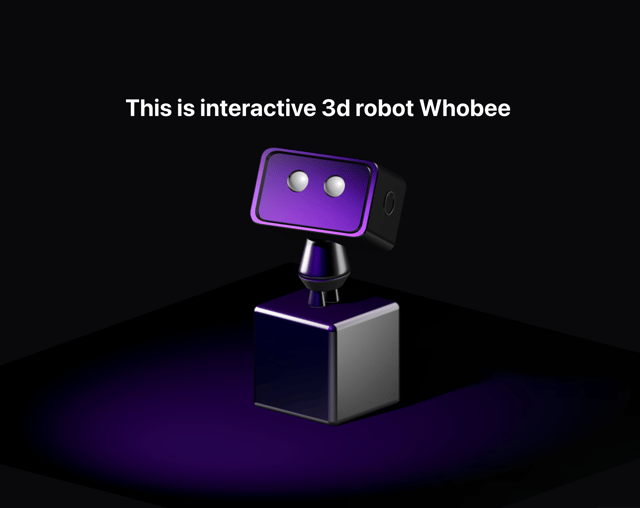
Interactive 3D Robot
2.1K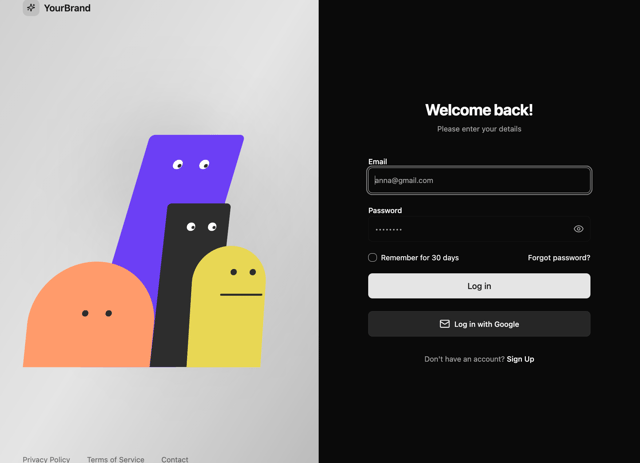
Animated Characters Login Page
1.6K
Interactive Galaxy Hero
1.4K
Product Mockup Section
1.4K
3D Boxes Hero
995
Expandable Content Card
990
AI Prompt Input
617
More in Navigation
View all

Sidebar
234
Navbar with Theme Toggle
43

Sidebar
339

Tabs
60
Numberless Pagination with Text
11
Oversized 404 Numeral
50
Footer
446
Pagination
43


