
About
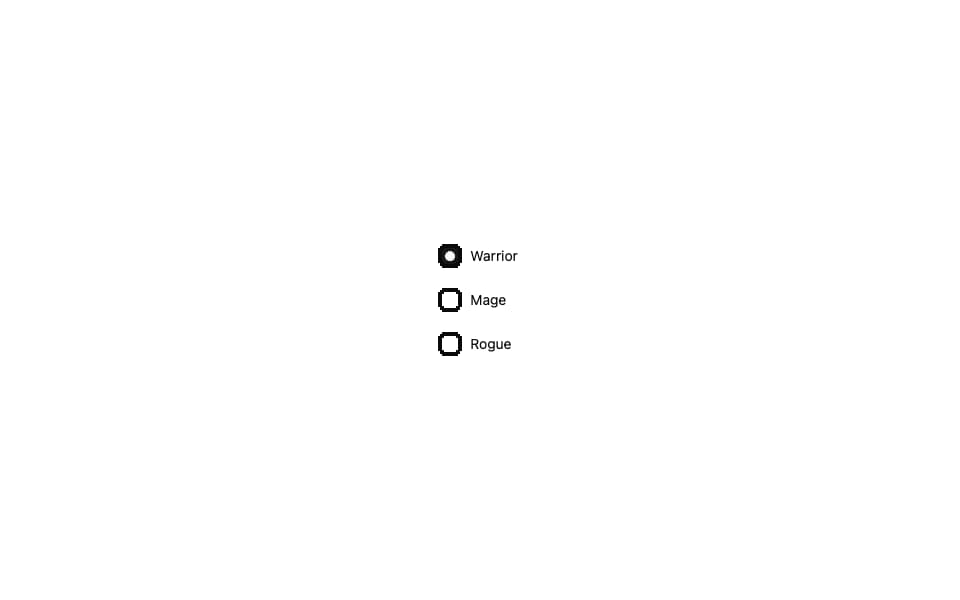
Pixel-art radio group from 8bitcn.com — chunky pixel frame around each option, retro selected glyph. Native primitive rewrite, no Radix.
Built with React and Tailwind. Copy the prompt and paste it into Claude Code, Cursor or Lovable: your agent adds 8-bit Radio Group to your project and fits it to your theme.
Code
How 8-bit Radio Group is used: the demo's code. The component's own source comes with a free account.
Usage.tsx
"use client";

import { RadioGroup, RadioGroupItem } from "@/components/ui/8bit-radio-group";

export default function Default() {
  return (
    <div className="flex w-full min-h-screen items-center justify-center bg-background p-8 overflow-hidden">
      <RadioGroup defaultValue="warrior" className="space-y-3">
        <div className="flex items-center gap-3">
          <RadioGroupItem value="warrior" id="r1" />
          <label htmlFor="r1" className="text-sm font-pixel cursor-pointer">Warrior</label>
        </div>
        <div className="flex items-center gap-3">
          <RadioGroupItem value="mage" id="r2" />
          <label htmlFor="r2" className="text-sm font-pixel cursor-pointer">Mage</label>
        </div>
        <div className="flex items-center gap-3">
          <RadioGroupItem value="rogue" id="r3" />
          <label htmlFor="r3" className="text-sm font-pixel cursor-pointer">Rogue</label>
        </div>
      </RadioGroup>
    </div>
  );
}
Dependencies
More by OrcDev
View all
8bit CTA 1 — Comparison
295
8bit 404 Page
172
8bit Loading Screen
104
8bit Changelog
75
8-bit Login Form
59
8bit FAQ 2 — Card Grid
57
8bit Timeline Horizontal
54
8-bit Stats Dashboard
54
More in Forms
View all

Premium Auth
496

Login 2
7

Login 1
52
Authentication Card
45

Contact Card
1K

Form
16

Card Studio
41

Form
136
