
About
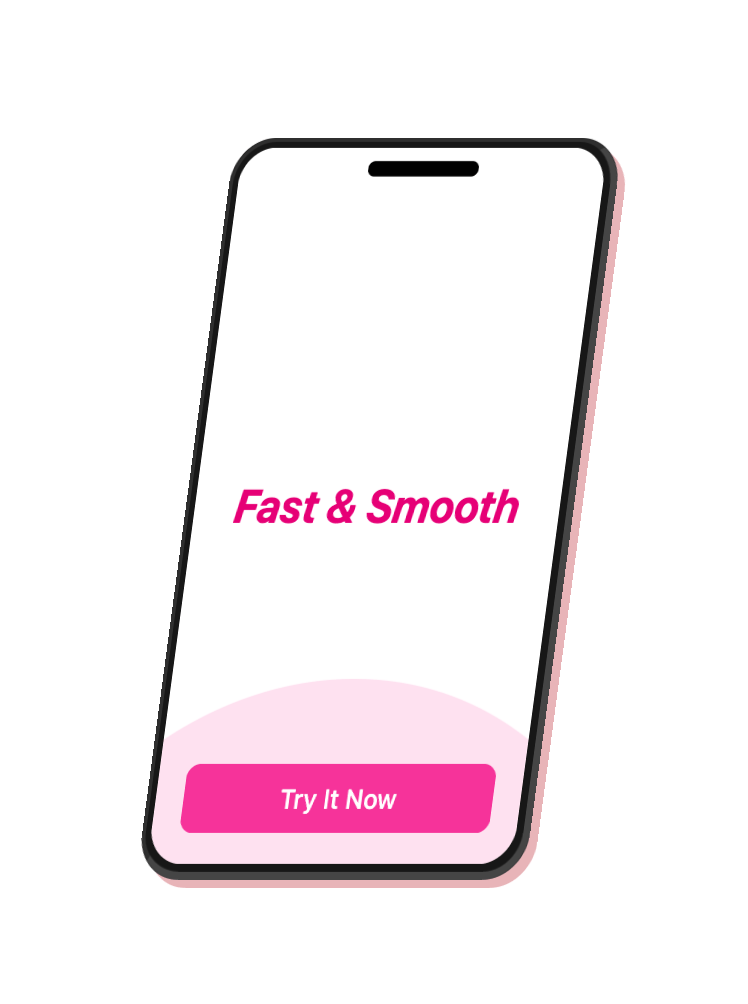
Use this 3d floating phone to showcase your website or application features. Dark and light mode compatible
Built with React and Tailwind. Copy the prompt and paste it into Claude Code, Cursor or Lovable: your agent adds 3D Floating Phone to your project and fits it to your theme.
Code
How 3D Floating Phone is used: the demo's code. The component's own source comes with a free account.
Usage.tsx
import { FloatingPhone } from "@/components/ui/3d-floating-phone";
import { FiBatteryCharging, FiWifi } from "react-icons/fi"
import { Button } from "@/components/ui/button"
export default function DemoOne() {

  const headerIcons = (
    <>
    <FiWifi className= "h-4 w-4" />
    <FiBatteryCharging className="h-4 w-4" />
      </>
  )


  return <FloatingPhone
            phoneColor="#e8b4b8" // rose gold
  floatDuration = { 3}
  floatDistance = {{ z: 40, y: 12 }
}
tiltAngle = {{ x: 15, y: -30 }}
headerIcons = { headerIcons }
screenContent = {
              <>
  <div className="text-2xl font-bold text-pink-600 italic" > Fast & Smooth < /div>
    < Button
className = "absolute bottom-4 left-4 right-4 z-10 bg-pink-500 hover:bg-pink-600 text-white border-0"
size = "sm"
  >
  Try It Now
    < /Button>
    < div className = "absolute -bottom-72 left-[50%] h-96 w-96 -translate-x-[50%] rounded-full bg-pink-500/15" />
      </>
            }
className = "p-12 rounded-lg"
  />
}
Dependencies
More by Vaibhav Kumar Singh
View all
Stagger Testimonials
2K
Event Manager
1.6K
Expanding Cards
1.4K
FAQ tabs
1.2K
Shuffle Grid
1K
Flip Links
1K
Category List
821
Color Change Card
762