About
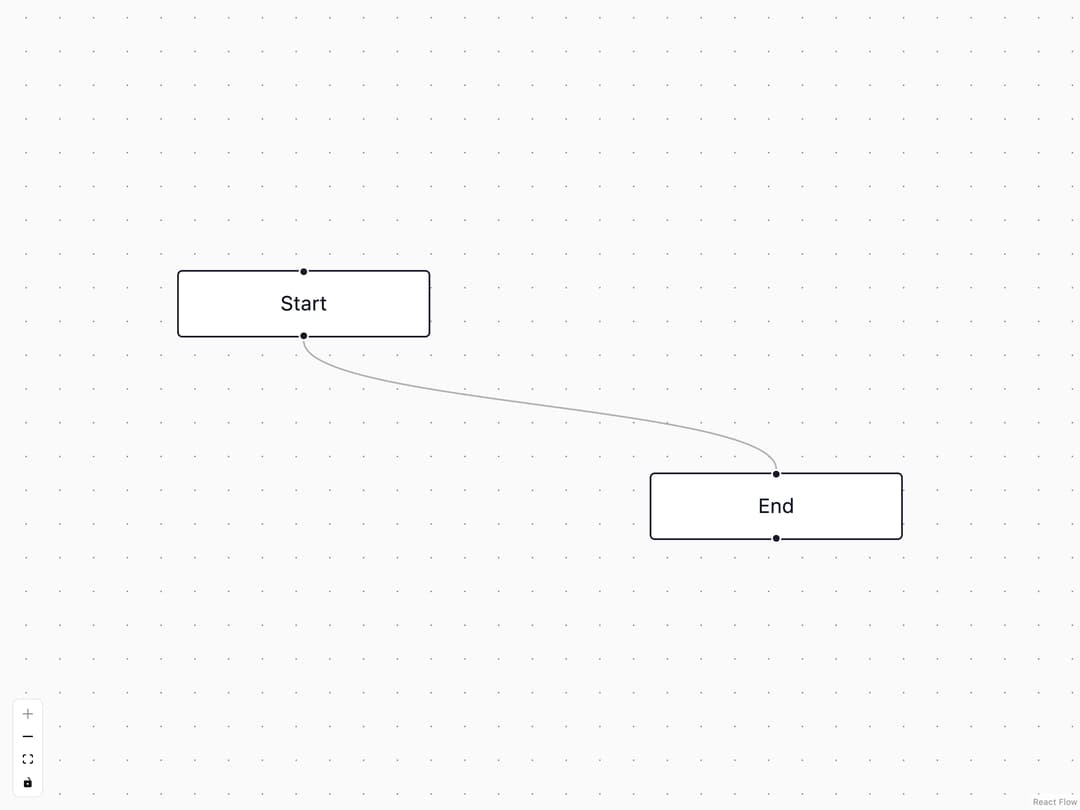
A styled zoom and fit-view control panel for React Flow-based node canvases.
Built with React and Tailwind. Copy the prompt and paste it into Claude Code, Cursor or Lovable: your agent adds Flow Controls to your project and fits it to your theme.
Code
How Flow Controls is used: the demo's code. The component's own source comes with a free account.
Usage.tsx
"use client";

import Controls from "@/components/ui/controls";
import { Background, ReactFlow, ReactFlowProvider } from "@xyflow/react";
import "@xyflow/react/dist/style.css";

const nodes = [
  { id: "1", position: { x: 0, y: 0 }, data: { label: "Start" } },
  { id: "2", position: { x: 280, y: 120 }, data: { label: "End" } },
];

const edges = [{ id: "e1-2", source: "1", target: "2" }];

export default function ControlsDemo() {
  return (
    <div className="h-screen w-full">
      <ReactFlowProvider>
        <ReactFlow nodes={nodes} edges={edges} fitView>
          <Background bgColor="var(--sidebar)" />
          <Controls />
        </ReactFlow>
      </ReactFlowProvider>
    </div>
  );
}
Dependencies
More by Vercel
View all

Announcement
290
Message
48
Conversation
42
Task
41
Inline Citation
36
Loader
22
Sources
20
Code Block
12