
About
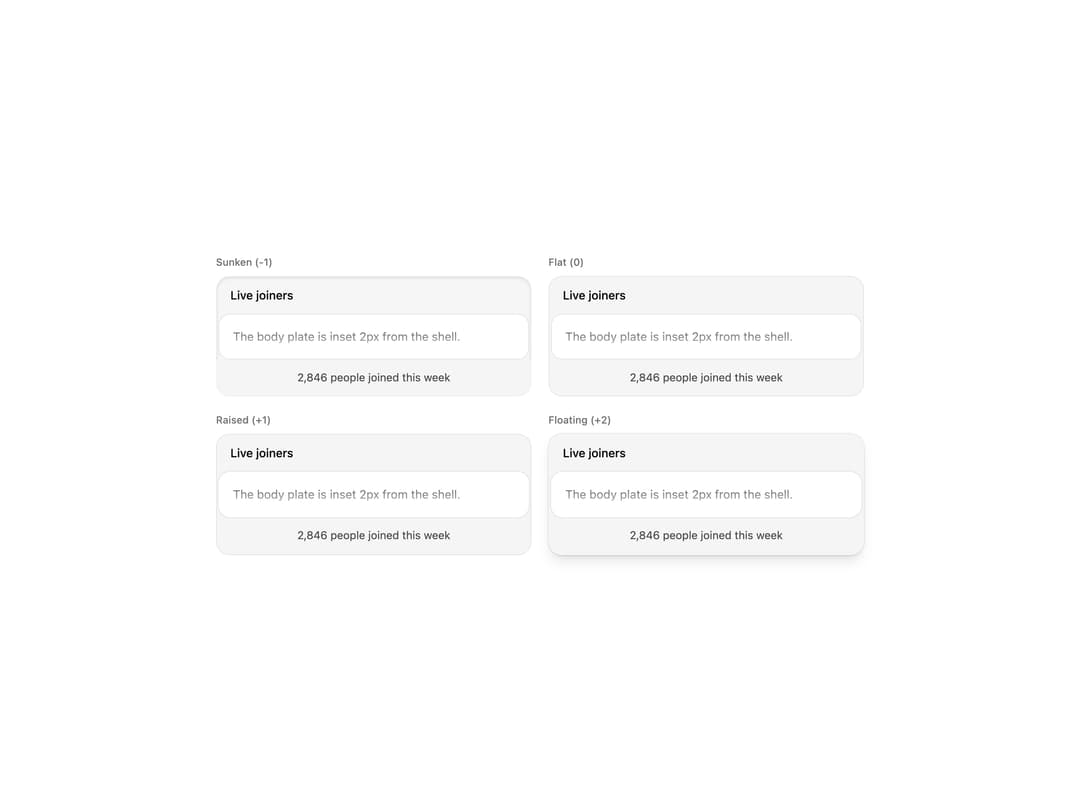
A header/body/footer panel where the body sits as a card plate inset a couple pixels from a muted shell, with an optional bottom fade and elevation depth.
Built with React and Tailwind. Copy the prompt and paste it into Claude Code, Cursor or Lovable: your agent adds Inset Panel to your project and fits it to your theme.
Code
How Inset Panel is used: the demo's code. The component's own source comes with a free account.
Usage.tsx
import {
  InsetPanel,
  InsetPanelBody,
  InsetPanelFooter,
  InsetPanelHeader,
} from "@/components/ui/inset-panel";

const levels = [
  { value: "sunken", label: "Sunken (-1)" },
  { value: "flat", label: "Flat (0)" },
  { value: "raised", label: "Raised (+1)" },
  { value: "floating", label: "Floating (+2)" },
] as const;

export default function Demo() {
  return (
    <div className="flex w-full items-center justify-center bg-background p-8 text-foreground">
      <div className="grid w-full max-w-3xl gap-5 sm:grid-cols-2">
        {levels.map(({ value, label }) => (
          <div key={value} className="flex flex-col gap-2">
            <p className="text-xs font-medium text-muted-foreground">{label}</p>
            <InsetPanel elevation={value}>
              <InsetPanelHeader>Live joiners</InsetPanelHeader>
              <InsetPanelBody fade className="h-32 p-4 text-sm">
                The body plate is inset 2px from the shell.
              </InsetPanelBody>
              <InsetPanelFooter>2,846 people joined this week</InsetPanelFooter>
            </InsetPanel>
          </div>
        ))}
      </div>
    </div>
  );
}
Dependencies
More by viandwi24
View all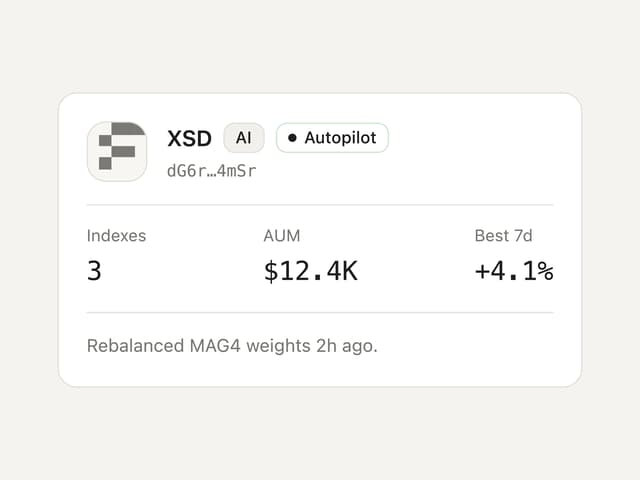
Agent Card
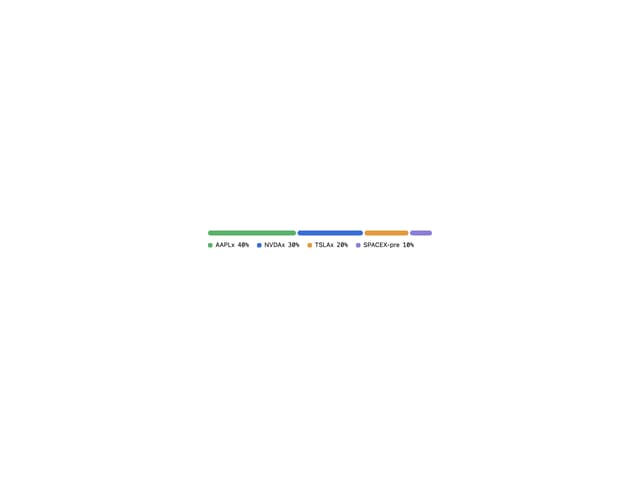
Allocation Bar
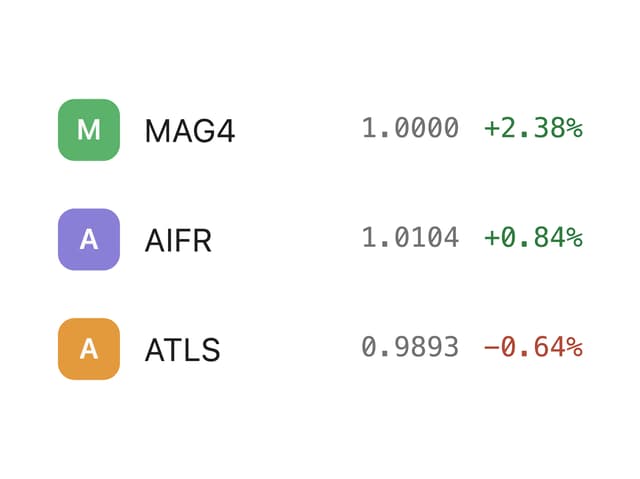
Watchlist Item