
About
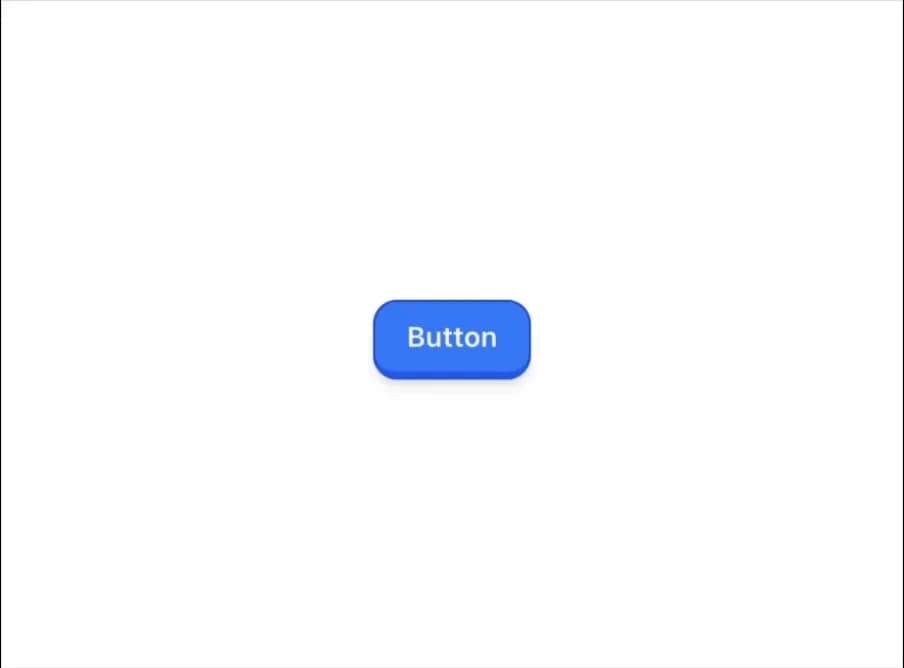
Not all @shadcn apps need to look the same. In @rightfitso platform, we've customised the button and card components into these playful intractable components ✨
Built with React and Tailwind. Copy the prompt and paste it into Claude Code, Cursor or Lovable: your agent adds 3D Button to your project and fits it to your theme.
Code
How 3D Button is used: the demo's code. The component's own source comes with a free account.
Usage.tsx
import Link from "next/link"
import { ChevronRight, Loader2, Mail } from "lucide-react"

import { Button } from "@/components/ui/3d-button"

function ButtonDemo() {
  return <Button>Button</Button>
}

function ButtonSecondary() {
  return <Button variant="secondary">Secondary</Button>
}

function ButtonDestructive() {
  return <Button variant="destructive">Destructive</Button>
}

function ButtonOutline() {
  return <Button variant="outline">Outline</Button>
}

function ButtonGhost() {
  return <Button variant="ghost">Ghost</Button>
}

function ButtonLink() {
  return <Button variant="link">Link</Button>
}

function ButtonIcon() {
  return (
    <Button variant="outline" size="icon">
      <ChevronRight className="h-4 w-4" />
    </Button>
  )
}

function ButtonWithIcon() {
  return (
    <Button>
      <Mail className="mr-2 h-4 w-4" /> Login with Email
    </Button>
  )
}

function ButtonLoading() {
  return (
    <Button disabled>
      <Loader2 className="mr-2 h-4 w-4 animate-spin" />
      Please wait
    </Button>
  )
}

function ButtonAsChild() {
  return (
    <Button asChild>
      <Link href="/login">Login</Link>
    </Button>
  )
}

export default {
  ButtonDemo,
  ButtonSecondary,
  ButtonDestructive,
  ButtonOutline,
  ButtonGhost,
  ButtonLink,
  ButtonIcon,
  ButtonWithIcon,
  ButtonLoading,
  ButtonAsChild,
}
Dependencies
More in Buttons
View all
Button Save
46

Button
20

Eclipse Button
5

Button
32

Button
6

Button
14

Button Group
37
Split Button
32

