
About
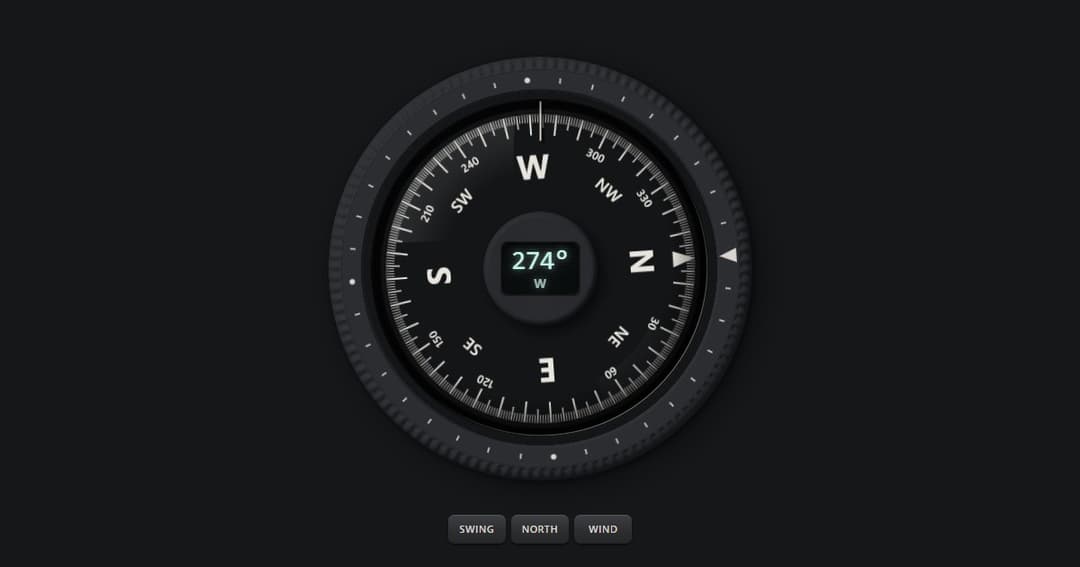
A liquid-damped compass. The card swings past the mark and settles while a lit display reads the bearing, and your hand turns the knurled bezel one degree a click. A real slider for screen readers (0 to 359, spoken as "274 degrees, west"), with arrow, Shift and Page keys. MIT. More like it: tactileui.dev
Built with React and Tailwind. Copy the prompt and paste it into Claude Code, Cursor or Lovable: your agent adds Compass to your project and fits it to your theme.
Code
How Compass is used: the demo's code. The component's own source comes with a free account.
Usage.tsx
"use client";

import { useEffect, useState } from "react";
import { CompassDial } from "@/components/ui/compass";

const key = { minHeight: 44, padding: "10px 18px", borderRadius: 10, border: "1px solid currentColor", background: "transparent", color: "inherit", font: "600 15px system-ui, sans-serif", cursor: "pointer" } as const;

export default function CompassDemo() {
  const [bearing, setBearing] = useState(0);
  // Swing round to a bearing a moment after it loads, so the card is seen overshooting and settling.
  useEffect(() => {
    const t = setTimeout(() => setBearing(274), 500);
    return () => clearTimeout(t);
  }, []);
  return (
    <div style={{ width: "100%", minHeight: "100vh", boxSizing: "border-box", display: "flex", flexDirection: "column", alignItems: "center", justifyContent: "center", gap: 28, padding: 32 }}>
      <CompassDial value={bearing} onChange={setBearing} size={340} />
      <div style={{ display: "flex", gap: 12 }}>
        <button type="button" style={key} onClick={() => setBearing((b) => (b + 150 + Math.round(Math.random() * 60)) % 360)}>Swing</button>
        <button type="button" style={key} onClick={() => setBearing(0)}>North</button>
      </div>
    </div>
  );
}
More by Ciprian Titire
View all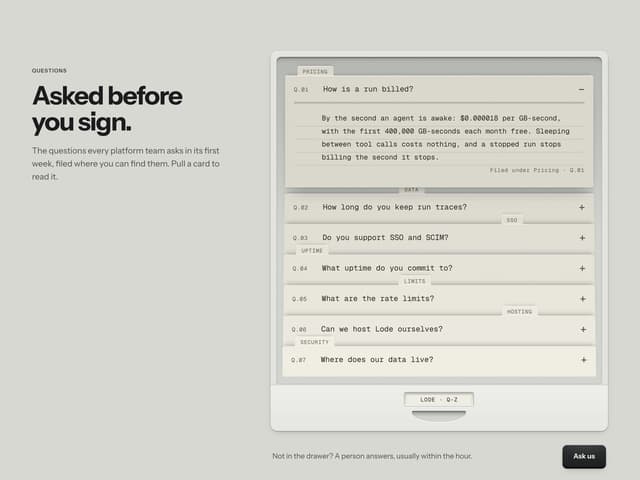
FAQ Drawer
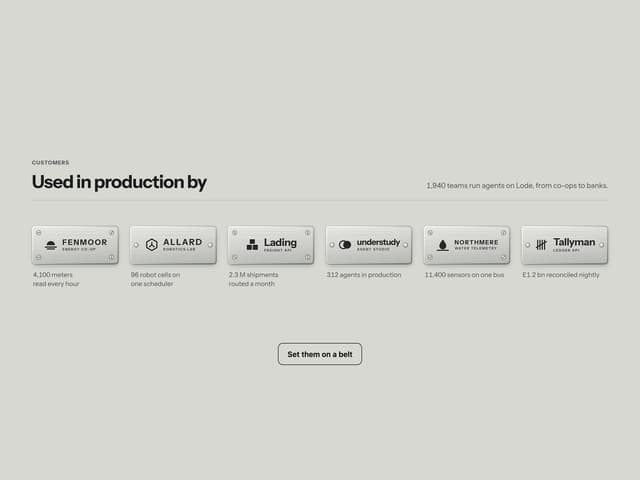
Engraved Client Plates

Pull Cord Lamp
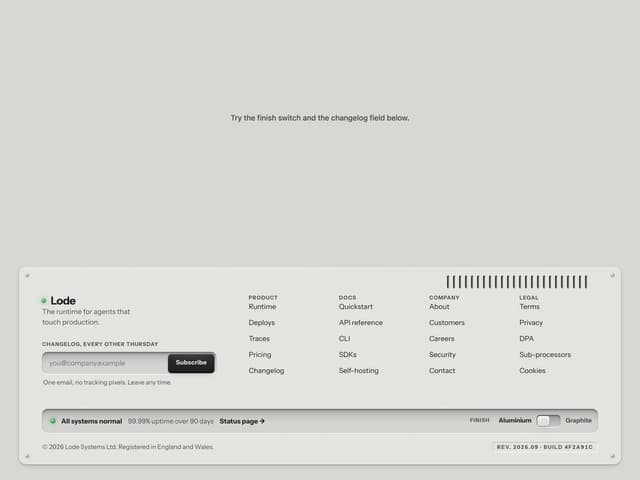
Machined Footer
Mechanical Odometer