
About
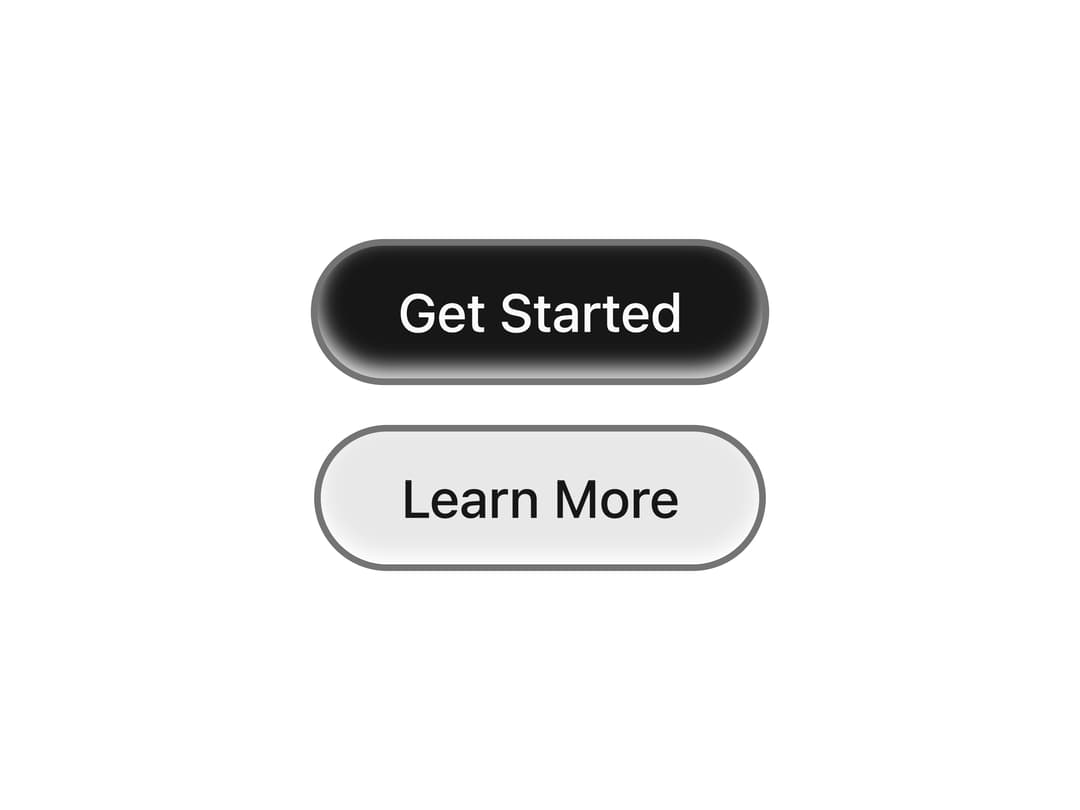
Pill-shaped swipe-effect buttons with inset shadow and ring — primary filled and secondary tinted variants
Built with React and Tailwind. Copy the prompt and paste it into Claude Code, Cursor or Lovable: your agent adds Swipe Button to your project and fits it to your theme.
Code
How Swipe Button is used: the demo's code. The component's own source comes with a free account.
Usage.tsx
import { PrimarySwipeButton, SecondarySwipeButton } from "@/components/ui/swipe-button"

export default function SwipeButtonDemo() {
  return (
    <div className="flex min-h-[200px] flex-col items-center justify-center gap-4 bg-background p-8">
      <PrimarySwipeButton>Get Started</PrimarySwipeButton>
      <SecondarySwipeButton>Learn More</SecondarySwipeButton>
    </div>
  )
}
Dependencies
More in Buttons
View all
Button Save
46

Button
20

Eclipse Button
5

Button
6

Button
14

Button Group
37

Button
32
Split Button
32

