
About
Here is Set of Animations
Built with React and Tailwind. Copy the prompt and paste it into Claude Code, Cursor or Lovable: your agent adds Set of Animations 4 to your project and fits it to your theme.
Code
How Set of Animations 4 is used: the demo's code. The component's own source comes with a free account.
Usage.tsx
'use client';

import { CanvasAnimation } from '@/components/ui/set-of-animations-4';

const animations = [
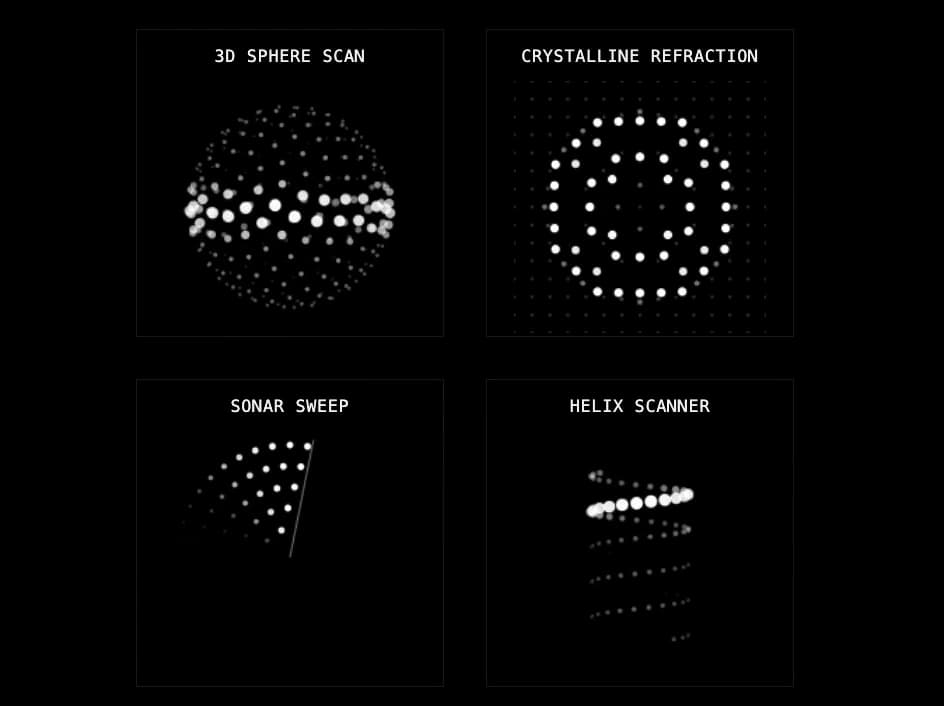
  { id: 'sphere-scan', title: '3D Sphere Scan' },
  { id: 'crystalline-refraction', title: 'Crystalline Refraction' },
  { id: 'sonar-sweep', title: 'Sonar Sweep' },
  { id: 'helix-scanner', title: 'Helix Scanner' },
  { id: 'interconnecting-waves', title: 'Interconnecting Waves' },
  { id: 'cylindrical-analysis', title: 'Cylindrical Analysis' },
  { id: 'voxel-matrix-morph', title: 'Voxel Matrix Morph' },
  { id: 'phased-array-emitter', title: 'Phased Array Emitter' },
  { id: 'crystalline-cube-refraction', title: 'Crystalline Cube Refraction' },
] as const;


const CanvasAnimationsDemo = () => {
  return (
    <div className="flex min-h-screen w-full flex-col items-center justify-center p-5">
      <h1 className="mb-[30px] text-center text-2xl tracking-[1px]">
        ADVANCED ANIMATIONS
      </h1>
      <div className="mx-auto grid max-w-[1000px] grid-cols-1 gap-[30px] sm:grid-cols-2 lg:grid-cols-3">
        {animations.map((anim) => (
          <CanvasAnimation key={anim.id} title={anim.title} animationId={anim.id} />
        ))}
      </div>
    </div>
  );
};

export default CanvasAnimationsDemo;More by filipz
View all

Circle Animations Collection 3
184
Explorations with GSAP and Scroll Trigger
109
Circle Animations Collection
70
Menu Animations
57