
About
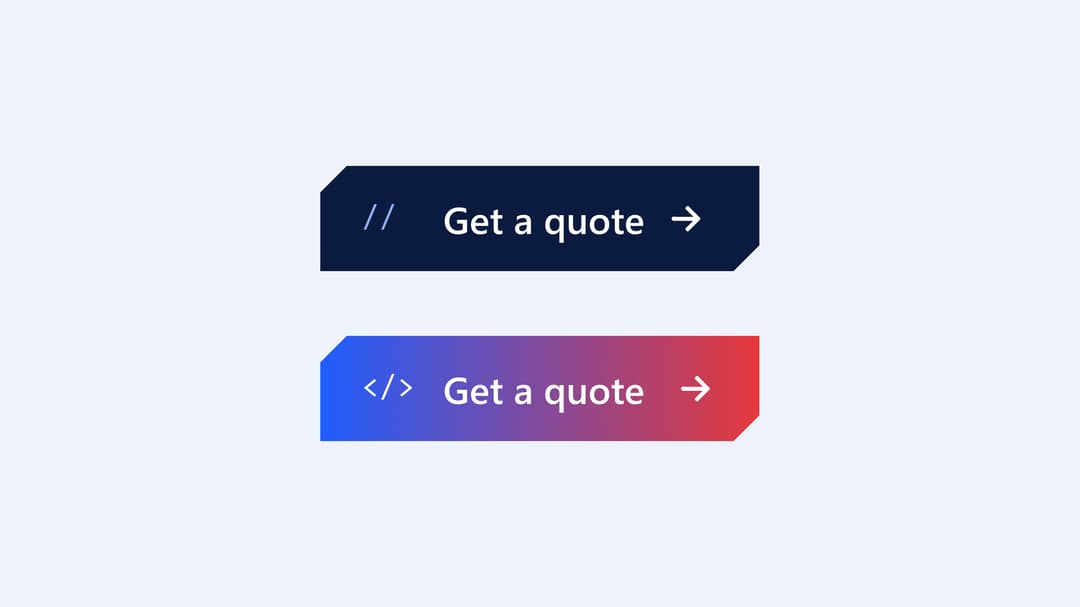
Cut-corner shadcn CTA: a theme-tinted sweep on hover, // morphs into </>, the arrow nudges. Sizes, custom tags and icon, link mode, light and dark.
Built with React and Tailwind. Copy the prompt and paste it into Claude Code, Cursor or Lovable: your agent adds Code Comment Button to your project and fits it to your theme.
Code
How Code Comment Button is used: the demo's code. The component's own source comes with a free account.
Usage.tsx
import { CodeCommentButton } from "@/components/ui/code-comment-button";

const actions = [
  { size: "sm", label: "Copy snippet" },
  { size: "md", label: "Get started" },
  { size: "lg", label: "Deploy now" },
] as const;

export default function CodeCommentButtonDemo() {
  return (
    <div className="flex min-h-[320px] w-full flex-col items-center justify-center gap-8 bg-background p-8">
      <div className="flex flex-wrap items-center justify-center gap-4">
        {actions.map((a) => (
          <CodeCommentButton key={a.label} size={a.size}>
            {a.label}
          </CodeCommentButton>
        ))}
      </div>
      <div className="flex flex-wrap items-center justify-center gap-4">
        <CodeCommentButton href="#docs" tag="#" hoverTag="$">
          Read the docs
        </CodeCommentButton>
        <CodeCommentButton tag="/*" hoverTag="*/" icon={null}>
          No icon
        </CodeCommentButton>
      </div>
    </div>
  );
}More in Buttons
View all
Button Save
46

Button
20

Eclipse Button
5

Button
6

Button
14

Button Group
37

Button
32
Split Button
32

