
About
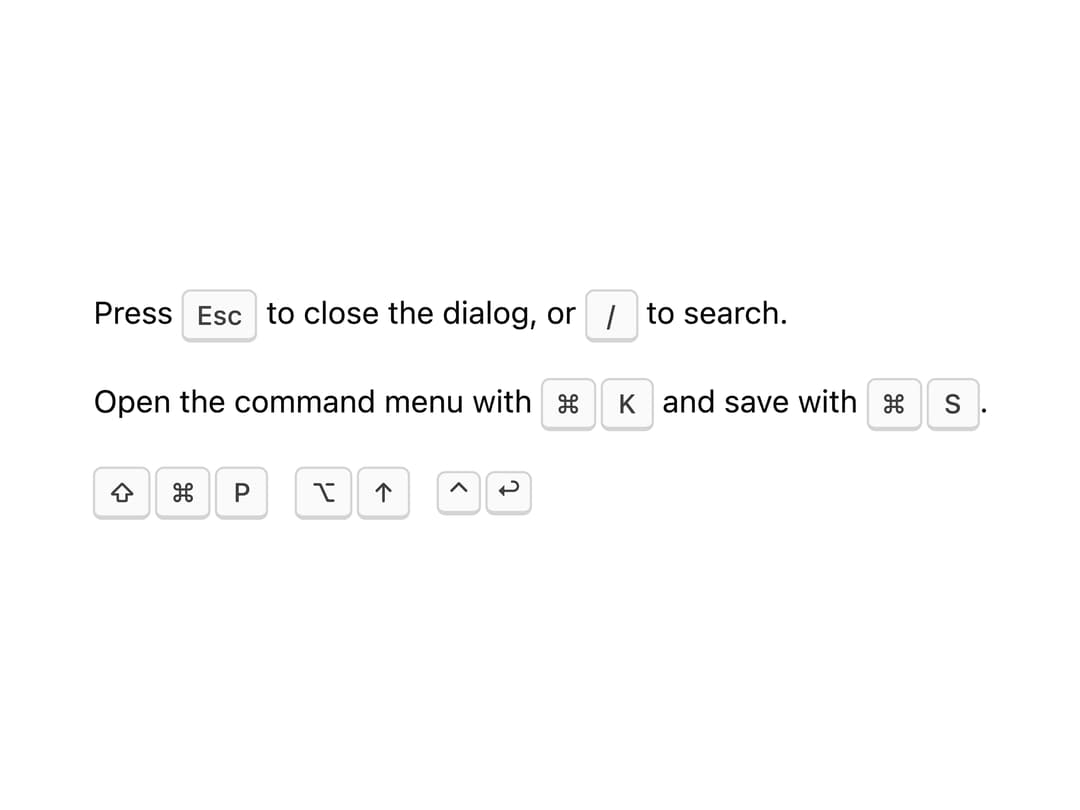
A styled keyboard key or keyboard-shortcut indicator, e.g. in a menu, tooltip or help text, that renders a shortcut string like "mod+k" as platform-correct key caps (⌘K on Mac, Ctrl+K elsewhere).
Built with React and Tailwind. Copy the prompt and paste it into Claude Code, Cursor or Lovable: your agent adds Kbd to your project and fits it to your theme.
Code
How Kbd is used: the demo's code. The component's own source comes with a free account.
Usage.tsx
import Kbd from "@/components/ui/kbd";

export default function Basic() {
  return (
    <div className="space-y-4 text-sm">
      <p>
        Press <Kbd>Esc</Kbd> to close the dialog, or <Kbd>/</Kbd> to search.
      </p>
      <p>
        Open the command menu with <Kbd shortcut="mod+k" /> and save with{" "}
        <Kbd shortcut="mod+s" />.
      </p>
      <p className="flex flex-wrap items-center gap-3">
        <Kbd shortcut="mod+shift+p" />
        <Kbd shortcut="alt+arrowup" />
        <Kbd shortcut="ctrl+enter" size="sm" />
      </p>
    </div>
  );
}