
About
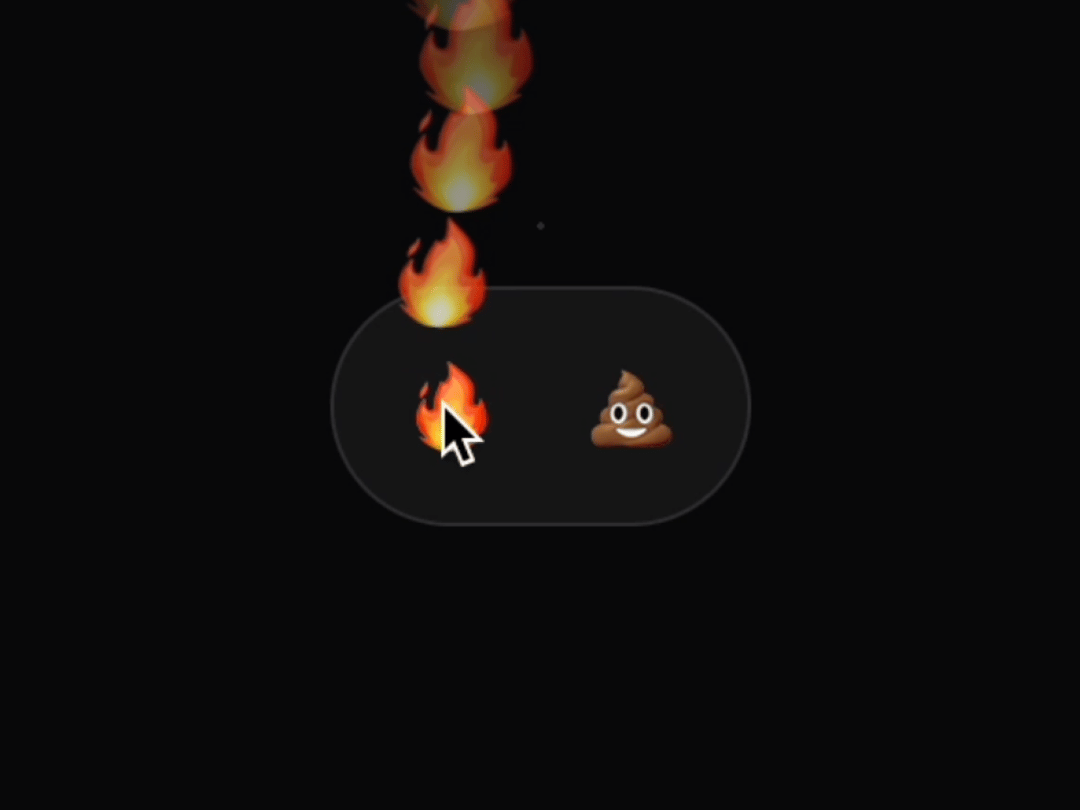
Reaction component for making a stunning reaction. Easily.
Built with React and Tailwind. Copy the prompt and paste it into Claude Code, Cursor or Lovable: your agent adds Reaction to your project and fits it to your theme.
Code
How Reaction is used: the demo's code. The component's own source comes with a free account.
Usage.tsx
import { Reaction } from "@/components/ui/reaction"

export const Demo: React.FC = () => {
  return (
    <section className="grid place-items-center absolute inset-4">
      <div className="flex p-2 bg-white/5 rounded-full w-fit ring-inset ring-1 ring-white/10">
        {["🔥", "💩"].map((symbol) => (
          <Reaction
            key={symbol} // do not use same symbol for multiple reactions
            className="grid place-items-center w-12 aspect-square rounded-full text-2xl select-none relative"
            {...{ symbol }}
          />
        ))}
      </div>
    </section>
  );
};
Dependencies
More in Buttons
View all
Button Save
46

Button
20

Eclipse Button
5

Button
32

Button
6

Button
14

Button Group
37
Split Button
32

