
About
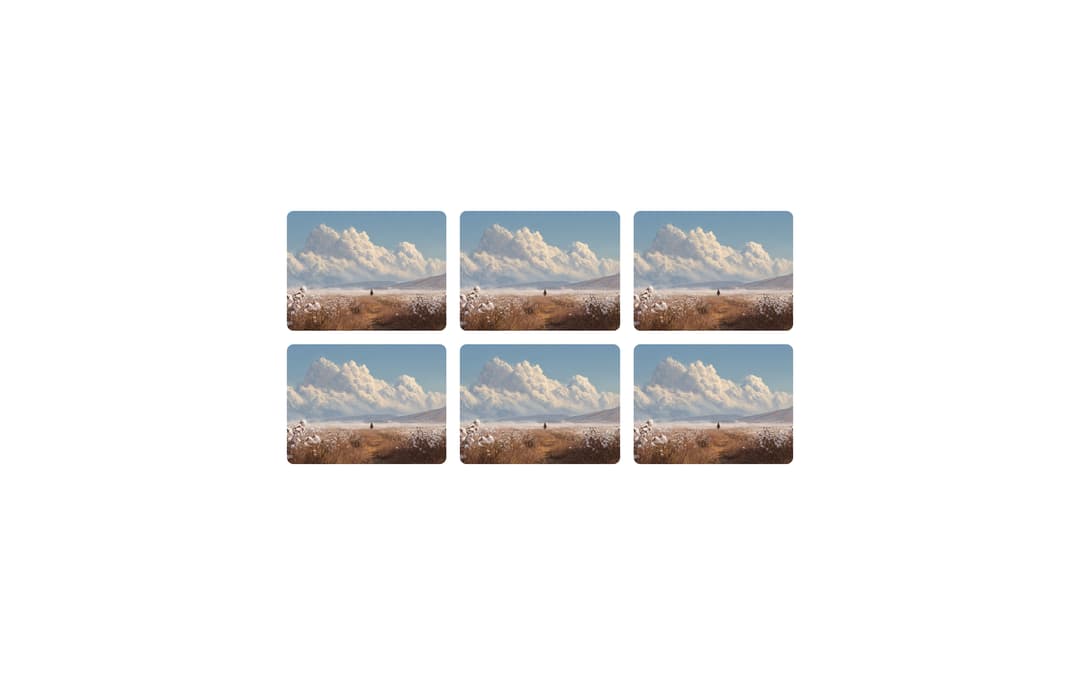
Maintains a fixed width-to-height ratio for its children, regardless of screen size, from Meta's Astryx design system. Use it for media containers like videos, images, thumbnails, or any content that needs consistent proportions. Supports rectangle and ellipse shapes.
Built with React and Tailwind. Copy the prompt and paste it into Claude Code, Cursor or Lovable: your agent adds Astryx Aspect Ratio to your project and fits it to your theme.
Code
How Astryx Aspect Ratio is used: the demo's code. The component's own source comes with a free account.
Usage.tsx
'use client';

import AspectRatio from '@/components/ui/astryx-aspect-ratio';
import {Theme} from '@astryxdesign/core/theme';
import {neutralTheme} from '@astryxdesign/theme-neutral/built';
import {Center} from '@astryxdesign/core/Center';
import {Grid} from '@astryxdesign/core/Grid';

const images = [
  {id: 1, alt: 'Mountain landscape'},
  {id: 2, alt: 'Ocean sunset'},
  {id: 3, alt: 'Forest trail'},
  {id: 4, alt: 'City skyline'},
  {id: 5, alt: 'Desert dunes'},
  {id: 6, alt: 'Snowy peaks'},
];

export default function AspectRatioImageGallery() {
  // Anchor a definite width so the grid renders in shrink-to-fit contexts
  // (e.g. the docsite example preview, which wraps blocks in a
  // `min-width: fit-content` container). Without a fixed-width ancestor,
  // the `width="100%"` grid collapses to zero — AspectRatio positions its
  // child absolutely, so it has no intrinsic width to size the grid from.
  return (
    <Theme theme={neutralTheme}>
      <div
        style={{
          minHeight: '100dvh',
          display: 'grid',
          placeItems: 'center',
          padding: 24,
        }}>
        <Center width={600}>
          <Grid columns={3} gap={4} width="100%">
            {images.map(({id, alt}) => (
              <AspectRatio key={id} ratio={4 / 3}>
                <img
                  src="https://cdn.21st.dev/assets/mirror/a3/a3f38b29799899b3017fe3bb0ad962187c5e1038181a9c708c7e8018d20b73bf.png"
                  alt={alt}
                  style={{
                    width: '100%',
                    height: '100%',
                    objectFit: 'cover',
                    borderRadius: 8,
                  }}
                />
              </AspectRatio>
            ))}
          </Grid>
        </Center>
      </div>
    </Theme>
  );
}
Dependencies
More by Meta
View all

Astryx Banner
54
Astryx Avatar
26
Astryx Button Group
22
Astryx Badge
22
Astryx Toggle Button
15
Astryx Avatar Group
7
Astryx Button
4
Astryx Blockquote
3
More in Galleries
View all
Thumbnail image viewer
43

Animated Gallery
1.4K

File Upload
18
Editorial Collage Hero
431
3D Parallax Unfurling Gallery
981

Image Gallery
123

Elastic Gallery
908

Tilted Grid Hero
1.5K

