
About
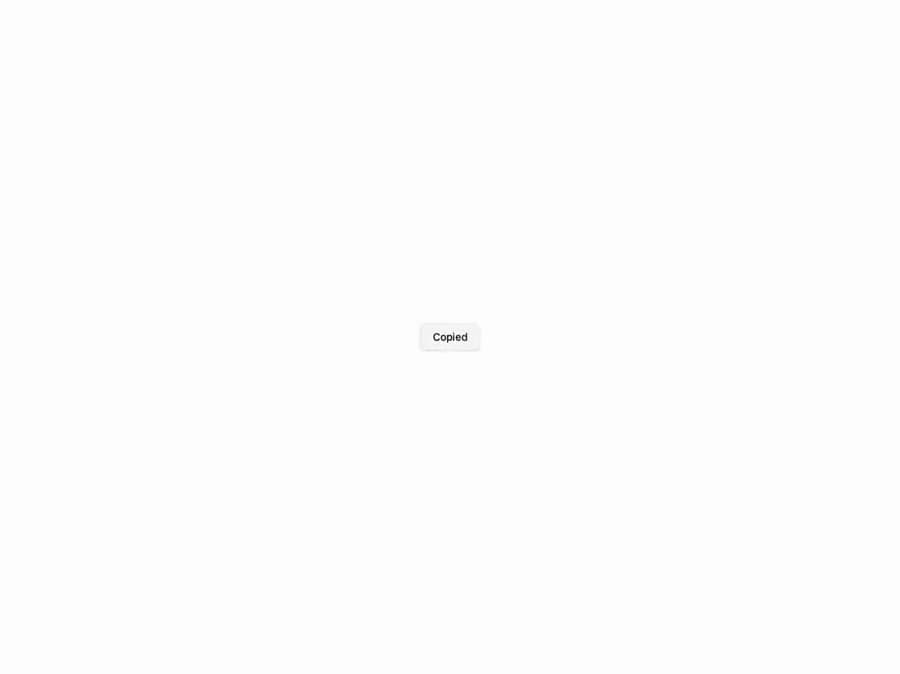
Dependency-free text-roll animation for tiny, tactile UI labels. Each character sits in its own clipped cell and slides to its new glyph with a springy overshoot — the new glyph enters from one side while the old slides out the other, chasing it by a stagger step. Pure CSS transforms, GPU-composited. Thin React wrapper over the slot-text package (npm i slot-text); supports direction, stagger, bounce and a chromatic color sweep.
Built with React and Tailwind. Copy the prompt and paste it into Claude Code, Cursor or Lovable: your agent adds Slot Text to your project and fits it to your theme.
Code
How Slot Text is used: the demo's code. The component's own source comes with a free account.
Usage.tsx
"use client"

import { useState } from "react"

import { SlotText } from "@/components/ui/slot-text"

export default function SlotTextCopyButton() {
  const [copied, setCopied] = useState(false)

  return (
    <div className="flex min-h-[220px] w-full items-center justify-center">
      <button
        type="button"
        onClick={() => {
          setCopied(true)
          setTimeout(() => setCopied(false), 1400)
        }}
        className="inline-flex h-9 items-center justify-center rounded-md border border-border bg-background px-4 text-sm font-medium shadow-sm transition-colors hover:bg-accent hover:text-accent-foreground"
      >
        <SlotText text={copied ? "Copied" : "Copy"} />
      </button>
    </div>
  )
}
Dependencies
More in Buttons
View all

Button
14
Button
34
Texture Button
92
Button Save
46

Button
64

Button Group
3

App Store Button
454

Notification Button
103

