
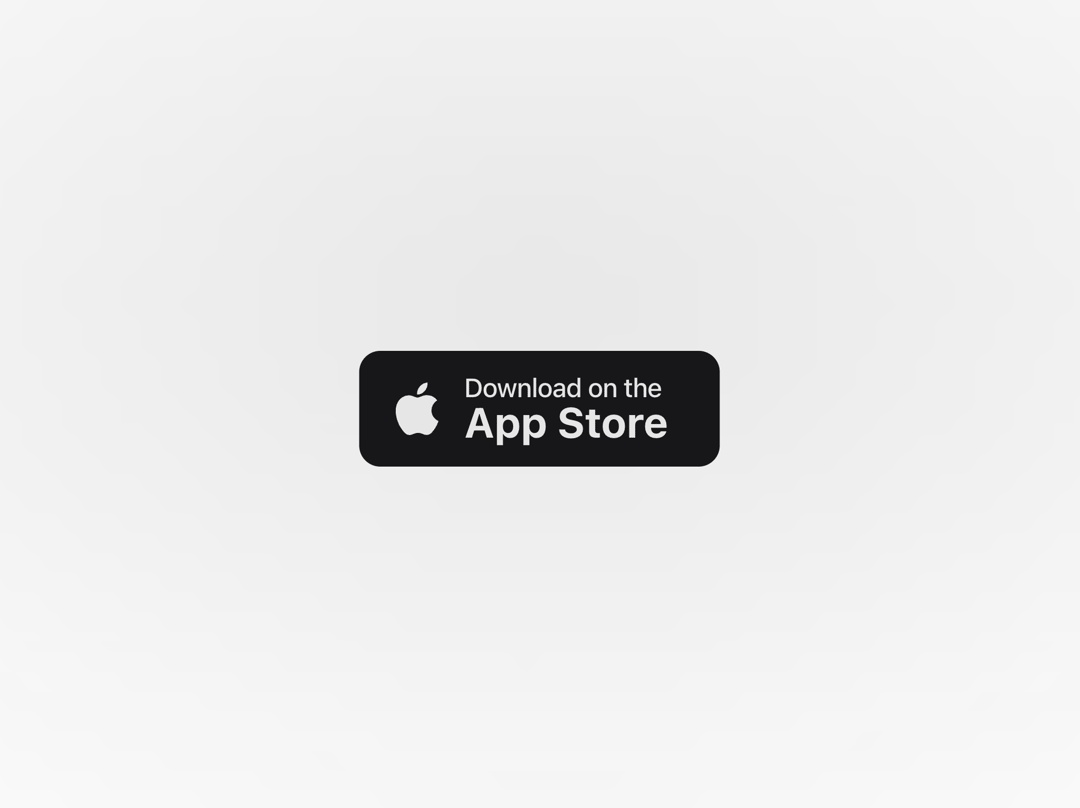
About
The App Store Button follows Apple’s familiar download style, featuring a clean Apple logo, compact typography, and balanced layout. It’s ideal for product sites, landing pages, or apps where you want a native and trustworthy look that users instantly recognize.
Built with React and Tailwind. Copy the prompt and paste it into Claude Code, Cursor or Lovable: your agent adds App Store Button to your project and fits it to your theme.
Code
How App Store Button is used: the demo's code. The component's own source comes with a free account.
Usage.tsx
import { AppStoreButton } from "@/components/ui/app-store-button";
import { cn } from "@/lib/utils";

export default function AppStoreButtonDemo() {
  return (
    <div className="relative flex min-h-screen w-full flex-col items-center justify-center">
      <a href="#">
        <AppStoreButton />
      </a>

      <div
        aria-hidden="true"
        className={cn(
          "pointer-events-none absolute -top-10 left-1/2 size-full -translate-x-1/2 rounded-full",
          "bg-[radial-gradient(ellipse_at_center,--theme(--color-foreground/.1),transparent_50%)]",
          "blur-[30px]"
        )}
      />
    </div>
  );
}
More by Efferd
View all

Testimonials Columns
7.1K
Zoom Parallax
5.2K
Dotted Surface
3.5K
Footer Section
2.7K
Grid Feature Cards
1.9K
Logo Cloud 2
1.6K
Header 3
1.6K
Logo Cloud 3
1.5K
More in Buttons
View all

Button
14
Button
34
Texture Button
92
Button Save
46

Button
64

Button Group
3

Notification Button
103
Native Button
12


