
About
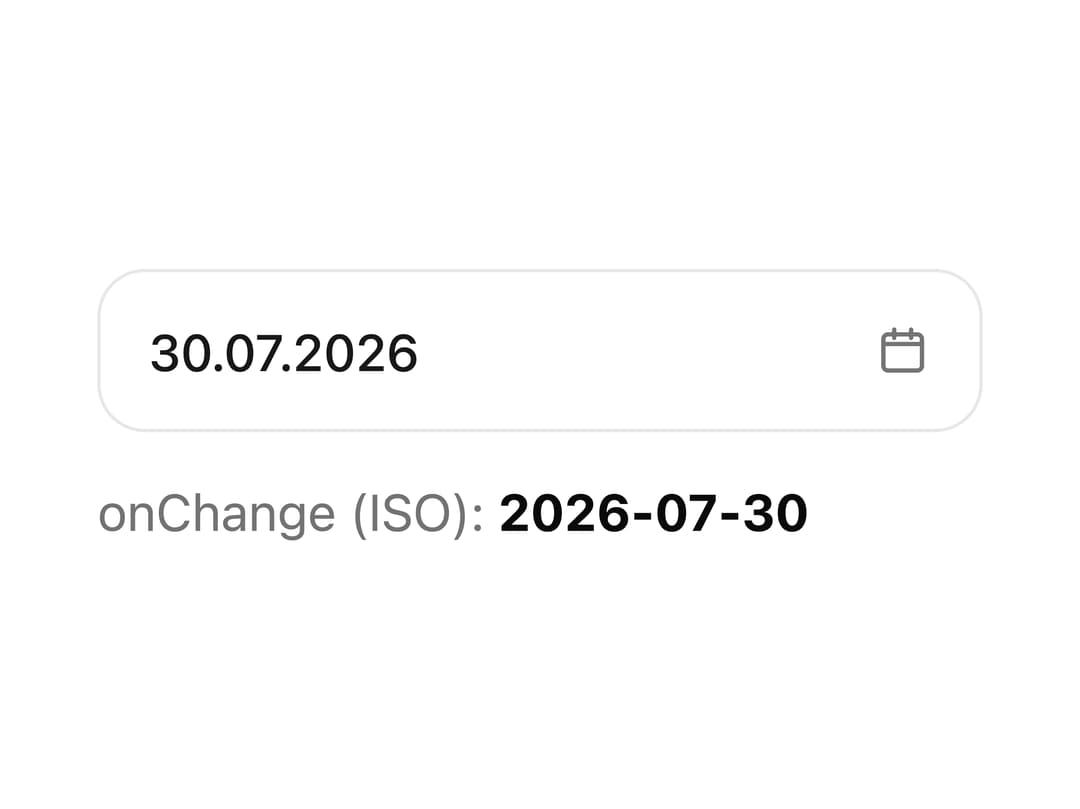
A date field with a trigger button and a dropdown month calendar for picking a single day, with full keyboard navigation and no third-party date library.
Built with React and Tailwind. Copy the prompt and paste it into Claude Code, Cursor or Lovable: your agent adds Date Picker to your project and fits it to your theme.
Code
How Date Picker is used: the demo's code. The component's own source comes with a free account.
Usage.tsx
"use client";

import DatePicker from "@/components/ui/date-picker";
import { useState } from "react";

export default function DatePickerDemo() {
  const [date, setDate] = useState("2026-07-30");

  return (
    <div style={{ width: 260 }}>
      <DatePicker value={date} onChange={setDate} />
      <div
        className="text-muted-foreground"
        style={{ marginTop: 12, fontSize: 15 }}
      >
        onChange (ISO): <b className="text-foreground">{date}</b>
      </div>
    </div>
  );
}
More by alexander-rukin
View all
Input
More in Forms
View all

Premium Auth
494

Login 1
52
Authentication Card
44

Login 2
7

Form
31

Login Card
32

Card Studio
41

Form
136
