
About
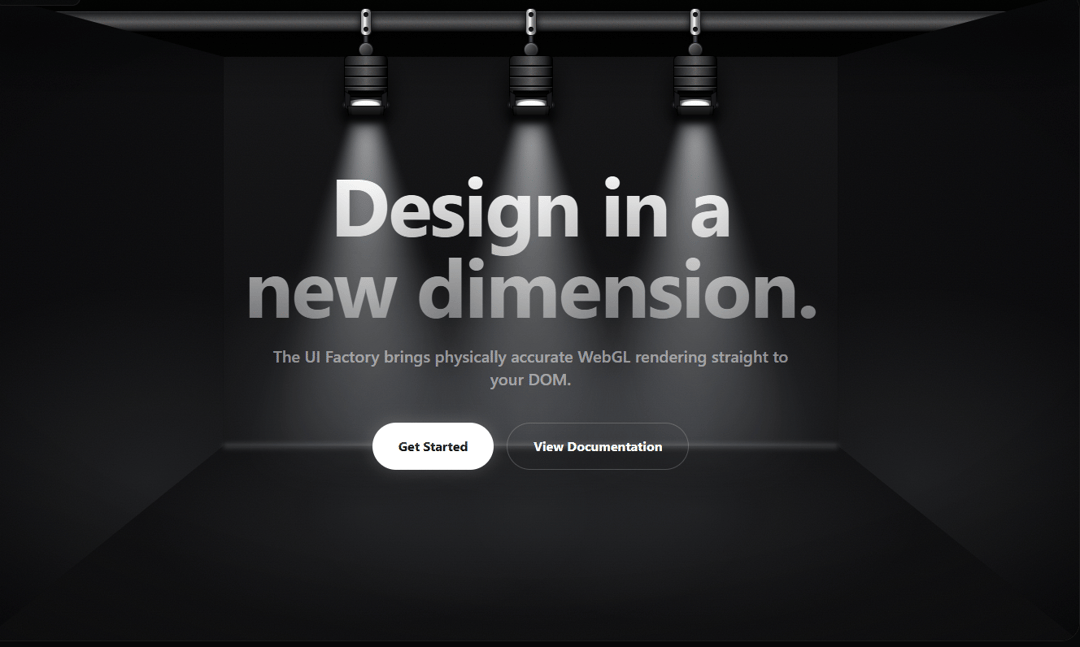
A stunning 3D WebGL studio environment with physically accurate spotlights. Part of The UI Factory.
Built with React and Tailwind. Copy the prompt and paste it into Claude Code, Cursor or Lovable: your agent adds Volumetric Studio to your project and fits it to your theme.
Code
How Volumetric Studio is used: the demo's code. The component's own source comes with a free account.
Usage.tsx
import React from "react";
import { motion } from "framer-motion";
// Recuerda asegurarte de que esta ruta apunte al nombre que le diste a tu componente:
import { VolumetricStudio } from "@/components/ui/volumetric-studio";

export default function VolumetricStudioDemo() {
  return (
    <main className="w-full h-[600px] sm:h-[800px] relative bg-black overflow-hidden font-sans rounded-3xl border border-white/10 shadow-2xl">
      <VolumetricStudio>
        {/* DUAL DIMENSION HERO UI */}
        <div className="flex flex-col items-center justify-center w-full h-full text-center px-4 relative z-10 pointer-events-none">

          {/* Title */}
          <motion.h1
            initial={{ opacity: 0, y: 30 }}
            animate={{ opacity: 1, y: 0 }}
            transition={{ delay: 1.7, duration: 1.2, ease: [0.16, 1, 0.3, 1] }}
            className="text-5xl md:text-7xl lg:text-[100px] leading-none mb-6 font-bold tracking-tight text-transparent bg-clip-text bg-linear-to-b from-white to-white/40 drop-shadow-2xl"
          >
            Design in a<br />new dimension.
          </motion.h1>

          {/* Subtitle */}
          <motion.p
            initial={{ opacity: 0, y: 20 }}
            animate={{ opacity: 1, y: 0 }}
            transition={{ delay: 1.9, duration: 1.2, ease: [0.16, 1, 0.3, 1] }}
            className="text-lg md:text-xl max-w-2xl mb-10 text-white/50 font-medium"
          >
            The UI Factory brings physically accurate WebGL rendering straight to your DOM.
          </motion.p>

          {/* CTAs */}
          <motion.div
            initial={{ opacity: 0, y: 20 }}
            animate={{ opacity: 1, y: 0 }}
            transition={{ delay: 2.1, duration: 1.2, ease: [0.16, 1, 0.3, 1] }}
            className="flex flex-col sm:flex-row gap-4 pointer-events-auto"
          >
            <button className="px-8 py-4 font-bold transition-transform hover:scale-105 active:scale-95 bg-white text-black rounded-full shadow-[0_0_20px_rgba(255,255,255,0.2)]">
              Get Started
            </button>
            <button className="px-8 py-4 font-bold transition-transform hover:scale-105 active:scale-95 bg-transparent text-white border border-white/20 rounded-full hover:bg-white/10">
              View Documentation
            </button>
          </motion.div>
        </div>
      </VolumetricStudio>
    </main>
  );
}
Dependencies
More by Alex Reino
View all

Interactive Folder Gallery
1.2K
Lunar Gravity Card
773
Robot Hero
705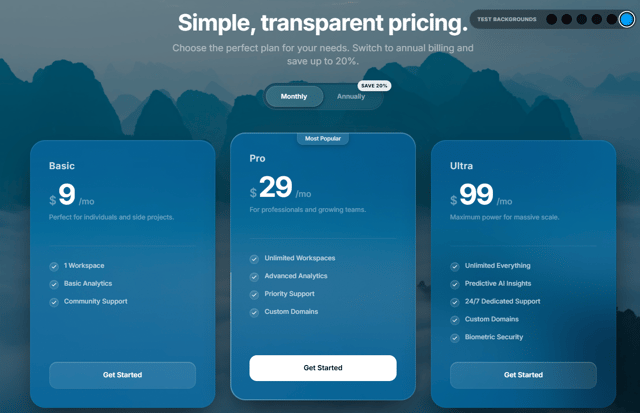
Pricing Glass
211
Interactive Tech Stack Builder
195
magic dust shader
176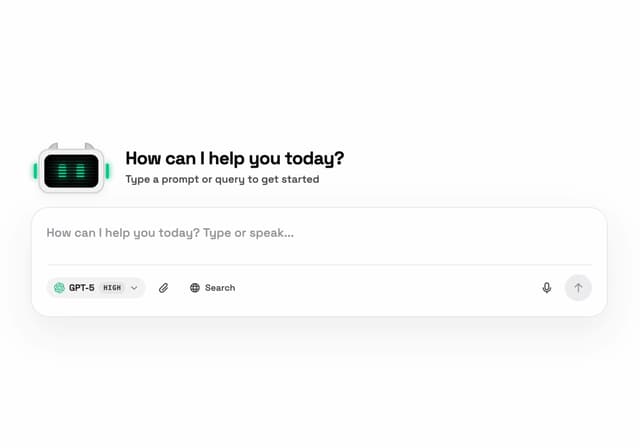
AI Mascot Input
41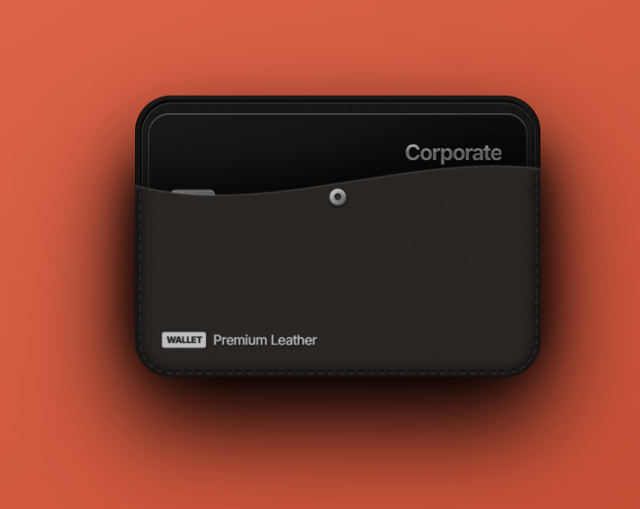
Premium Leather
14
More in Heroes
View all

SaaS Template
2.4K

Responsive Hero Banner
2K

Hero
1.2K
Centered Hero with Image Fan
932
Editorial Collage Hero
431
Glass Fold
212

HeroSectionWithGradient
336

Minimalist Hero Fashion
285
