

About
Interactive AI prompt input featuring an animated retro-CRT mascot that tracks typing length, blinks, and enters thinking mode on submit.
Built with React and Tailwind. Copy the prompt and paste it into Claude Code, Cursor or Lovable: your agent adds AI Mascot Input to your project and fits it to your theme.
Code
How AI Mascot Input is used: the demo's code. The component's own source comes with a free account.
Usage.tsx
"use client";

import React from "react";
import AiMascotInput from "@/components/ui/ai-mascot-input";

export default function Demo() {
  return (
    <>
      <style>{`
        @import url('https://fonts.googleapis.com/css2?family=Space+Grotesk:wght@400;500;600;700&display=swap');
      `}</style>

      <div
        className="w-full min-h-[500px] flex flex-col items-center justify-center p-4 sm:p-8"
        style={{ fontFamily: "'Space Grotesk', sans-serif" }}
      >
        <div className="w-full max-w-3xl mx-auto">
          <AiMascotInput
            title="How can I help you today?"
            subtitle="Type a prompt or query to get started"
            showWelcome={true}
            onSubmit={async (data) => {
              console.log("Demo prompt submitted:", data);
              // Simula el tiempo de respuesta de la IA (3 segundos) para mostrar el robot pensando
              await new Promise((resolve) => setTimeout(resolve, 3000));
            }}
          />
        </div>
      </div>
    </>
  );
}
Dependencies
More by Alex Reino
View all

Interactive Folder Gallery
1.2K
Lunar Gravity Card
773
Robot Hero
705
Volumetric Studio
383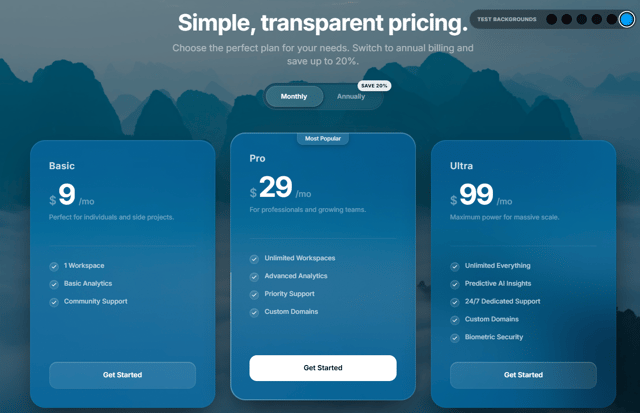
Pricing Glass
211
Interactive Tech Stack Builder
195
magic dust shader
176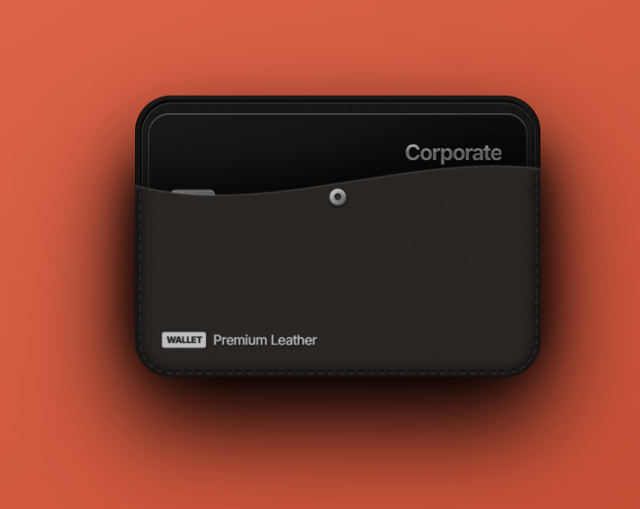
Premium Leather
14
More in AI chats
View all

AI Actions
319
Agent Chat
17

System Message
54
Message Thread
35
Color Picker
81

AI Task List
160

Modal Card
101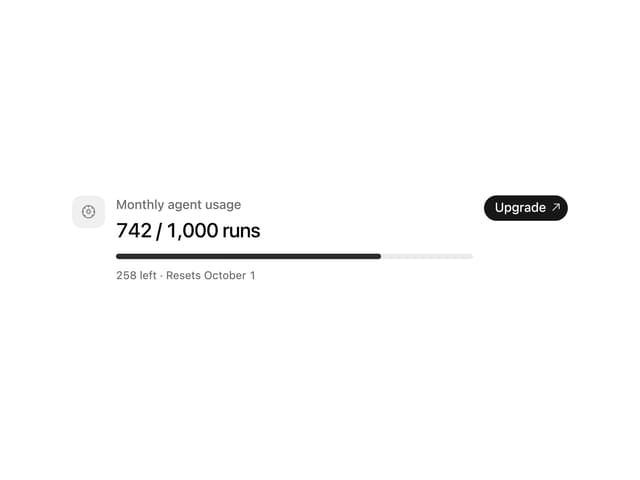
Quota Banner
21


