About
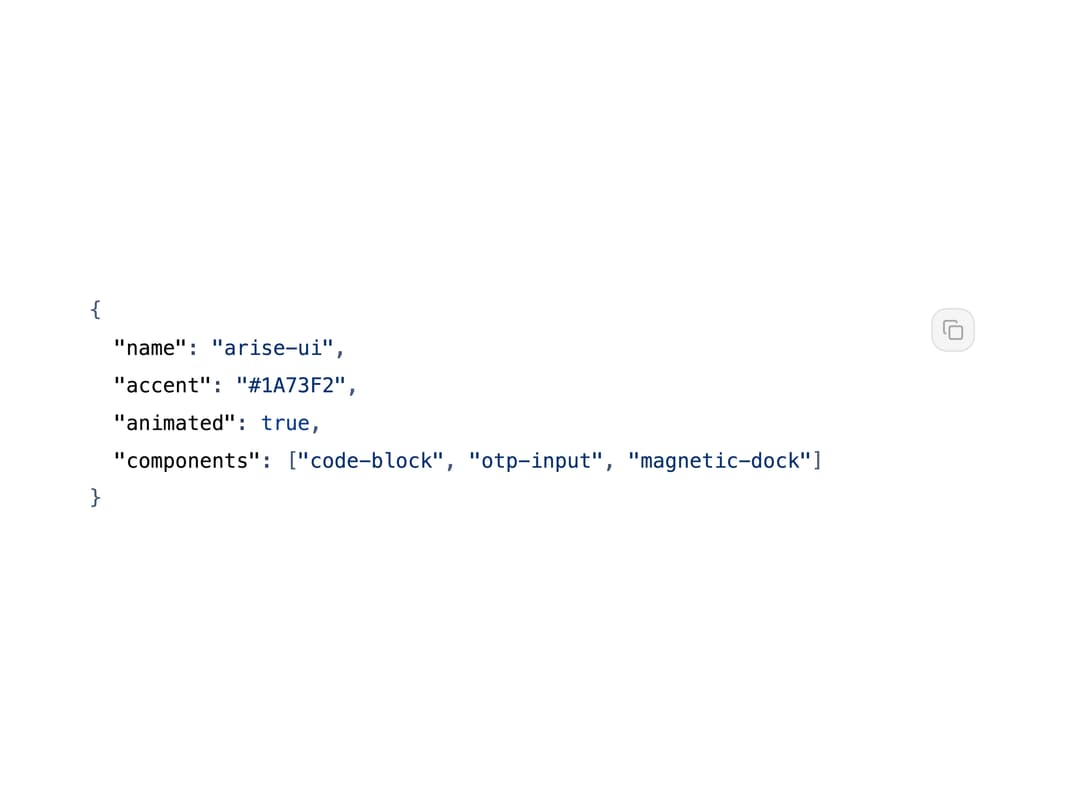
A syntax-highlighted code snippet display with a copy-to-clipboard button, whose entire color theme (background, tokens, gutter) is generated from a single accent hex color.
Built with React and Tailwind. Copy the prompt and paste it into Claude Code, Cursor or Lovable: your agent adds Code Block to your project and fits it to your theme.
Code
How Code Block is used: the demo's code. The component's own source comes with a free account.
Usage.tsx
"use client";

import CodeBlock from "@/components/ui/code-block";

const SAMPLE = `{
  "name": "arise-ui",
  "accent": "#1A73F2",
  "animated": true,
  "components": ["code-block", "otp-input", "magnetic-dock"]
}`;

export default function CodeBlockFramelessDemo() {
  return (
    <div className="flex w-full items-center justify-center p-6">
      <CodeBlock
        code={SAMPLE}
        language="json"
        accent="#1A73F2"
        showFrame={false}
        showLineNumbers={false}
        className="w-full max-w-xl"
      />
    </div>
  );
}
Dependencies
More by amitgajare2
View all

Option Wheel
81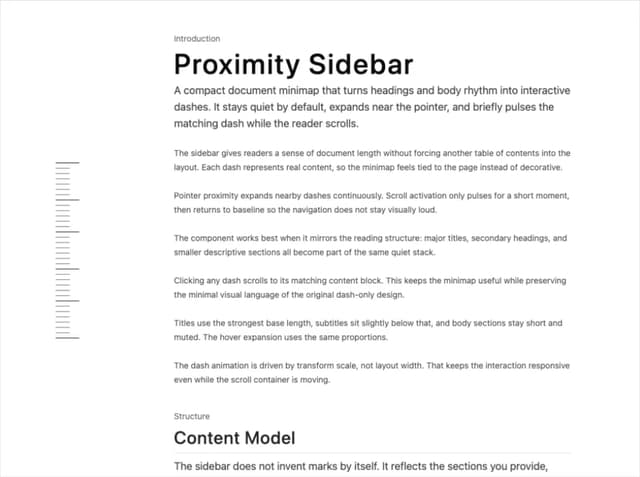
Proximity Sidebar
22