
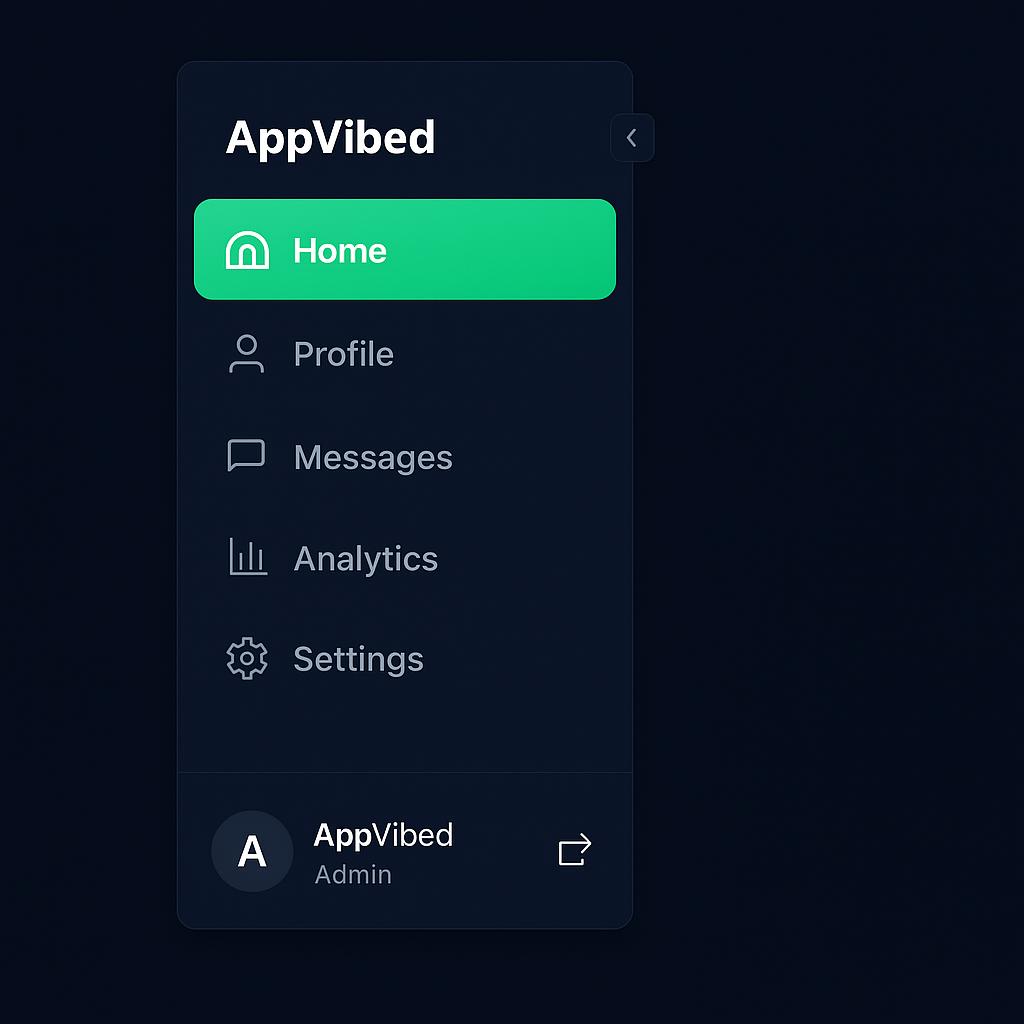
About
A sleek, animated left navigation menu built with React, Framer Motion, and Lucide icons. It includes smooth transitions, a collapsible layout, active state highlighting, and a user footer — perfect for dashboards or modern web apps.
Built with React and Tailwind. Copy the prompt and paste it into Claude Code, Cursor or Lovable: your agent adds Creative Left Nav to your project and fits it to your theme.
Code
How Creative Left Nav is used: the demo's code. The component's own source comes with a free account.
Usage.tsx
"use client";

import * as React from "react";
import { motion, AnimatePresence } from "framer-motion";
import {
  Home,
  User,
  MessageSquare,
  BarChart3,
  Settings,
  ChevronLeft,
  ChevronRight,
  LogOut,
} from "lucide-react";

export default function CreativeLeftNav() {
  const [collapsed, setCollapsed] = React.useState(false);
  const [active, setActive] = React.useState("Home");

  const navItems = [
    { name: "Home", icon: <Home /> },
    { name: "Profile", icon: <User /> },
    { name: "Messages", icon: <MessageSquare /> },
    { name: "Analytics", icon: <BarChart3 /> },
    { name: "Settings", icon: <Settings /> },
  ];

  return (
    <div className="flex h-screen bg-gray-900">
      {/* Sidebar */}
      <motion.aside
        animate={{ width: collapsed ? 80 : 240 }}
        className="relative flex flex-col bg-gray-900 text-white shadow-2xl transition-all duration-300"
      >
        {/* Logo & Collapse Toggle Row */}
        <div
          className={`flex items-center ${
            collapsed ? "justify-center" : "justify-between"
          } px-4 py-5 border-b border-gray-700 relative`}
        >
          {!collapsed && (
            <motion.h1
              animate={{ opacity: collapsed ? 0 : 1, x: collapsed ? -20 : 0 }}
              transition={{ duration: 0.3 }}
              className="text-xl font-bold tracking-wide text-white"
            >
              AppVibed
            </motion.h1>
          )}

          {/* Collapse Toggle */}
          <button
            onClick={() => setCollapsed(!collapsed)}
            className={`p-1 rounded-md hover:bg-gray-800 absolute ${
              collapsed
                ? "-right-4 top-1/2 -translate-y-1/2 bg-gray-800 border border-gray-700"
                : "-right-3 top-1/2 -translate-y-1/2 bg-gray-800 border border-gray-700"
            }`}
          >
            {collapsed ? <ChevronRight size={18} /> : <ChevronLeft size={18} />}
          </button>
        </div>

        {/* Menu Items */}
        <nav className="flex-1 mt-4 space-y-2">
          {navItems.map((item) => {
            const isActive = active === item.name;
            return (
              <motion.button
                key={item.name}
                whileHover={{ scale: 1.03 }}
                whileTap={{ scale: 0.98 }}
                onClick={() => setActive(item.name)}
                className={`flex items-center w-full px-4 py-3 text-left rounded-xl transition-all ${
                  isActive
                    ? "bg-gradient-to-r from-green-500 to-emerald-400 text-white"
                    : "text-gray-400 hover:bg-gray-800 hover:text-white"
                } ${collapsed ? "justify-center px-0" : ""}`}
              >
                <span className={`${collapsed ? "mr-0" : "mr-3"}`}>
                  {item.icon}
                </span>
                <AnimatePresence>
                  {!collapsed && (
                    <motion.span
                      initial={{ opacity: 0, x: -10 }}
                      animate={{ opacity: 1, x: 0 }}
                      exit={{ opacity: 0, x: -10 }}
                      className="font-medium"
                    >
                      {item.name}
                    </motion.span>
                  )}
                </AnimatePresence>
              </motion.button>
            );
          })}
        </nav>

        {/* Footer Section */}
        <div
          className={`border-t border-gray-700 p-4 flex ${
            collapsed ? "flex-col items-center" : "items-center justify-between"
          }`}
        >
          <AnimatePresence>
            {!collapsed && (
              <motion.div
                initial={{ opacity: 0 }}
                animate={{ opacity: 1 }}
                className="flex items-center space-x-3"
              >
                <div className="w-9 h-9 bg-gray-700 rounded-full flex items-center justify-center text-sm font-bold">
                  A
                </div>
                <div>
                  <p className="text-sm font-semibold">AppVibed</p>
                  <p className="text-xs text-gray-400">Admin</p>
                </div>
              </motion.div>
            )}
          </AnimatePresence>

          <button
            className={`p-2 rounded-md text-gray-400 hover:text-red-400 hover:bg-gray-800 ${
              collapsed ? "mt-2" : ""
            }`}
          >
            <LogOut size={20} />
          </button>
        </div>
      </motion.aside>
    </div>
  );
}
More by Masdouk Adelakoun
View all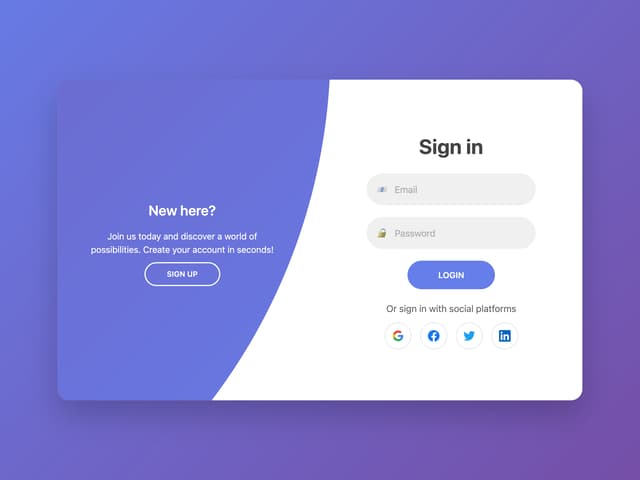
Auth Switch
1.4K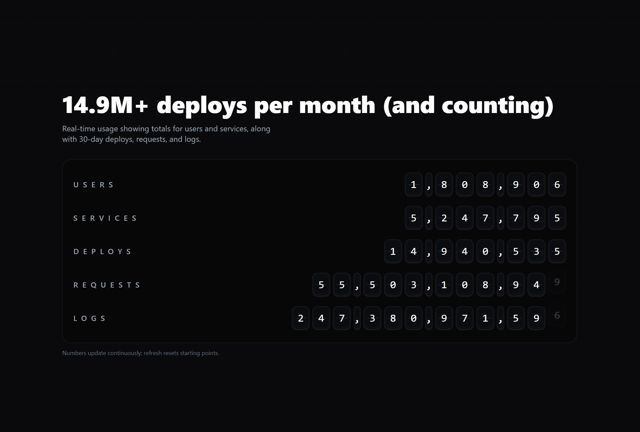
Split-Flap Metrics Board
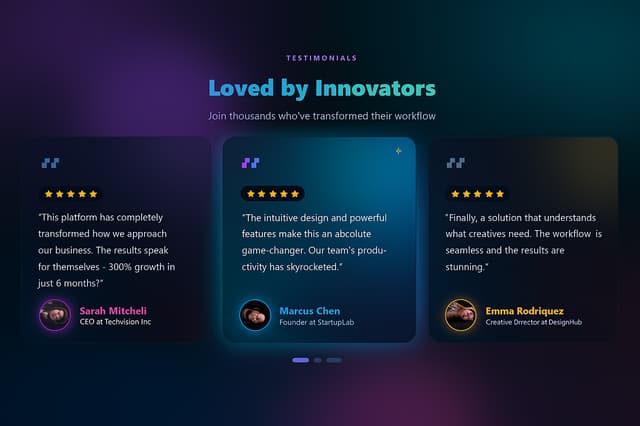
Animated Testimonial

Shopify 3D Globe
Why AppVibed
More in Navigation
View all

Sidebar
235
Navbar with Theme Toggle
43

Tabs
60

Sidebar
340
Numberless Pagination with Text
11
Oversized 404 Numeral
50
Pagination
43

Pagination
86

