
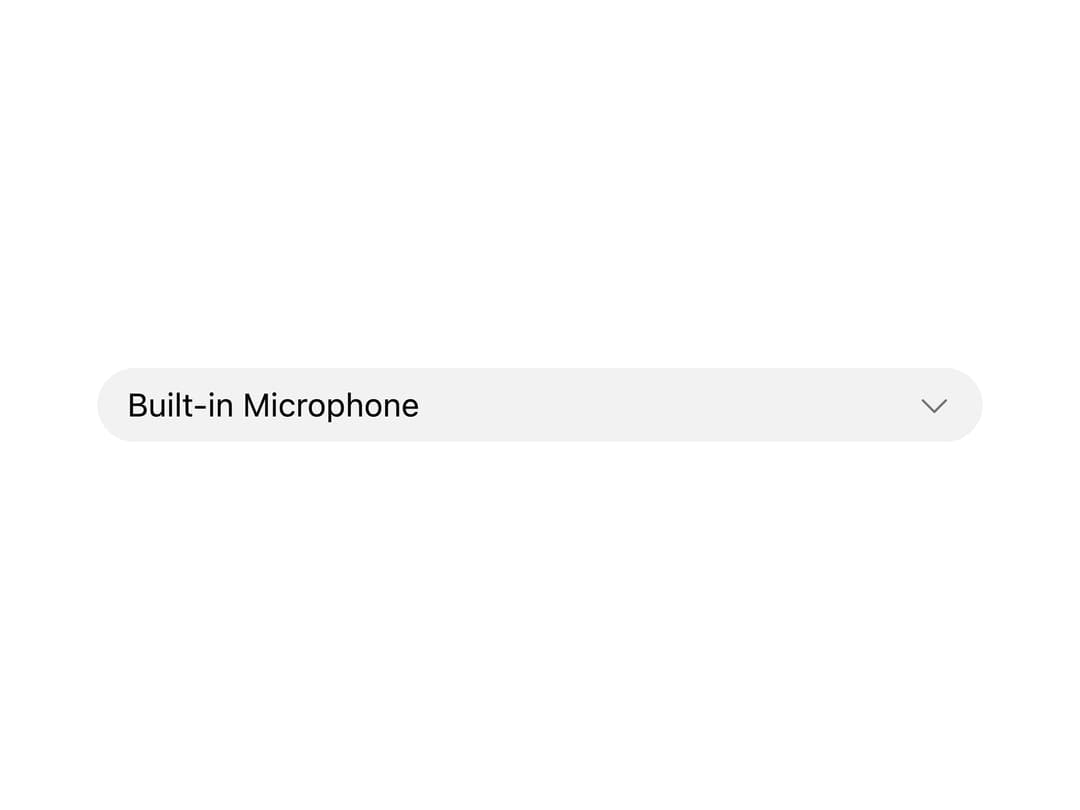
About
A dropdown picker for choosing a microphone, speaker or other audio source, with built-in loading, permission-request and disconnected-device states.
Built with React and Tailwind. Copy the prompt and paste it into Claude Code, Cursor or Lovable: your agent adds Audio Device Select to your project and fits it to your theme.
Code
How Audio Device Select is used: the demo's code. The component's own source comes with a free account.
Usage.tsx
"use client";

import { AudioDeviceSelect } from "@/components/ui/audio-device-select";
import type { AudioDevice } from "@/components/ui/audio-device-select";
import { useState } from "react";

const devices: AudioDevice[] = [
  { id: "built-in-mic", label: "Built-in Microphone", isDefault: true },
  { id: "usb-mic", label: "Shure MV7+", description: "USB Audio Device" },
  { id: "bt-headset", label: "AirPods Pro", description: "Bluetooth" },
];

export default function AudioDeviceSelectDemo() {
  const [value, setValue] = useState<string | null>("built-in-mic");

  return (
    <div className="flex w-full items-center justify-center p-6">
      <div className="w-full max-w-sm">
        <AudioDeviceSelect
          devices={devices}
          onValueChange={setValue}
          permission="granted"
          value={value}
        />
      </div>
    </div>
  );
}
More by audiocn
View all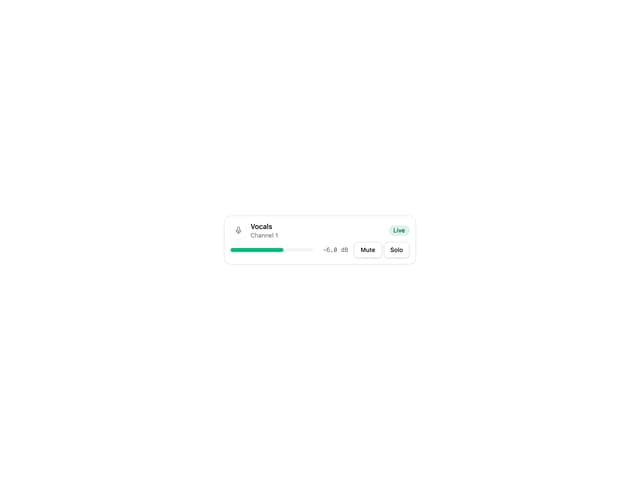
Channel Strip
3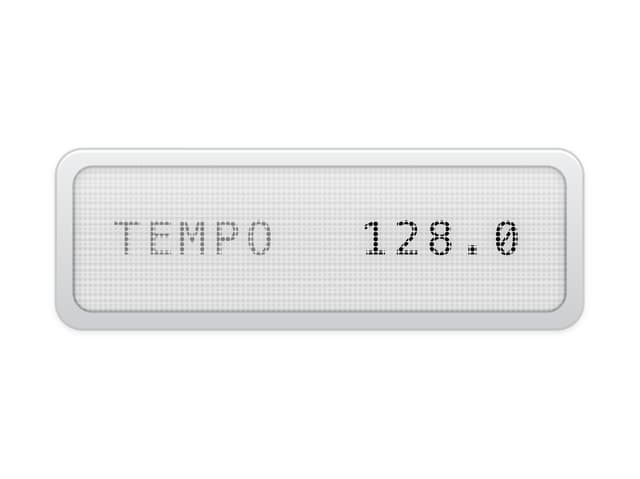
LCD Display
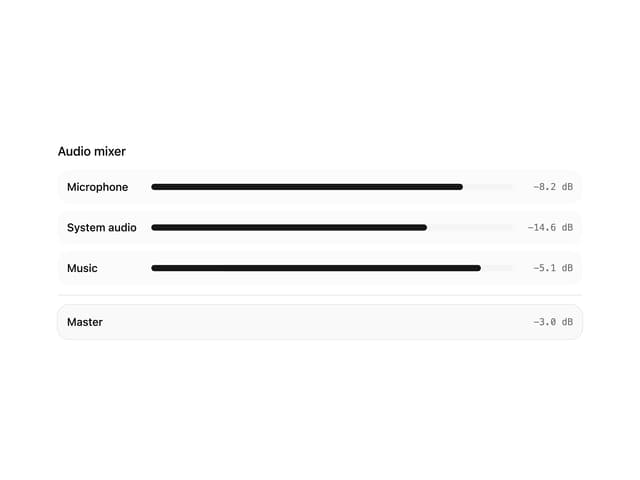
Audio Mixer