
About
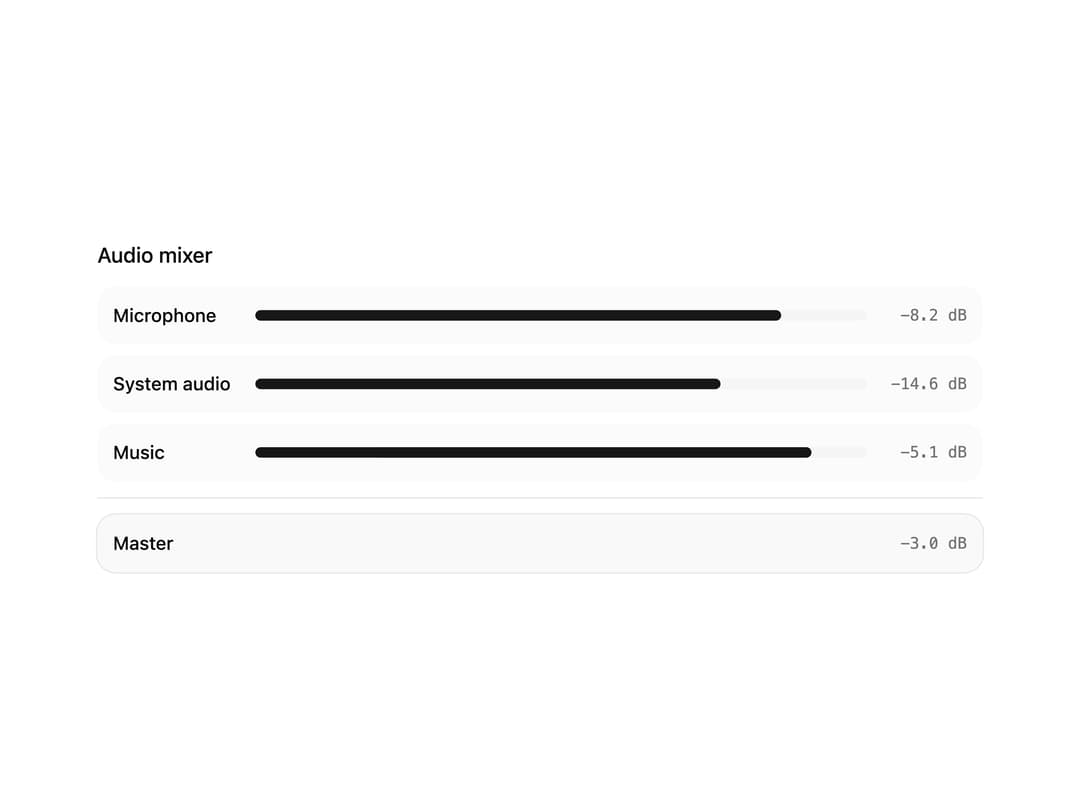
A layout container for a mixing console's channel strips, with shared meter range/zones/ballistics, keyboard navigation between strips, and a master section.
Built with React and Tailwind. Copy the prompt and paste it into Claude Code, Cursor or Lovable: your agent adds Audio Mixer to your project and fits it to your theme.
Code
How Audio Mixer is used: the demo's code. The component's own source comes with a free account.
Usage.tsx
"use client";

import {
  Mixer,
  MixerChannels,
  MixerHeader,
  MixerMaster,
  MixerSeparator,
  MixerTitle,
} from "@/components/ui/mixer";

// Synthetic levels only — no audio engine, no sound files.
const channels = [
  { name: "Microphone", levelDb: -8.2 },
  { name: "System audio", levelDb: -14.6 },
  { name: "Music", levelDb: -5.1 },
];

const levelWidth = (db: number) => `${Math.round(((db + 60) / 60) * 100)}%`;

export default function MixerDemo() {
  return (
    <Mixer className="w-full max-w-2xl">
      <MixerHeader>
        <MixerTitle>Audio mixer</MixerTitle>
      </MixerHeader>
      <MixerChannels>
        {channels.map((channel) => (
          <div
            key={channel.name}
            data-slot="channel-strip"
            tabIndex={0}
            className="bg-muted/40 flex min-w-0 items-center gap-3 rounded-xl p-3 outline-none focus-visible:ring-2 focus-visible:ring-ring/40"
          >
            <span className="min-w-24 truncate text-sm font-medium">
              {channel.name}
            </span>
            <div className="bg-muted h-2 flex-1 overflow-hidden rounded-full">
              <div
                className="bg-primary h-full rounded-full"
                style={{ width: levelWidth(channel.levelDb) }}
              />
            </div>
            <span className="text-muted-foreground w-16 shrink-0 text-right font-mono text-xs">
              {channel.levelDb.toFixed(1)} dB
            </span>
          </div>
        ))}
      </MixerChannels>
      <MixerSeparator />
      <MixerMaster>
        <div
          data-slot="channel-strip"
          tabIndex={0}
          className="bg-muted/60 ring-primary/10 flex min-w-0 items-center gap-3 rounded-xl p-3 ring-1 outline-none focus-visible:ring-2 focus-visible:ring-ring/40"
        >
          <span className="min-w-24 truncate text-sm font-medium">Master</span>
          <span className="text-muted-foreground ml-auto font-mono text-xs">
            -3.0 dB
          </span>
        </div>
      </MixerMaster>
    </Mixer>
  );
}
More by audiocn
View all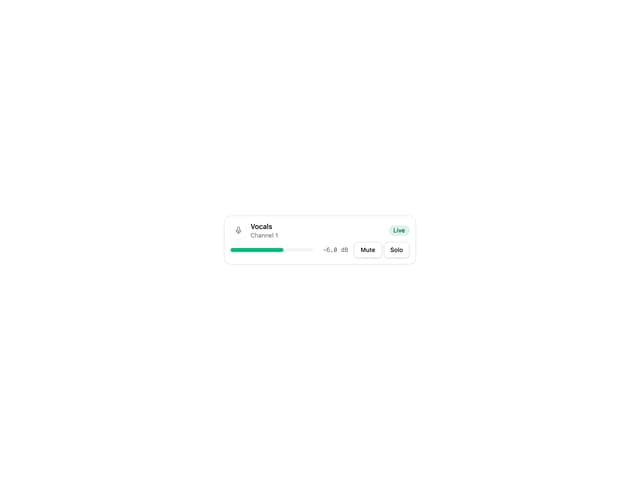
Channel Strip
3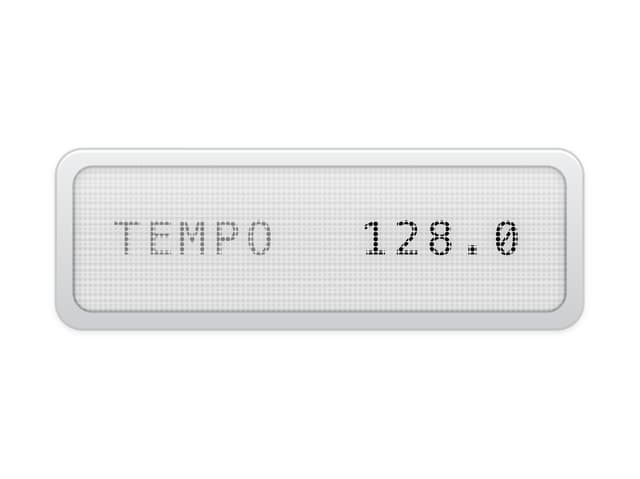
LCD Display
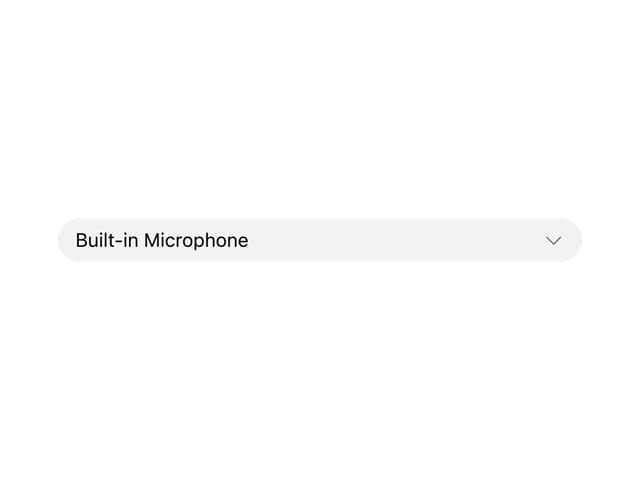
Audio Device Select