About
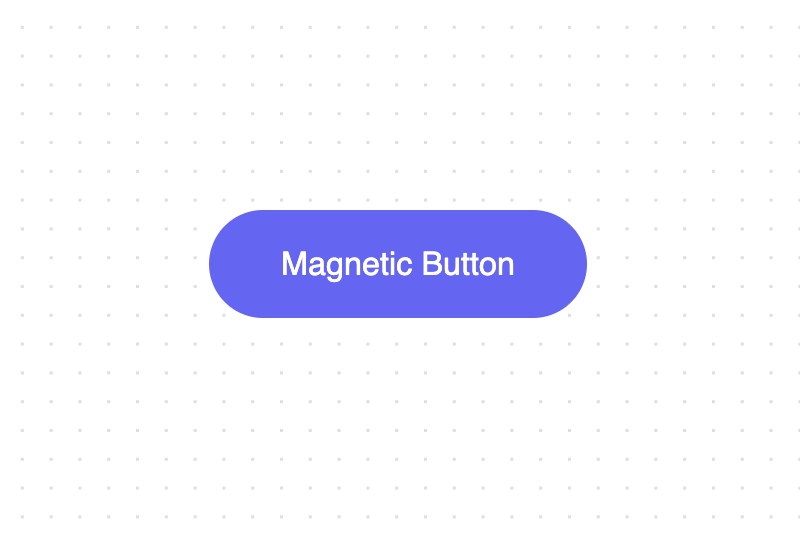
A Magnetic Button is a UI component designed to enhance user interaction. When a user's cursor or touch input approaches the button, it subtly moves towards the user, simulating the effect of magnetic attraction. This interaction makes the button more enticing to click and adds a dynamic and engaging element to the user experience. This example was made with Tailwind CSS and Framer Motion.
Built with React and Tailwind. Copy the prompt and paste it into Claude Code, Cursor or Lovable: your agent adds Magnetic Button to your project and fits it to your theme.
Code
How Magnetic Button is used: the demo's code. The component's own source comes with a free account.
Usage.tsx
import { MagneticButton } from "@/components/ui/magnetic-button";

function MagneticButtonExample() {
  return (
    <MagneticButton>
      <button className="bg-indigo-500 hover:bg-indigo-600 transition-colors px-10 text-lg text-white py-4 rounded-full">
        Magnetic Button
      </button>
    </MagneticButton>
  );
}

export { MagneticButtonExample };
Dependencies
More by Bundui.io
View all

Fluid particles background
758
Floating paths
638
Text Gradient Scroll
614
Stars
536
Image Comparison
429
Marquee Effect
318
Wavy
194
Geometric
130
More in Buttons
View all
Button Save
46

Button
20

Eclipse Button
5

Button
32

Button
6

Button
14

Button Group
37
Split Button
32

