About
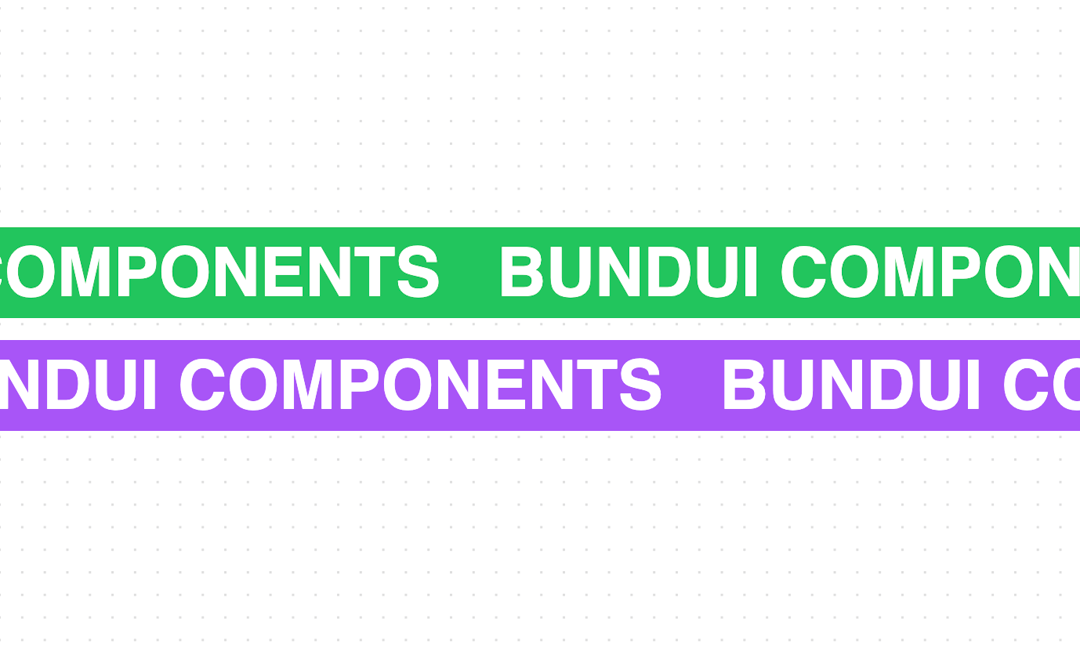
The marquee component is designed to create a dynamic user experience by continuously scrolling text horizontally. This effect is perfect for highlighting important information, announcements, or news headlines that need to catch the user's attention. The smooth scrolling animation adds movement and liveliness to the interface, making important content more noticeable to users. This example was created using Tailwind CSS and Framer Motion.
Built with React and Tailwind. Copy the prompt and paste it into Claude Code, Cursor or Lovable: your agent adds Marquee Effect to your project and fits it to your theme.
Code
How Marquee Effect is used: the demo's code. The component's own source comes with a free account.
Usage.tsx
import { MarqueeAnimation } from "@/components/ui/marquee-effect";

function MarqueeEffectDoubleExample() {
  return (
    <div className="flex flex-col gap-4">
      <MarqueeAnimation
        direction="left"
        baseVelocity={-3}
        className="bg-green-500 text-white py-2"
      >
        Bundui Components
      </MarqueeAnimation>
      <MarqueeAnimation
        direction="right"
        baseVelocity={-3}
        className="bg-purple-500 text-white py-2"
      >
        Bundui Components
      </MarqueeAnimation>
    </div>
  );
}

export { MarqueeEffectDoubleExample };
Dependencies
More by Bundui.io
View all

Fluid particles background
758
Floating paths
638
Text Gradient Scroll
614
Stars
536
Image Comparison
429
Magnetic Button
402
Wavy
194
Geometric
130
More in Text
View all

Vertical Cut Reveal Characters
103

Rainbow Text Effect
47
Motion Blur Text
36
Text Loop
310
Text Reveal
27
Apple Hello Effect
610
Typography
4
Animated Text
8

