
About
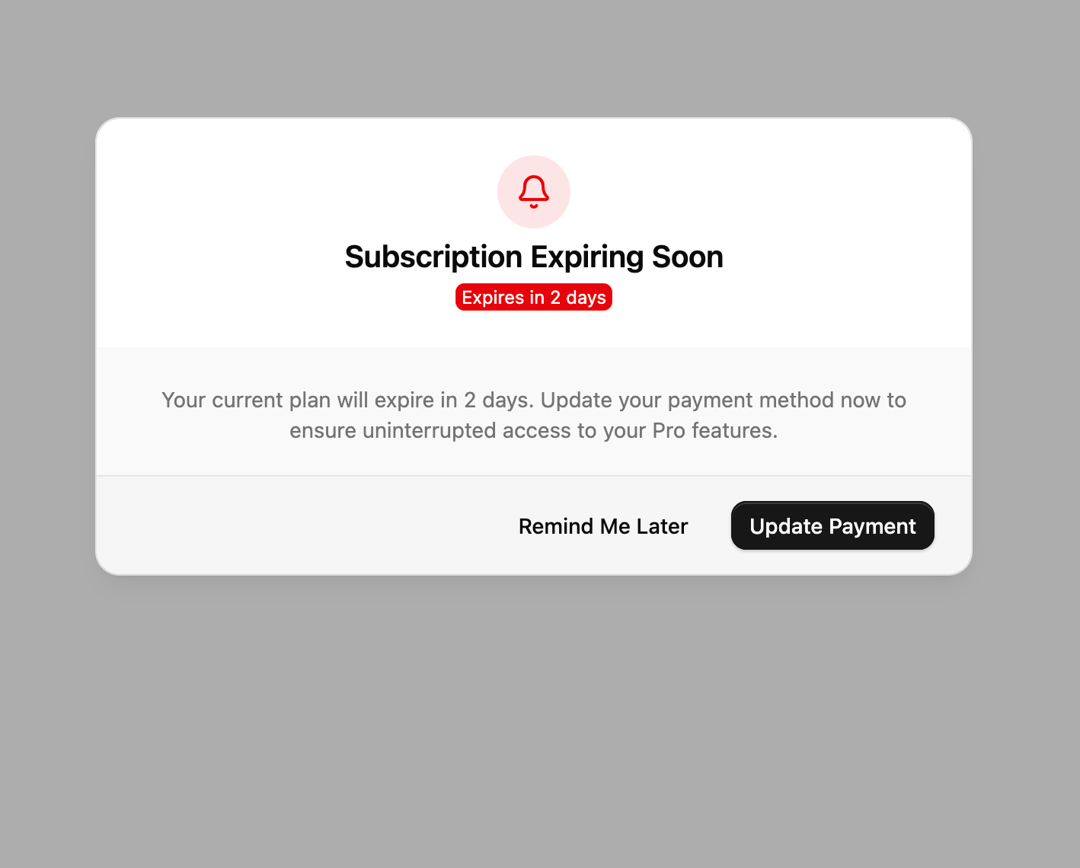
An alert dialog that warns users their subscription is expiring and prompts them to update their payment method.
Built with React and Tailwind. Copy the prompt and paste it into Claude Code, Cursor or Lovable: your agent adds Billing Warning Alert Dialog to your project and fits it to your theme.
Code
How Billing Warning Alert Dialog is used: the demo's code. The component's own source comes with a free account.
Usage.tsx
import { BellIcon } from "lucide-react";
import {
  AlertDialog,
  AlertDialogClose,
  AlertDialogContent,
  AlertDialogDescription,
  AlertDialogFooter,
  AlertDialogTitle,
  AlertDialogTrigger,
} from "@/components/ui/billing-warning-alert-dialog-utils/alert-dialog";
import { Badge } from "@/components/ui/billing-warning-alert-dialog-utils/badge";
import { Button } from "@/components/ui/billing-warning-alert-dialog-utils/button";

export default function Default() {
  return (
    <div className="flex min-h-[480px] w-full items-center justify-center p-6">
      <AlertDialog defaultOpen>
        <AlertDialogTrigger
          render={<Button variant="outline">Subscription Expiring</Button>}
        />
        <AlertDialogContent className="gap-0 p-0 sm:max-w-xl">
          <div className="mx-auto flex flex-col items-center justify-center gap-2 p-6">
            <div className="flex size-12 items-center justify-center rounded-full bg-destructive/10 text-destructive dark:bg-destructive/20">
              <BellIcon className="size-6" />
            </div>
            <AlertDialogTitle className="text-center">
              Subscription Expiring Soon
            </AlertDialogTitle>
            <Badge className="font-normal" variant="destructive">
              Expires in 2 days
            </Badge>
          </div>

          <div className="flex flex-col items-center justify-center gap-5 rounded-b-2xl bg-muted/60 pt-6">
            <AlertDialogDescription className="px-6 text-center text-muted-foreground">
              Your current plan will expire in 2 days. Update your payment
              method now to ensure uninterrupted access to your Pro features.
            </AlertDialogDescription>
            <AlertDialogFooter className="w-full gap-4">
              <AlertDialogClose render={<Button variant="ghost" />}>
                Remind Me Later
              </AlertDialogClose>
              <AlertDialogClose render={<Button />}>
                Update Payment
              </AlertDialogClose>
            </AlertDialogFooter>
          </div>
        </AlertDialogContent>
      </AlertDialog>
    </div>
  );
}
Dependencies
More by Cnippet
View all

Team
1.3K
Davincho Hero-1
683
Aero Hero-3
558
Features
510
Random Letter Swap Navigation
487
Services with Animated Hover Modal
465
Blogs
396
Aero Hero-1
356