
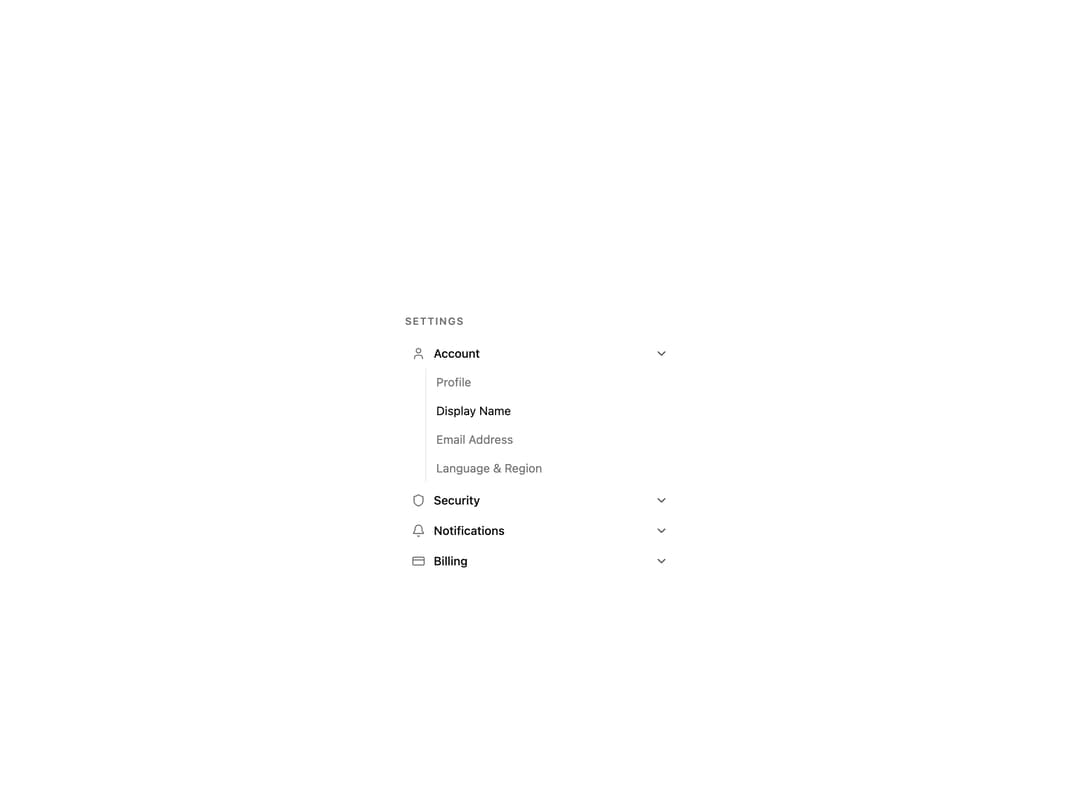
About
A vertically stacked set of collapsible sections built on Base UI's Accordion primitive. Supports single or multiple open items, controlled or uncontrolled state, a custom trigger icon, smooth height-animated panels, and nesting. Ships Accordion, AccordionItem, AccordionTrigger and AccordionPanel (also exported as AccordionContent).
Built with React and Tailwind. Copy the prompt and paste it into Claude Code, Cursor or Lovable: your agent adds Accordion to your project and fits it to your theme.
Code
How Accordion is used: the demo's code. The component's own source comes with a free account.
Usage.tsx
import { BellIcon, CreditCardIcon, ShieldIcon, UserIcon } from "lucide-react";
import {
  Accordion,
  AccordionContent,
  AccordionItem,
  AccordionTrigger,
} from "@/components/ui/cnippet-accordion";

const sections = [
  {
    icon: UserIcon,
    label: "Account",
    links: ["Profile", "Display Name", "Email Address", "Language & Region"],
    value: "account",
  },
  {
    icon: ShieldIcon,
    label: "Security",
    links: ["Password", "Two-Factor Auth", "Active Sessions", "Login History"],
    value: "security",
  },
  {
    icon: BellIcon,
    label: "Notifications",
    links: [
      "Email Alerts",
      "Push Notifications",
      "Digest Frequency",
      "Do Not Disturb",
    ],
    value: "notifications",
  },
  {
    icon: CreditCardIcon,
    label: "Billing",
    links: [
      "Subscription Plan",
      "Payment Methods",
      "Invoices",
      "Usage & Limits",
    ],
    value: "billing",
  },
];

export default function AccordionSettings() {
  return (
    <div className="mx-auto w-full max-w-xs">
      <p className="mb-3 font-semibold text-muted-foreground text-xs uppercase tracking-widest">
        Settings
      </p>
      <Accordion defaultValue={["account"]} multiple>
        {sections.map(({ icon: Icon, label, value, links }) => (
          <AccordionItem className="border-none" key={value} value={value}>
            <AccordionTrigger className="rounded-md px-2 py-2 hover:bg-accent hover:no-underline">
              <div className="flex items-center gap-2.5">
                <Icon className="size-4 text-muted-foreground" />
                <span className="font-medium text-sm">{label}</span>
              </div>
            </AccordionTrigger>
            <AccordionContent className="pb-1">
              <ul className="ml-6 flex flex-col gap-0.5 border-l pl-3">
                {links.map((link) => (
                  <li key={link}>
                    <a
                      className="block rounded-sm py-1.5 text-muted-foreground text-sm transition-colors hover:text-foreground"
                      href="#"
                    >
                      {link}
                    </a>
                  </li>
                ))}
              </ul>
            </AccordionContent>
          </AccordionItem>
        ))}
      </Accordion>
    </div>
  );
}
Dependencies
More by Cnippet
View all

Team
1.3K
Davincho Hero-1
682
Aero Hero-3
558
Features
508
Random Letter Swap Navigation
484
Services with Animated Hover Modal
464
Blogs
396
Aero Hero-1
356