
About
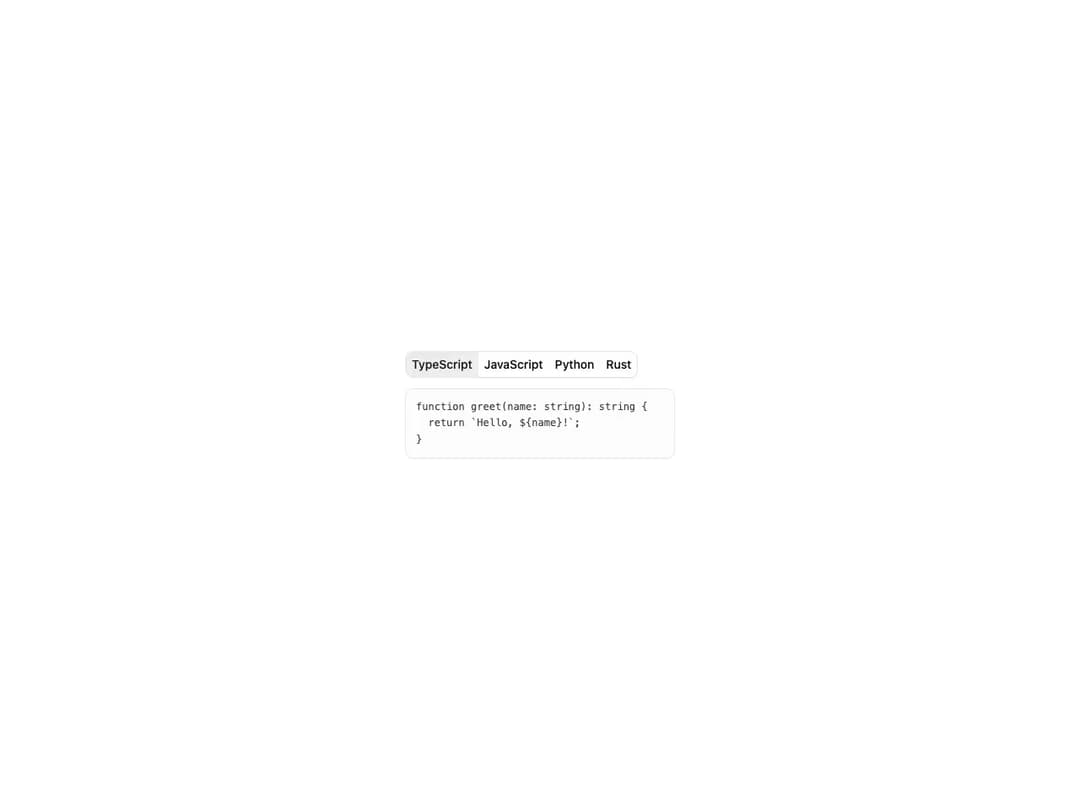
A set of toggle buttons that work together as a single control, built on Base UI's ToggleGroup primitive. Supports single or multiple selection, horizontal and vertical orientation, default and outline variants with three sizes, and an optional ToggleGroupSeparator between items. The Toggle and Separator primitives are inlined so the component ships as a single self-contained file.
Built with React and Tailwind. Copy the prompt and paste it into Claude Code, Cursor or Lovable: your agent adds Toggle Group to your project and fits it to your theme.
Code
How Toggle Group is used: the demo's code. The component's own source comes with a free account.
Usage.tsx
"use client";

import { useState } from "react";
import {
  ToggleGroup,
  ToggleGroupItem,
} from "@/components/ui/cnippet-toggle-group";

const languages = [
  { ext: ".ts", id: "typescript", label: "TypeScript" },
  { ext: ".js", id: "javascript", label: "JavaScript" },
  { ext: ".py", id: "python", label: "Python" },
  { ext: ".rs", id: "rust", label: "Rust" },
];

const snippets: Record<string, string> = {
  javascript: "function greet(name) {\n  return `Hello, ${name}!`;\n}",
  python: `def greet(name: str) -> str:\n    return f"Hello, {name}!"`,
  rust: `fn greet(name: &str) -> String {\n    format!("Hello, {}!", name)\n}`,
  typescript:
    "function greet(name: string): string {\n  return `Hello, ${name}!`;\n}",
};

export default function ToggleGroupCodeLanguage() {
  const [lang, setLang] = useState("typescript");

  return (
    <div className="flex w-full max-w-xs flex-col gap-3">
      <ToggleGroup
        onValueChange={(v) => {
          const next = v[v.length - 1];
          if (next) setLang(next);
        }}
        value={[lang]}
        variant="outline"
      >
        {languages.map((l) => (
          <ToggleGroupItem
            aria-label={`Select ${l.label}`}
            className="text-xs"
            key={l.id}
            value={l.id}
          >
            {l.label}
          </ToggleGroupItem>
        ))}
      </ToggleGroup>
      <pre className="overflow-x-auto rounded-lg border border-input bg-muted/20 p-3 font-mono text-foreground/80 text-xs leading-relaxed">
        {snippets[lang]}
      </pre>
    </div>
  );
}
Dependencies
More by Cnippet
View all

Team
1.3K
Davincho Hero-1
683
Aero Hero-3
558
Features
510
Random Letter Swap Navigation
487
Services with Animated Hover Modal
465
Blogs
396
Aero Hero-1
356
More in Buttons
View all
Button Save
46

Button
20

Eclipse Button
5

Button
32

Button
6
Button
14

Button Group
37
Split Button
32

