
About
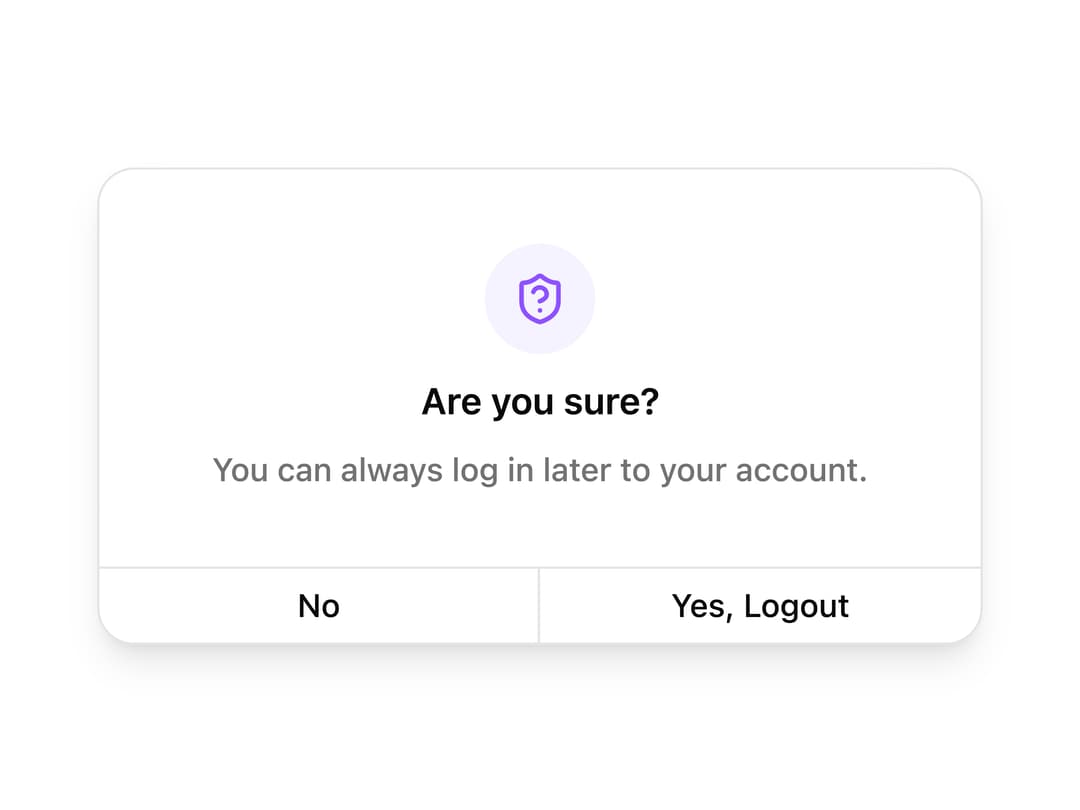
A centered alert dialog that asks the user to confirm before logging out, with an icon, message, and a split No / Yes, Logout button footer.
Built with React and Tailwind. Copy the prompt and paste it into Claude Code, Cursor or Lovable: your agent adds Logout Confirmation Dialog to your project and fits it to your theme.
Code
How Logout Confirmation Dialog is used: the demo's code. The component's own source comes with a free account.
Usage.tsx
import { ShieldQuestionMarkIcon } from "lucide-react";
import { Button } from "@/components/ui/logout-confirmation-dialog-utils/button";

export default function Default() {
  return (
    <div className="flex min-h-[350px] w-full items-center justify-center p-6">
      <div className="flex w-full max-w-sm flex-col overflow-hidden rounded-2xl border bg-popover text-popover-foreground shadow-lg">
        <div className="flex flex-col items-center justify-center gap-2 p-8">
          <div className="flex size-12 items-center justify-center rounded-full bg-violet-50 text-violet-500 dark:bg-violet-950 dark:text-violet-400">
            <ShieldQuestionMarkIcon className="size-6" />
          </div>
          <h2 className="text-center font-semibold text-base">Are you sure?</h2>
          <p className="text-center font-medium text-sm text-muted-foreground">
            You can always log in later to your account.
          </p>
        </div>
        <div className="grid w-full grid-cols-2 divide-x border-t">
          <Button
            variant="ghost"
            className="h-12 flex-1 rounded-none border-0 border-border border-r p-0"
          >
            No
          </Button>
          <Button
            variant="ghost"
            className="h-12 flex-1 rounded-none border-0 p-0"
          >
            Yes, Logout
          </Button>
        </div>
      </div>
    </div>
  );
}
Dependencies
More by Cnippet
View all

Team
1.3K
Davincho Hero-1
683
Aero Hero-3
558
Features
510
Random Letter Swap Navigation
487
Services with Animated Hover Modal
465
Blogs
396
Aero Hero-1
356