
About
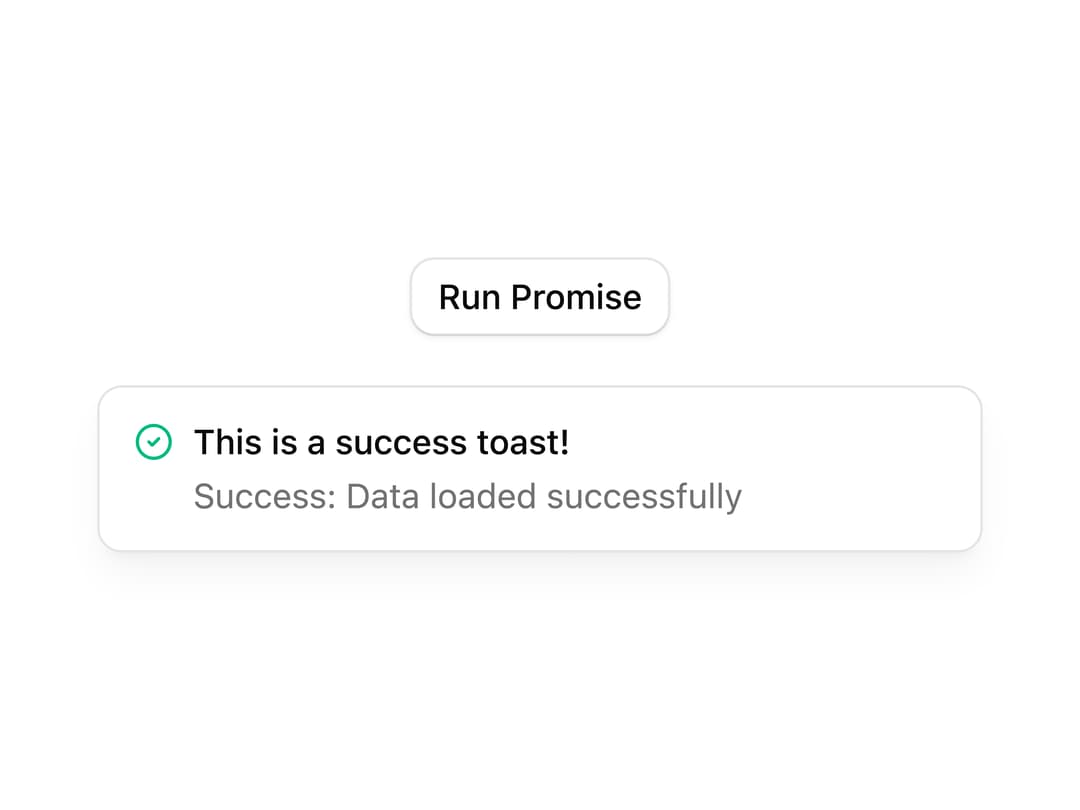
A button that triggers a promise-based toast notification, cycling through loading, success, and error states as an async task resolves.
Built with React and Tailwind. Copy the prompt and paste it into Claude Code, Cursor or Lovable: your agent adds Promise Toast to your project and fits it to your theme.
Code
How Promise Toast is used: the demo's code. The component's own source comes with a free account.
Usage.tsx
"use client";

import { CircleCheckIcon } from "lucide-react";
import PromiseToast from "@/components/ui/promise-toast";
import { ToastProvider } from "@/components/ui/toast";

export default function Default() {
  return (
    <ToastProvider>
      <div className="flex min-h-64 w-full flex-col items-center justify-center gap-5">
        <PromiseToast />
        <div className="w-full max-w-90 select-none rounded-lg border bg-popover text-popover-foreground shadow-lg/5">
          <div className="flex items-center justify-between gap-1.5 px-3.5 py-3 text-sm">
            <div className="flex gap-2">
              <div className="[&>svg]:h-lh [&>svg]:w-4">
                <CircleCheckIcon className="text-success" />
              </div>
              <div className="flex flex-col gap-0.5">
                <span className="font-medium">This is a success toast!</span>
                <span className="text-muted-foreground">
                  Success: Data loaded successfully
                </span>
              </div>
            </div>
          </div>
        </div>
      </div>
    </ToastProvider>
  );
}
Dependencies
More by Cnippet
View all

Team
1.3K
Davincho Hero-1
683
Aero Hero-3
558
Features
510
Random Letter Swap Navigation
487
Services with Animated Hover Modal
465
Blogs
396
Aero Hero-1
356