
About
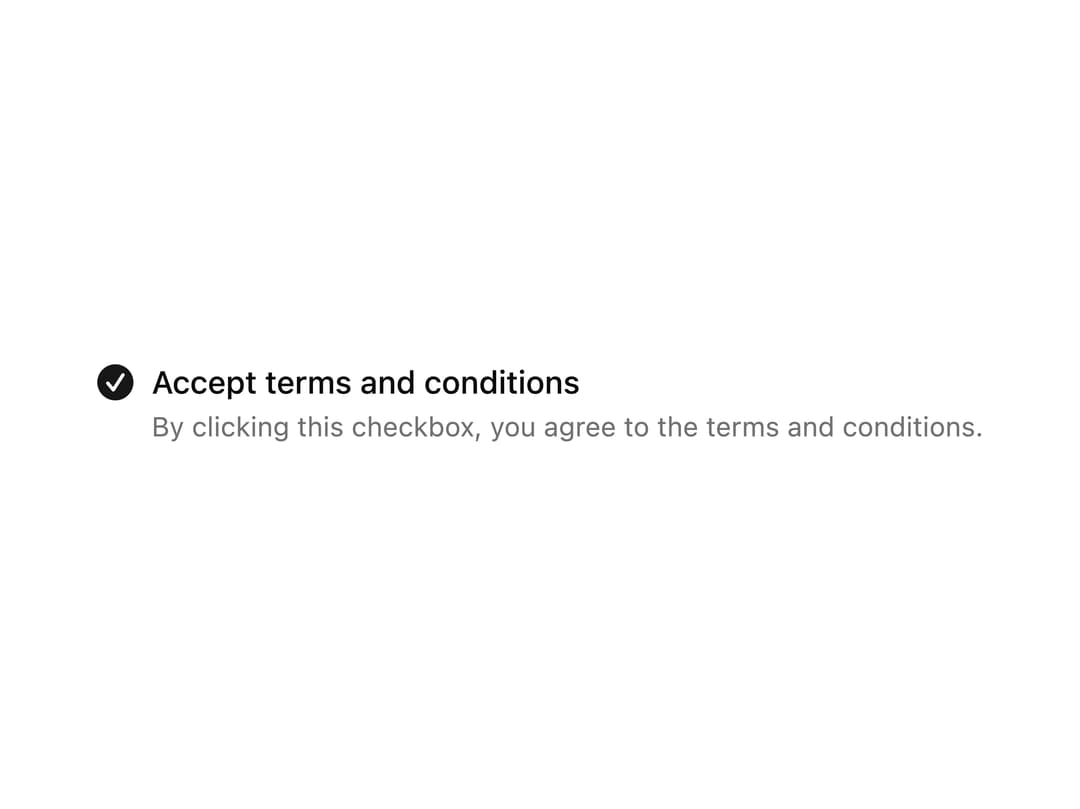
A checkbox paired with a label and a helper description line, ideal for terms and conditions consent.
Built with React and Tailwind. Copy the prompt and paste it into Claude Code, Cursor or Lovable: your agent adds Checkbox with Description to your project and fits it to your theme.
Code
How Checkbox with Description is used: the demo's code. The component's own source comes with a free account.
Usage.tsx
import VCheckbox3 from "@/components/ui/v-checkbox-3";

export default function Default() {
  return (
    <div className="flex min-h-40 w-full items-center justify-center p-6">
      <VCheckbox3 />
    </div>
  );
}
More by Cnippet
View all

Team
1.3K
Davincho Hero-1
683
Aero Hero-3
558
Features
510
Random Letter Swap Navigation
487
Services with Animated Hover Modal
465
Blogs
396
Aero Hero-1
356
More in Forms
View all

Premium Auth
500

Login 1
52

Book A Demo 3
83
Authentication Card
47

Contact Card
1K

Login Card
32
Book A Demo 1
69

Login 2
7
