
About
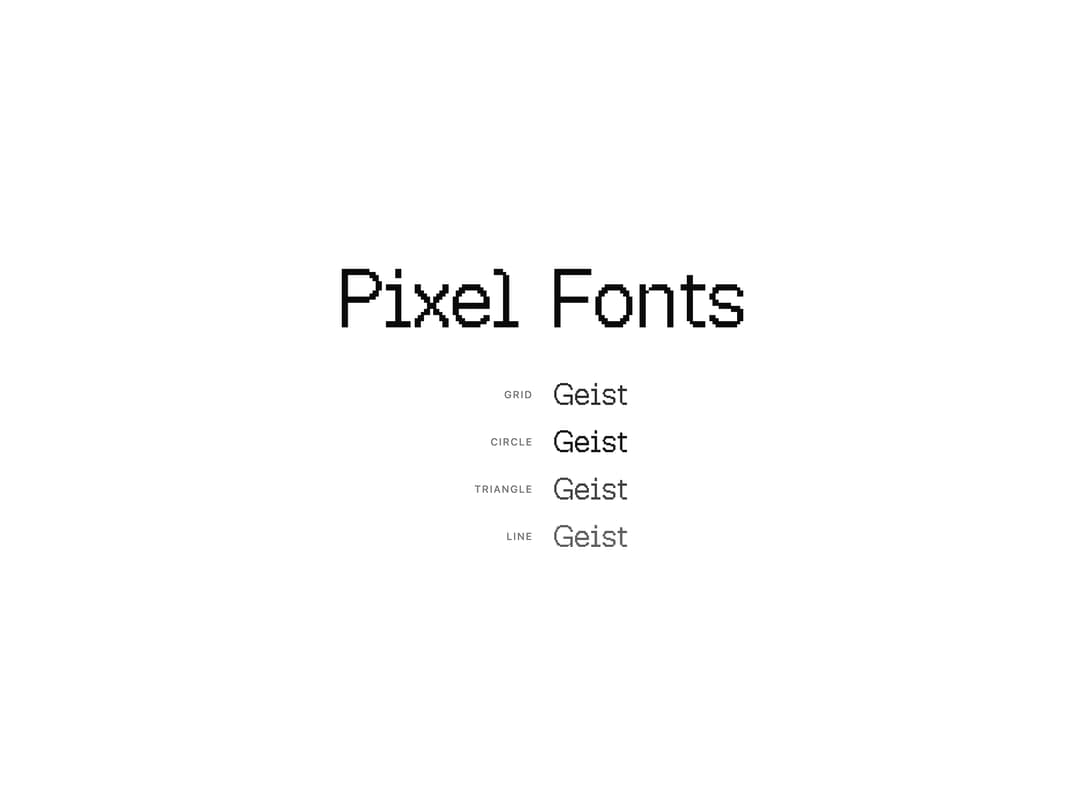
An interactive heading that swaps or cycles through Geist pixel font styles on hover or focus.
Built with React and Tailwind. Copy the prompt and paste it into Claude Code, Cursor or Lovable: your agent adds Pixel Heading Word to your project and fits it to your theme.
Code
How Pixel Heading Word is used: the demo's code. The component's own source comes with a free account.
Usage.tsx
"use client";

import { PixelHeading } from "@/components/ui/pixel-heading-word";

const VARIANTS = [
  { font: "grid", label: "Grid" },
  { font: "circle", label: "Circle" },
  { font: "triangle", label: "Triangle" },
  { font: "line", label: "Line" },
] as const;

export default function PixelHeadingWordDemo() {
  return (
    <div className="flex w-full flex-col items-center justify-center gap-12 bg-background px-6 py-16">
      <PixelHeading
        initialFont="square"
        hoverFont="circle"
        showLabel={false}
        className="text-6xl leading-none tracking-tight text-foreground md:text-8xl"
      >
        Pixel Fonts
      </PixelHeading>

      <div className="flex flex-col items-center gap-5">
        {VARIANTS.map((v) => (
          <div key={v.font} className="flex items-center gap-6">
            <span className="w-24 text-right text-xs font-medium uppercase tracking-widest text-muted-foreground">
              {v.label}
            </span>
            <PixelHeading
              initialFont={v.font}
              hoverFont="square"
              showLabel={false}
              className="text-3xl leading-none text-foreground md:text-4xl"
            >
              Geist
            </PixelHeading>
          </div>
        ))}
      </div>
    </div>
  );
}
More by cult/ui
View all
3D Carousel
2.5K
Logo Carousel
1.1K
Feature Carousel
504
Popover Form
419
Floating Panel
245
Expandable
126
Dock
119
Hero Liquid Metal
101
More in Text
View all
Motion Blur Text
36

Vertical Cut Reveal Characters
103

NeonRGBTextEffect
144
Text Reveal
27
Random Letter Swap
46

Rainbow Text Effect
47
Text Color
545

Blur Reveal
300