
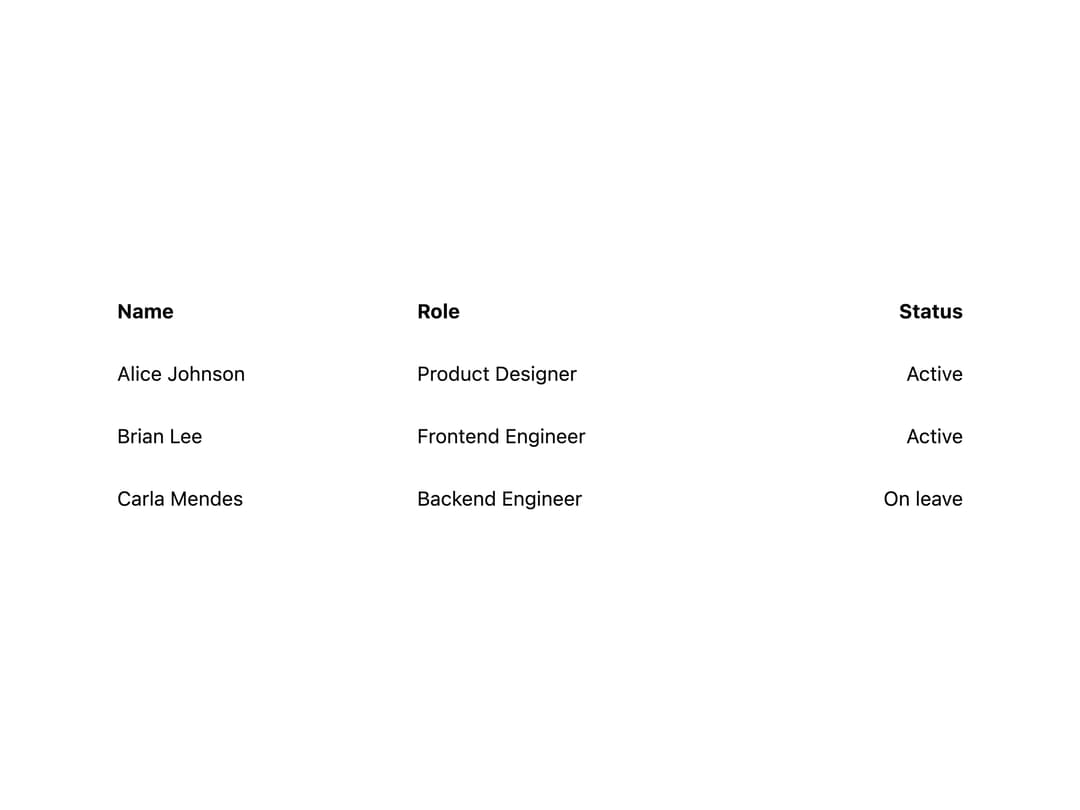
About
A table cell component that renders as a td or th and adapts spacing and alignment, ported from Solid.js to React from the RockSolid UI library (MIT, original by Darshan Rajadhyaksha).
Built with React and Tailwind. Copy the prompt and paste it into Claude Code, Cursor or Lovable: your agent adds Table Cell to your project and fits it to your theme.
Code
How Table Cell is used: the demo's code. The component's own source comes with a free account.
Usage.tsx
import TableCell from "@/components/ui/table-cell";

const rows = [
  { name: "Alice Johnson", role: "Product Designer", status: "Active" },
  { name: "Brian Lee", role: "Frontend Engineer", status: "Active" },
  { name: "Carla Mendes", role: "Backend Engineer", status: "On leave" },
];

export default function TableCellDemo() {
  return (
    <div className="w-full max-w-2xl p-6">
      <table className="w-full border-collapse text-sm">
        <thead>
          <tr>
            <TableCell as="th">Name</TableCell>
            <TableCell as="th">Role</TableCell>
            <TableCell as="th" align="right">
              Status
            </TableCell>
          </tr>
        </thead>
        <tbody>
          {rows.map((row) => (
            <tr key={row.name}>
              <TableCell>{row.name}</TableCell>
              <TableCell>{row.role}</TableCell>
              <TableCell align="right">{row.status}</TableCell>
            </tr>
          ))}
        </tbody>
      </table>
    </div>
  );
}
Dependencies
More by darshan-rajadhyaksha
View all
Backdrop
1
Card Content
Breadcrumbs

Checkbox
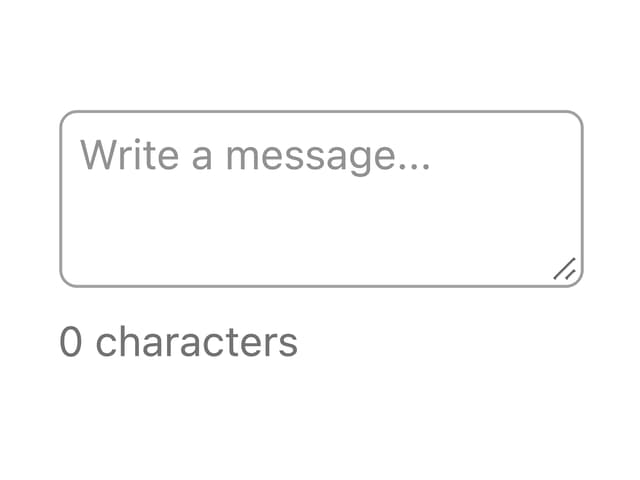
Textarea
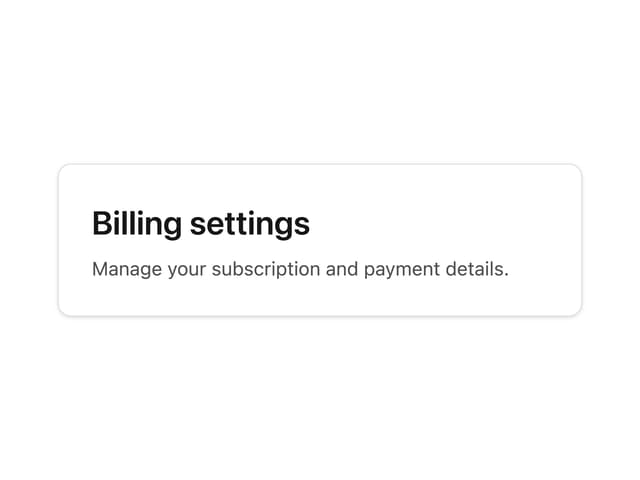
Card Title
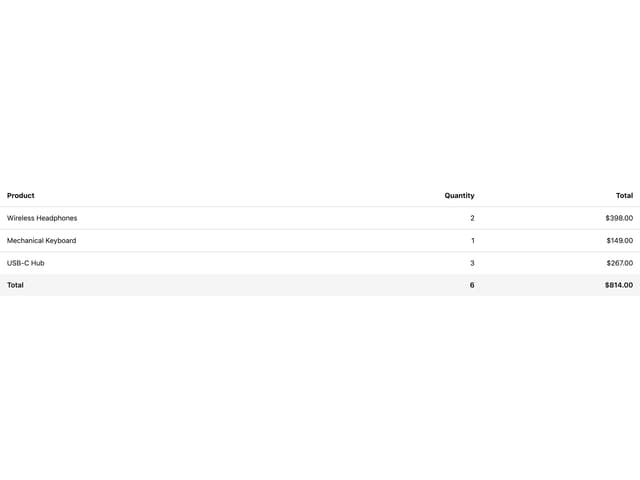
Table
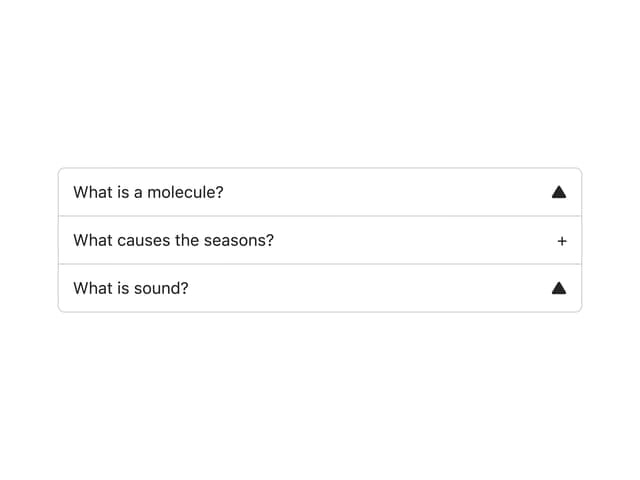
Accordion