
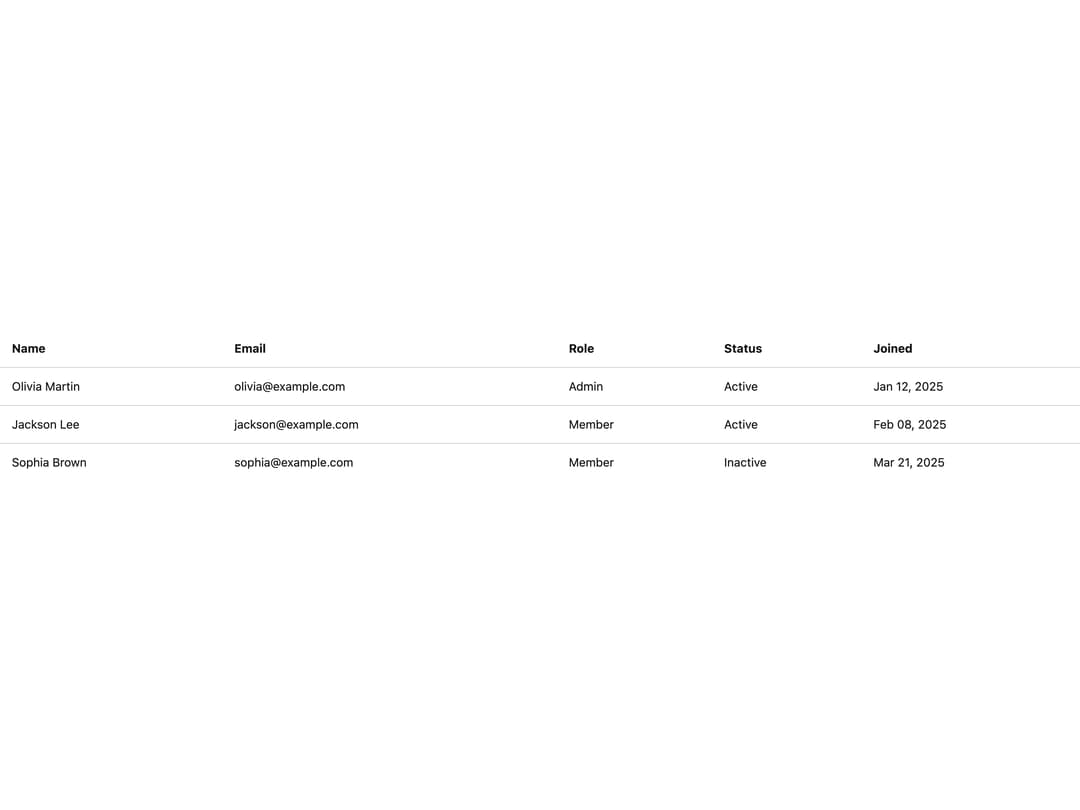
About
A styled HTML table system (table, head, body, row, cell, footer) that supports dense layouts, selected rows, and per-cell text alignment, with cells automatically rendering as th or td based on context.
Built with React and Tailwind. Copy the prompt and paste it into Claude Code, Cursor or Lovable: your agent adds Table to your project and fits it to your theme.
Code
How Table is used: the demo's code. The component's own source comes with a free account.
Usage.tsx
import Table, {
  TableBody,
  TableCell,
  TableHead,
  TableRow,
} from "@/components/ui/table";

const orders = [
  {
    id: "#1024",
    customer: "Olivia Martin",
    product: "Wireless Headphones",
    status: "Completed",
    total: "$398.00",
  },
  {
    id: "#1025",
    customer: "Jackson Lee",
    product: "Mechanical Keyboard",
    status: "Processing",
    total: "$149.00",
  },
  {
    id: "#1026",
    customer: "Sophia Brown",
    product: "USB-C Hub",
    status: "Pending",
    total: "$267.00",
  },
];

export default function TableCustomStylingDemo() {
  return (
    <div className="w-full overflow-x-auto">
      <Table className="rounded-lg min-w-200 border-separate overflow-hidden border border-neutral-300 dark:border-neutral-700">
        <TableHead className="bg-muted/50">
          <TableRow>
            <TableCell className="font-semibold">Order</TableCell>
            <TableCell className="font-semibold">Customer</TableCell>
            <TableCell className="font-semibold">Product</TableCell>
            <TableCell className="font-semibold">Status</TableCell>
            <TableCell align="right" className="font-semibold">
              Total
            </TableCell>
          </TableRow>
        </TableHead>
        <TableBody>
          {orders.map((order) => (
            <TableRow
              key={order.id}
              className="hover:bg-neutral-100/80 dark:hover:bg-neutral-900"
            >
              <TableCell className="font-medium">{order.id}</TableCell>
              <TableCell>{order.customer}</TableCell>
              <TableCell>{order.product}</TableCell>
              <TableCell>{order.status}</TableCell>
              <TableCell align="right" className="font-medium">
                {order.total}
              </TableCell>
            </TableRow>
          ))}
        </TableBody>
      </Table>
    </div>
  );
}
Dependencies
More by darshan-rajadhyaksha
View all
Backdrop
1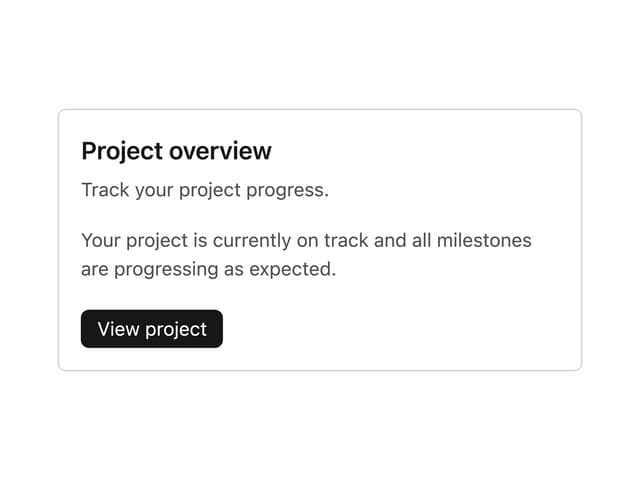
Card Content
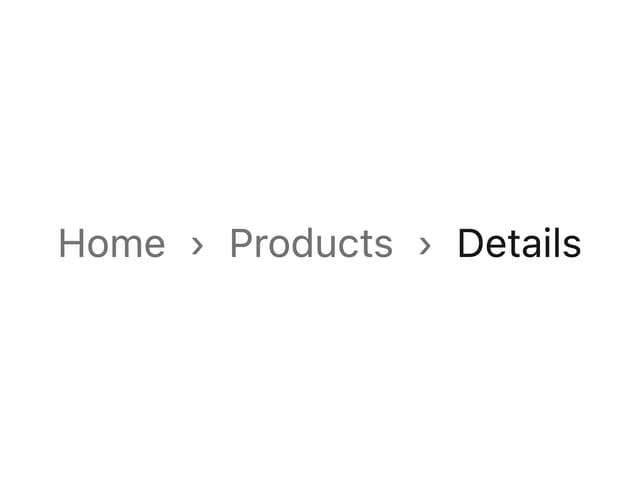
Breadcrumbs

Checkbox
Textarea
Card Title
Accordion
Tabs Context