About
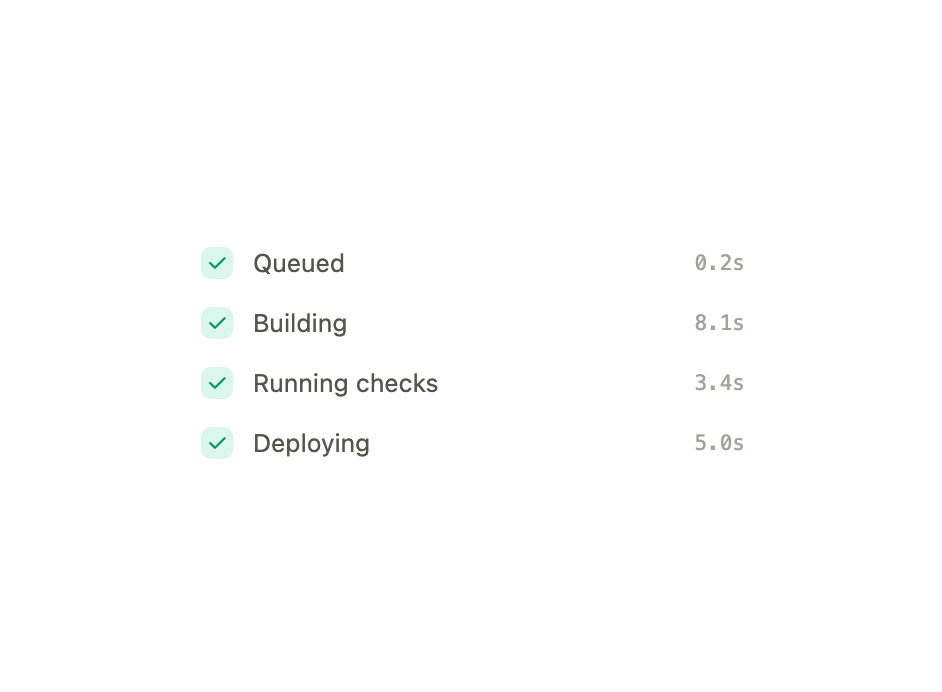
An animated vertical checklist that shows a multi-step task's progress with pending, active, done and error states.
Built with React and Tailwind. Copy the prompt and paste it into Claude Code, Cursor or Lovable: your agent adds Task Steps to your project and fits it to your theme.
Code
How Task Steps is used: the demo's code. The component's own source comes with a free account.
Usage.tsx
"use client";

import { TaskSteps } from "@/components/ui/task-steps";
import { useEffect, useState } from "react";

const STEPS = [
  { id: "queue", label: "Queued", meta: "0.2s" },
  { id: "build", label: "Building", meta: "8.1s" },
  { id: "test", label: "Running checks", meta: "3.4s" },
  { id: "deploy", label: "Deploying", meta: "5.0s" },
];

export default function TaskStepsDemo() {
  const [current, setCurrent] = useState(0);

  useEffect(() => {
    const wait = current >= STEPS.length ? 2400 : 1500;
    const t = setTimeout(
      () => setCurrent((c) => (c >= STEPS.length ? 0 : c + 1)),
      wait,
    );
    return () => clearTimeout(t);
  }, [current]);

  return (
    <div className="mx-auto w-full max-w-[280px]">
      <TaskSteps steps={STEPS} current={current} label="Deploy progress" />
    </div>
  );
}
Dependencies
More by Özer
View all

Password Strength
1.3K
OTP Input
803
Loading Button
602
Progress Bar
588
Reorder List
310
Hold to Confirm
250
Reading Progress
169
Press Depth
159