About
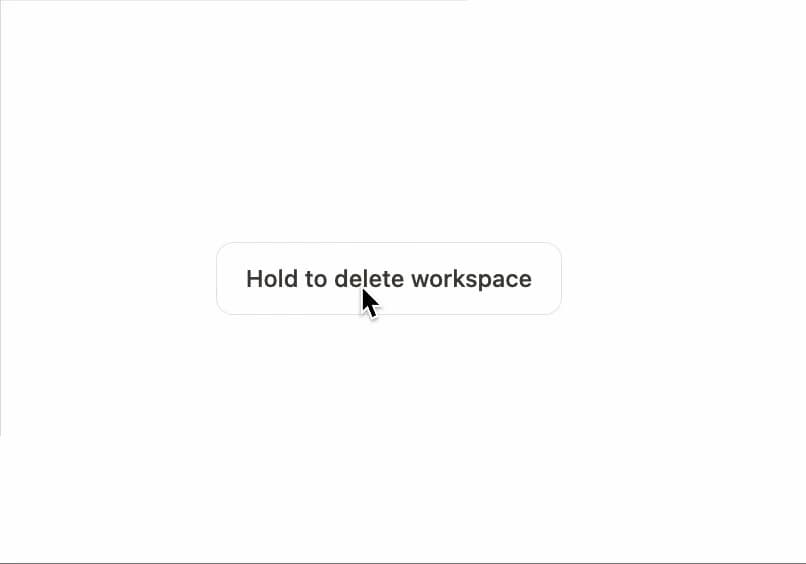
A press-and-hold button that sweeps a progress fill and only fires its confirm callback after the full hold completes, guarding destructive actions against accidental clicks.
Built with React and Tailwind. Copy the prompt and paste it into Claude Code, Cursor or Lovable: your agent adds Hold to Confirm to your project and fits it to your theme.
Code
How Hold to Confirm is used: the demo's code. The component's own source comes with a free account.
Usage.tsx
"use client";

import { HoldToConfirm } from "@/components/ui/hold-to-confirm";

export default function HoldToConfirmDemo() {
  return (
    <div className="flex min-h-[220px] items-center justify-center">
      <HoldToConfirm onConfirm={() => {}} confirmLabel="Workspace deleted">
        Hold to delete workspace
      </HoldToConfirm>
    </div>
  );
}
Dependencies
More by Özer
View all

Password Strength
1.3K
OTP Input
802
Loading Button
601
Progress Bar
588
Reorder List
310
Task Steps
276
Reading Progress
169
Press Depth
159
More in Buttons
View all

Button
14
Texture Button
92
Button
34
Button Save
46

Button
64

Button Group
3

Button


App Store Button
453

