
About
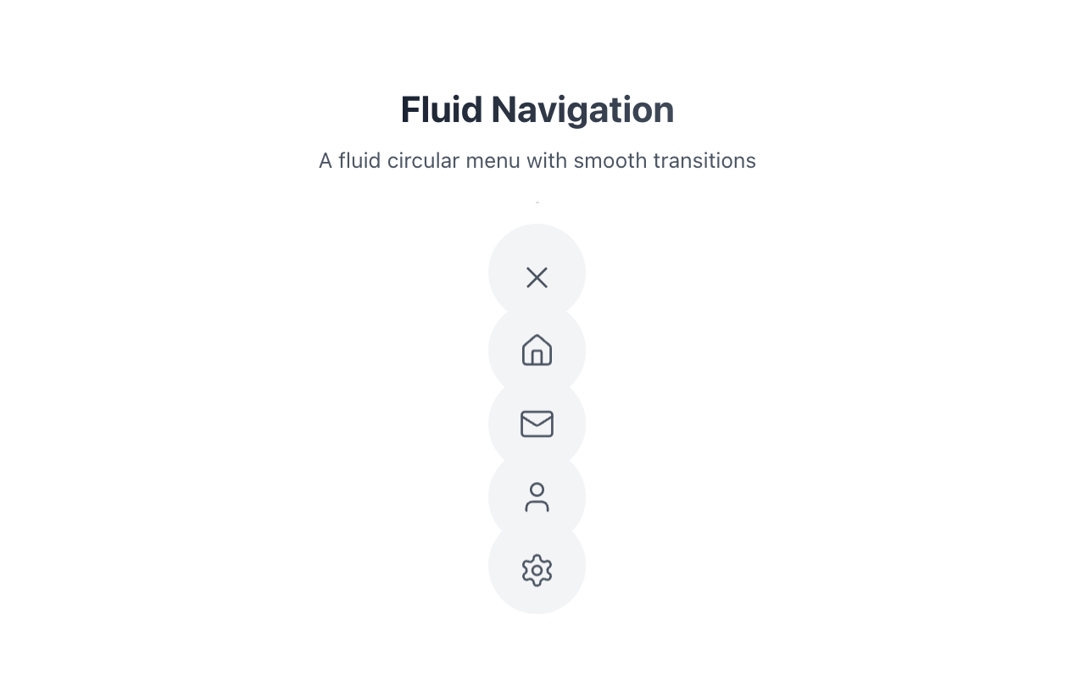
A fluid circular menu that elegantly expands to reveal navigation items with smooth icon transitions
Built with React and Tailwind. Copy the prompt and paste it into Claude Code, Cursor or Lovable: your agent adds Fluid menu to your project and fits it to your theme.
Code
How Fluid menu is used: the demo's code. The component's own source comes with a free account.
Usage.tsx
"use client"

import { MenuItem, MenuContainer } from "@/components/ui/fluid-menu"
import { Menu as MenuIcon, X, Home, Mail, User, Settings } from "lucide-react"

// A fluid circular menu that elegantly expands to reveal navigation items with smooth icon transitions
export function MenuDemo() {
  return (
    <div className="flex flex-col items-center gap-8 p-8">
      <div className="text-center space-y-2">
        <h2 className="text-2xl font-bold bg-clip-text text-transparent bg-gradient-to-r from-gray-900 to-gray-600 dark:from-gray-100/80 dark:to-gray-100">Fluid Navigation</h2>
        <p className="text-sm text-gray-600 dark:text-gray-400">A fluid circular menu with smooth transitions</p>
      </div>

      <div className="relative">
        <div className="absolute inset-0 bg-gradient-to-b from-gray-900/10 to-transparent dark:from-gray-100/10 blur-3xl -z-10 rounded-full" />
        <MenuContainer>
          <MenuItem
            icon={
              <div className="relative w-6 h-6">
                <div className="absolute inset-0 transition-all duration-300 ease-in-out origin-center opacity-100 scale-100 rotate-0 [div[data-expanded=true]_&]:opacity-0 [div[data-expanded=true]_&]:scale-0 [div[data-expanded=true]_&]:rotate-180">
                  <MenuIcon size={24} strokeWidth={1.5} />
                </div>
                <div className="absolute inset-0 transition-all duration-300 ease-in-out origin-center opacity-0 scale-0 -rotate-180 [div[data-expanded=true]_&]:opacity-100 [div[data-expanded=true]_&]:scale-100 [div[data-expanded=true]_&]:rotate-0">
                  <X size={24} strokeWidth={1.5} />
                </div>
              </div>
            }
          />
          <MenuItem icon={<Home size={24} strokeWidth={1.5} />} />
          <MenuItem icon={<Mail size={24} strokeWidth={1.5} />} />
          <MenuItem icon={<User size={24} strokeWidth={1.5} />} />
          <MenuItem icon={<Settings size={24} strokeWidth={1.5} />} />
        </MenuContainer>
      </div>
    </div>
  )
}
Dependencies
More by Deepak Chandwani
View all
Liquid Toggle
330
More in Buttons
View all

Button
14
Button
34
Texture Button
92
Button Save
46

Button
64

Button Group
3

App Store Button
454

Notification Button
103

