About
Here is Modal component
Built with React and Tailwind. Copy the prompt and paste it into Claude Code, Cursor or Lovable: your agent adds Modal Drop to your project and fits it to your theme.
Code
How Modal Drop is used: the demo's code. The component's own source comes with a free account.
Usage.tsx
"use client"

import React, { useState } from "react"
import Modal from "@/components/ui/modal-drop"
import { CheckCircle, User } from "lucide-react"

import { Button } from "@/components/ui/button"

export default function ModalCustomHeaderDemo() {
  const [isBasicOpen, setIsBasicOpen] = useState(false)
  const [isCustomOpen, setIsCustomOpen] = useState(false)

  return (
    <div className="flex flex-col items-center justify-center w-full gap-6">
      <div className="grid grid-cols-1 md:grid-cols-2 gap-4 w-full max-w-2xl">
        {/* Basic Header Modal */}
        <div className="flex flex-col items-center gap-3">
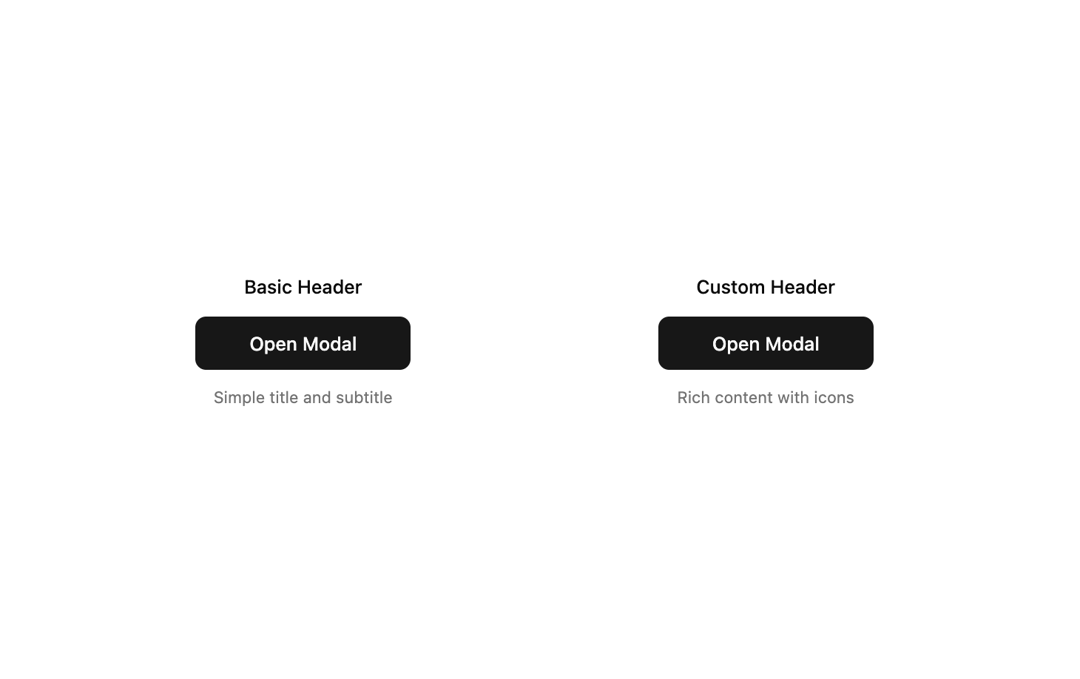
          <h3 className="text-sm font-medium text-center">Basic Header</h3>
          <Button onClick={() => setIsBasicOpen(true)} className="w-40">
            Open Modal
          </Button>
          <p className="text-xs text-muted-foreground text-center">
            Simple title and subtitle
          </p>
        </div>

        {/* Custom Header Modal */}
        <div className="flex flex-col items-center gap-3">
          <h3 className="text-sm font-medium text-center">Custom Header</h3>
          <Button onClick={() => setIsCustomOpen(true)} className="w-40">
            Open Modal
          </Button>
          <p className="text-xs text-muted-foreground text-center">
            Rich content with icons
          </p>
        </div>
      </div>

      {/* Basic Header Modal */}
      <Modal
        isOpen={isBasicOpen}
        onClose={() => setIsBasicOpen(false)}
        title="User Profile"
        subtitle="Manage your account settings"
      >
        <p className="mb-4 text-muted-foreground">
          This modal uses the built-in title and subtitle props for a clean,
          simple header.
        </p>
        <p className="mb-6 text-muted-foreground">
          Perfect for straightforward dialogs and confirmations.
        </p>
        <div className="flex justify-end gap-2">
          <Button onClick={() => setIsBasicOpen(false)} variant="outline">
            Cancel
          </Button>
          <Button onClick={() => setIsBasicOpen(false)}>Save Changes</Button>
        </div>
      </Modal>

      {/* Custom Header Modal */}
      <Modal
        isOpen={isCustomOpen}
        onClose={() => setIsCustomOpen(false)}
        disablePadding
        borderBottom={false}
      >
        {/* Custom Header with rich content */}
        <div className="p-6 border-b border-border">
          <div className="flex items-center gap-3 mb-2">
            <div className="flex items-center justify-center w-10 h-10 bg-green-100 dark:bg-green-900/30 rounded-full">
              <CheckCircle className="w-5 h-5 text-green-600 dark:text-green-400" />
            </div>
            <div>
              <h2 className="text-lg font-semibold">
                Profile Updated Successfully
              </h2>
              <p className="text-sm text-muted-foreground">
                Your changes have been saved
              </p>
            </div>
          </div>
          <div className="flex items-center gap-2 text-sm text-muted-foreground">
            <User className="w-4 h-4" />
            <span>Last updated: Just now</span>
          </div>
        </div>

        {/* Modal Content */}
        <div className="p-6">
          <p className="mb-4 text-muted-foreground">
            This modal demonstrates a custom header with icons, status
            indicators, and rich content layout.
          </p>
          <p className="mb-6 text-muted-foreground">
            The header is completely custom and built within the modal content
            area.
          </p>
          <div className="flex justify-end">
            <Button onClick={() => setIsCustomOpen(false)}>Continue</Button>
          </div>
        </div>
      </Modal>
    </div>
  )
}
Dependencies
More by deltacomponents
View all
Basic Dropdown
65
Scramble text
30
Admonition
28
Auth Form
13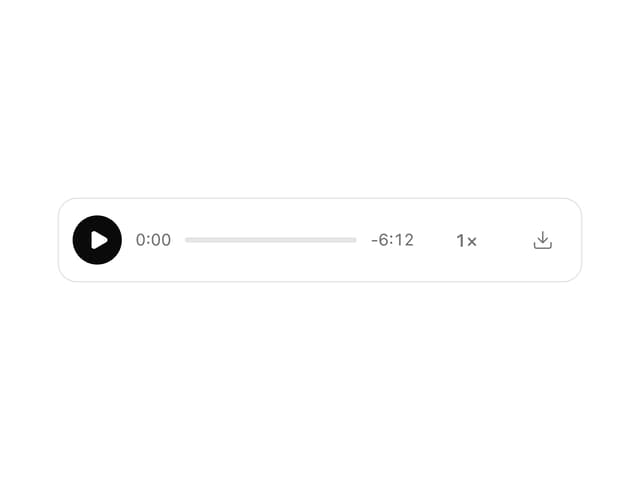
MP3 Player
12
Product Card
7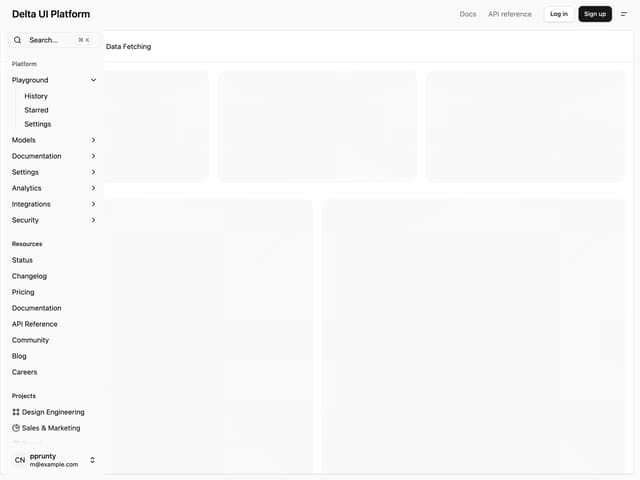
Admin Inset Layout
More in Buttons
View all

Button
14
Button
34
Texture Button
92
Button Save
46

Button
64

Button Group
3

App Store Button
454

Notification Button
103

